On this page
Airflow Celery Worker Log Server Configuration
When using CeleryExecutor with workers on separate machines, the webserver needs
I clicked “View Log” in the Airflow UI and got an error instead of task output. The URL in the error message told the whole story: http://:8793/log/dag_id=my_dag/... — notice the empty host before the port. The worker wasn’t advertising its hostname to the Celery result backend, so the webserver had no idea where to fetch logs from.
This happens when running Airflow with CeleryExecutor across separate EC2 instances (or any multi-machine setup). The worker runs tasks and writes logs locally, but the webserver needs to fetch those logs over HTTP. If the worker’s hostname configuration is missing or wrong, the log URL breaks silently.
Why This Is Hard to Debug
Misleading error message. The “No host supplied” error points at a URL parsing issue, not a hostname configuration issue. My initial debugging focused on network connectivity — firewalls, security groups, port forwarding — when the actual problem was an Airflow configuration gap.
Docker hostname auto-detection fails silently. Inside containers, Airflow tries to auto-detect the hostname but returns an empty string rather than raising an error. No warning in the logs indicates the detection failed. Everything looks healthy until you click “View Log.”
Three settings must align. The container hostname, the WORKER_LOG_SERVER_HOST env var, and the master’s extra_hosts all need to be coordinated. Missing any one of them produces the same opaque error.
Master-side config is easily overlooked. Most documentation focuses on the worker configuration. The extra_hosts mapping on the webserver/scheduler side is easy to miss, especially if you assume Docker networking handles cross-host DNS automatically.
Root Cause
Three settings control worker log serving, and all three must be configured correctly:
| Setting | Purpose | Default |
|---|---|---|
hostname | Container hostname | Auto-detected |
WORKER_LOG_SERVER_PORT | Port for log server | 8793 |
WORKER_LOG_SERVER_HOST | Hostname workers advertise | None (auto-detect) |
When WORKER_LOG_SERVER_HOST is not set, Airflow tries to auto-detect the hostname. Inside Docker containers, this often fails or returns an unusable value like a container ID that nothing else can resolve.
The Fix
Explicitly set all three values in your docker-compose.yml:
Worker side — set the hostname and tell Airflow what to advertise:
services:
  worker:
    hostname: airflow-worker-1 # Container hostname
    environment:
      AIRFLOW__LOGGING__WORKER_LOG_SERVER_PORT: "8793"
      AIRFLOW__LOGGING__WORKER_LOG_SERVER_HOST: "airflow-worker-1" # Must match hostname
Master side — add extra_hosts so the webserver can resolve the worker hostname to an IP:
services:
  webserver:
    extra_hosts:
      - "airflow-worker-1:10.10.5.10" # Worker's private IP
  scheduler:
    extra_hosts:
      - "airflow-worker-1:10.10.5.10"
The extra_hosts entries add lines to /etc/hosts inside the webserver and scheduler containers, allowing them to resolve airflow-worker-1 to the worker’s private IP address.
Checklist
After configuration, verify these four points:
WORKER_LOG_SERVER_HOSTmatches thehostnamesetting on the worker- Master’s
extra_hostsmaps the hostname to the worker’s actual private IP - Port 8793 is open between master and worker (check the security group)
- Worker IP changes require updating master’s
extra_hosts(not dynamic)
Verification
After applying the fix, log URLs should show the worker hostname:
http://airflow-worker-1:8793/log/dag_id=my_dag/...Instead of the broken URL with an empty host:
http://:8793/log/dag_id=my_dag/...Click “View Log” on any task — you should see the full task output instead of a connection error.
When to Use This
- CeleryExecutor with workers on separate EC2 instances or separate Docker hosts
- Any Airflow setup where the webserver and worker run on different machines
- Multi-node Airflow deployments using Docker Compose
When NOT to Use This
- Single-node Airflow (LocalExecutor) — logs are on the same machine, no remote fetching needed
- Managed Airflow (MWAA, Cloud Composer) — log routing is handled by the platform automatically
- KubernetesExecutor — logs are fetched via the Kubernetes API, not the worker log server
- S3/GCS remote logging — if you configure remote log storage, the webserver reads from the cloud bucket instead of contacting workers directly
Takeaway
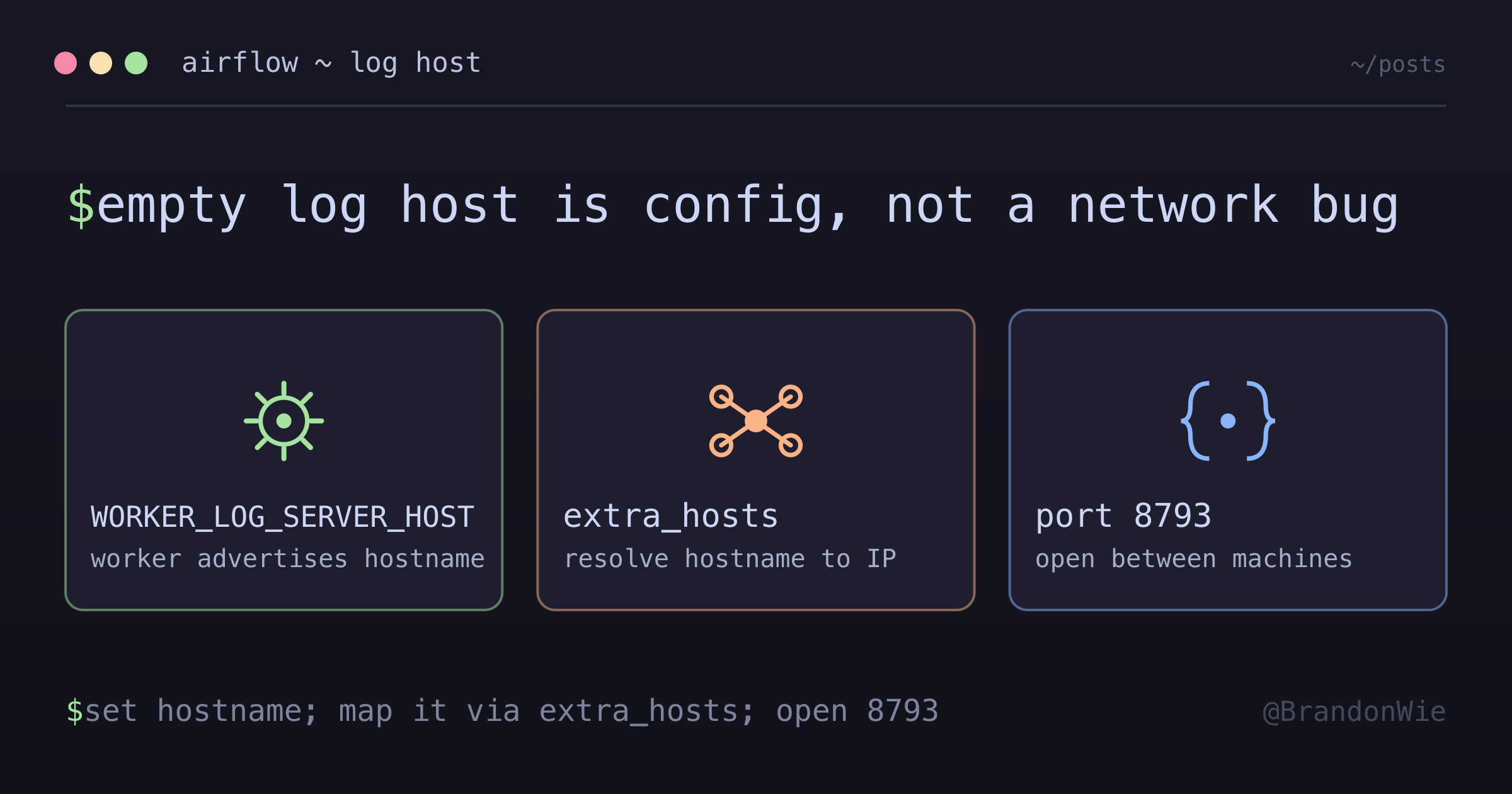
When Airflow task logs show “No host supplied,” the issue is almost certainly a missing WORKER_LOG_SERVER_HOST configuration on the worker, not a network problem. Set the worker hostname explicitly, make sure the master can resolve it via extra_hosts, and open port 8793 between the machines. The three settings that must align are: container hostname, WORKER_LOG_SERVER_HOST, and the master’s extra_hosts DNS mapping.