On this page
Airflow CI/CD Concepts
Understanding Airflow deployment and CI/CD concepts through a kitchen analogy.
When I first started working with Airflow, the relationship between DAGs, ETL code, Docker images, and deployments was confusing. What gets restarted when? Which changes are hot-reloaded? Why does a DAG change deploy instantly but a requirements.txt change needs a full rebuild? A kitchen analogy helped me understand the architecture, and knowing which changes need restarts versus which are picked up automatically saved me from unnecessary downtime.
DAGs vs ETL: Recipes vs Cooking
The most fundamental distinction in Airflow is between the DAG and the ETL code.
DAG = Recipe Card
A DAG (Directed Acyclic Graph) is like a recipe card. It defines:
- WHAT to do (which tasks to run)
- WHEN to do it (schedule: daily, hourly, etc.)
- IN WHAT ORDER (task A before task B)
# This is a DAG - it's just instructions, not the actual work
with DAG('analytics_pipeline', schedule='@daily'):
    task1 = "Fetch events from the analytics API"  # Step 1
    task2 = "Transform the data"                   # Step 2
    task3 = "Save to database"                     # Step 3
    task1 >> task2 >> task3   # Do in this order
ETL = The Actual Cooking
ETL (Extract, Transform, Load) is the actual code that does the work:
- Extract: Get data (connect to API, download events)
- Transform: Process data (clean, calculate, join)
- Load: Save results (to S3, database)
The key insight: the DAG doesn’t process data. It tells the worker “run this container now.” The container runs the ETL code, does the actual work, and exits. The DAG is the orchestrator, not the executor.
What Needs a Restart?
This is the question that confused me most. The answer depends on what changed — and on which Airflow you are running.
So, up front: everything below describes self-managed Airflow. Scheduler, webserver, and workers run as containers on a single host, the DAGs folder is mounted from shared network storage, and ETL images are pulled from a container registry. On a managed offering — MWAA, Cloud Composer, Astronomer — the shipping mechanics differ: you drop DAGs in a bucket or let the platform sync them, and the platform owns the restart. The hot-reload versus rebuild boundary is the part that carries over. How you deliver the file is the part that doesn’t.
No Restart Needed (most changes)
| Change | What happens |
|---|---|
dags/my_dag.py (new/modify) | Scheduler auto-detects in ~30 sec |
ETL code (etl-repo) | Next DAG run uses new container |
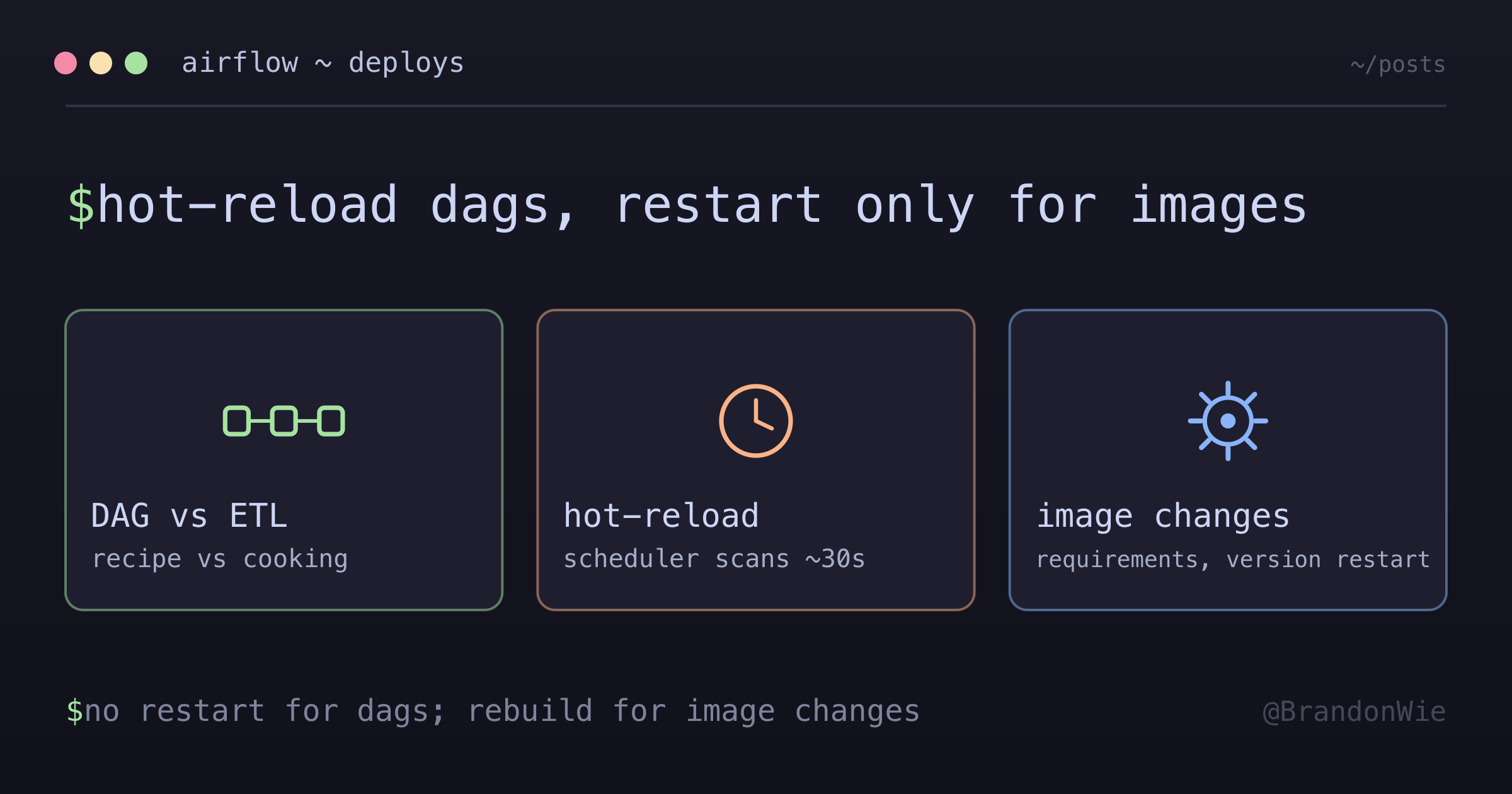
DAG file changes are hot-reloaded — the Airflow scheduler continuously scans the DAGs folder and picks up changes within ~30 seconds. ETL code changes are even simpler: since each task run pulls a fresh Docker image, pushing a new image to ECR means the next DAG run automatically uses the updated code.
Restart Required (image-level changes)
| Change | Why restart |
|---|---|
| Airflow version | New image = need to restart |
| requirements.txt | New Python packages need to be in image |
| Dockerfile | Image changed = rebuild + restart |
| .env file | Environment variables loaded at container start |
These changes affect the Airflow infrastructure itself (scheduler, webserver, worker containers), not the DAGs or ETL code. Infrastructure changes require a container rebuild and restart.
Deployment Scenarios
Putting it all together, for the self-managed setup described above:
| Scenario | Action | Restart? | Downtime |
|---|---|---|---|
| DAG changes | git pull on EC2 | No | None (~30s) |
| ETL code changes | ECR push | No | None |
| Airflow upgrade | Image rebuild + restart | Yes | ~1-2 min |
The Three Repos Pattern
Different types of code live in different repositories, each with their own deployment flow:
| Repo | Contains | Deploy How | Restart? |
|---|---|---|---|
dags-repo | DAG files | git pull to EFS | No |
dags-repo | Airflow images | ECR + docker restart | Yes (rare) |
etl-repo | ETL job code | ECR push | No (auto-pulls latest) |
infra-repo | Infrastructure | Terraform (one-time) | N/A |
The separation matters because the three change at very different rates — DAG files most often, ETL code less often, infrastructure rarely. Each should deploy independently without affecting the others, so a DAG tweak never waits on an infrastructure review.
Why This Matters
Understanding the deployment model prevents two common mistakes:
- Unnecessary restarts — Restarting Airflow containers for a DAG change causes 1-2 minutes of downtime for no reason. DAG changes are hot-reloaded.
- Missing restarts — Updating
requirements.txtwithout rebuilding the Docker image means the new package isn’t available. The DAG fails at runtime with an import error.
The rule is simple: if the change is to a Python file in the DAGs folder or to ETL code in a separate Docker image, no restart. If the change affects the Airflow infrastructure (Docker image, environment variables, Airflow version), restart.
Key Takeaways
- DAG = Recipe (what/when/order), ETL = Cooking (actual work)
- DAGs don’t touch data — they tell the worker “run this container now”
- Most deployments don’t need restart — DAGs and ETL are hot-reloaded
- Only restart for Airflow image changes (version upgrade, new packages)
- ETL containers are ephemeral — they run, do work, exit, and get deleted
Takeaway
Airflow’s deployment model has two independent paths: DAG files (hot-reloaded, no restart) and infrastructure (requires restart). Knowing the boundary between them — DAGs and ETL code versus Docker images and environment variables — eliminates both unnecessary downtime and missed restarts. When in doubt, check: does this change affect the Airflow containers themselves, or just the instructions they follow?