On this page
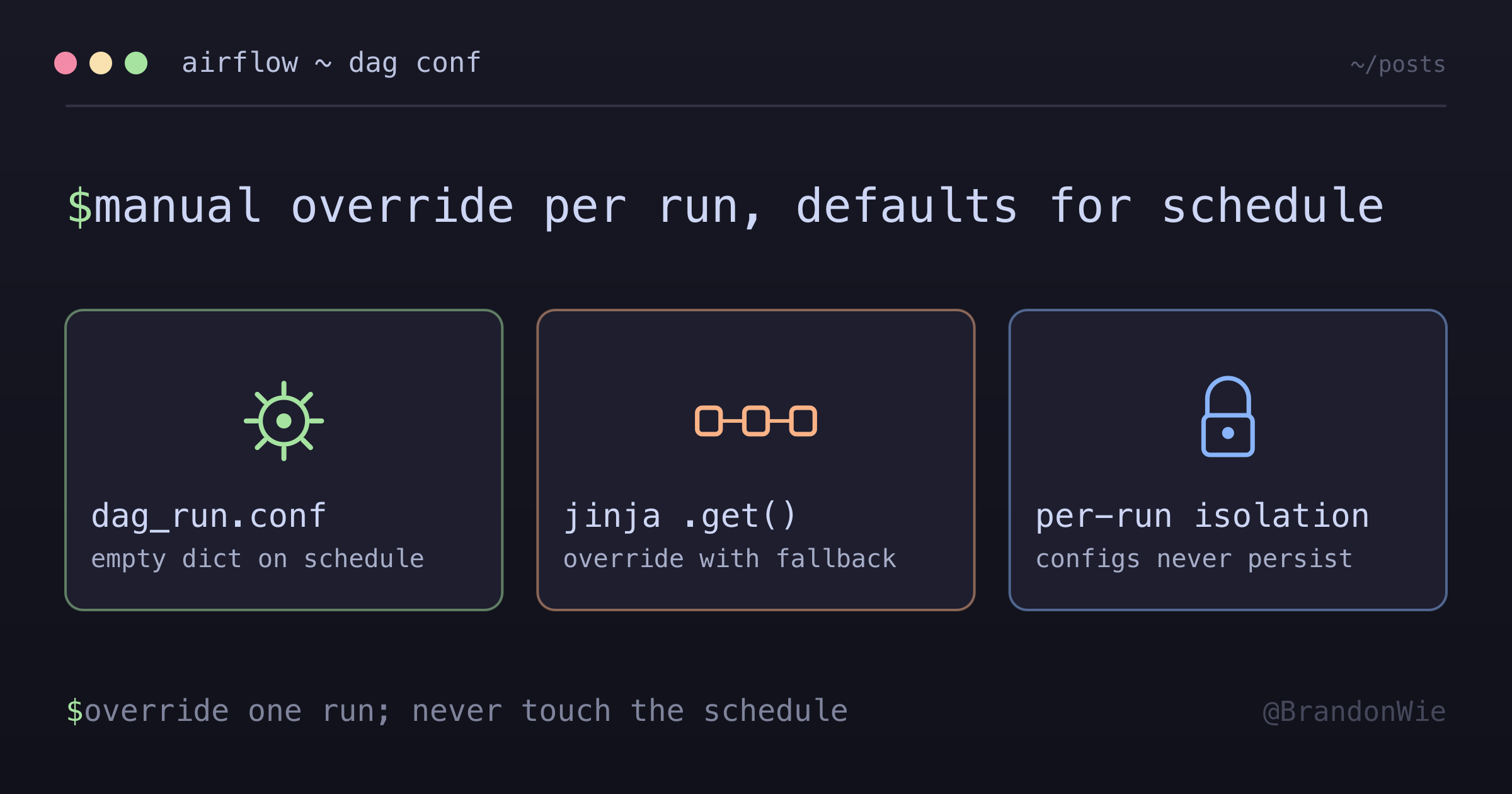
Airflow Manual DAG Config Pattern
Pattern for allowing manual DAG triggers with custom parameters while keeping scheduled runs on their defaults.
I needed to reprocess a specific day’s data in production Airflow, but there was no clean way to manually trigger a DAG with a custom date without risking the next scheduled run. Hardcoding the date meant remembering to revert it. Airflow Variables felt like overkill for a one-off override. What I wanted was: trigger with custom parameters when needed, fall back to defaults for scheduled runs, and never persist manual configs across runs.
Airflow’s built-in dag_run.conf does exactly this — it’s a per-run configuration dictionary that’s empty for scheduled runs and populated only when you trigger manually.
The Gotchas I Hit First
Before landing on the right pattern, I ran into several traps:
Jinja vs Python confusion — dag_run.conf only works inside Jinja templates (double-curly braces). Trying to access it as a plain Python dict at DAG parse time fails silently or returns None, with no clear error pointing to the template requirement. This is the most common mistake.
Default value complexity — Simple defaults like yesterday_ds are straightforward, but date-range defaults involving macros.timedelta() and .strftime() require careful Jinja syntax that’s hard to debug when wrong.
No input validation — dag_run.conf accepts any JSON without schema validation. A typo in the key name (e.g., exec_date instead of execution_date) silently falls through to the default value, making it look like the override didn’t work.
Hidden UI button — The “Trigger DAG w/ config” option is a secondary button (play icon with gear), not the primary trigger. Easy to miss if you’ve never used it before.
The Pattern
Use Jinja templating with dag_run.conf.get() to accept manual parameters with fallback to defaults:
Basic Pattern
with DAG(
    dag_id="my_dag",
    schedule_interval="0 16 * * *",  # Daily at 16:00 UTC
    ...
) as dag:
    # Manual config support with fallback to default
    EXECUTION_DATE = "{{ dag_run.conf.get('execution_date', yesterday_ds) }}"
The key insight is that dag_run.conf is an empty dict {} for scheduled runs, so .get() always returns the default. For manual runs, it returns whatever you pass in the trigger config.
Example: Daily ETL DAG
# analytics_etl_dag.py
with DAG(
    dag_id="analytics_etl_dag",
    schedule_interval="@daily",
    ...
) as dag:
    # Scheduled: uses yesterday_ds
    # Manual: uses provided execution_date
    EXECUTION_DATE = "{{ dag_run.conf.get('execution_date', yesterday_ds) }}"

    task = DockerOperator(
        task_id="analytics-etl",
        environment={
            "EXECUTION_DATE": EXECUTION_DATE,
            ...
        },
        ...
    )
Example: Date Range DAG
For backfill DAGs that process a range of dates, the pattern extends naturally:
# analytics_weekly_backfill_dag.py
with DAG(
    dag_id="analytics_weekly_backfill_dag",
    schedule_interval="@weekly",
    ...
) as dag:
    # Scheduled: covers the trailing week (7 days ago to 1 day ago)
    # Manual: uses provided start_date/end_date
    START_DATE = '{{ dag_run.conf.get("start_date", (execution_date - macros.timedelta(days=7)).strftime("%Y-%m-%d")) }}'
    END_DATE = '{{ dag_run.conf.get("end_date", (execution_date - macros.timedelta(days=1)).strftime("%Y-%m-%d")) }}'

    task = DockerOperator(
        task_id="analytics-backfill",
        environment={
            "START_DATE": START_DATE,
            "END_DATE": END_DATE,
            ...
        },
        ...
    )
The Jinja syntax for date math is verbose, but it ensures scheduled runs automatically calculate the correct date range while manual triggers can override with exact dates.
How to Trigger with Config
In the Airflow UI:
- Navigate to your DAG
- Click “Trigger DAG w/ config” (play icon with gear — not the plain play button)
- Enter JSON config:
Single date:
{
  "execution_date": "2026-01-25"
}
Date range:
{
  "start_date": "2026-01-19",
  "end_date": "2026-01-25"
}- Click “Trigger”
Key Behaviors
The isolation model is what makes this pattern safe:
| Aspect | Behavior |
|---|---|
| Isolation | Each DAG run has independent dag_run.conf |
| Persistence | Config applies only to that run, not saved |
| Scheduled runs | Always use default values (conf is empty dict) |
| Manual runs | Use provided config or fall back to default |
Here’s a concrete example showing three consecutive runs:
Run 1 (Scheduled):
  dag_run.conf = {}
  EXECUTION_DATE = yesterday_ds  ✓ default

Run 2 (Manual with config):
  dag_run.conf = {"execution_date": "2026-01-25"}
  EXECUTION_DATE = "2026-01-25"  ✓ override

Run 3 (Scheduled):
  dag_run.conf = {}
  EXECUTION_DATE = yesterday_ds  ✓ default again (no persistence)
Run 2’s config doesn’t leak into Run 3. Each run starts fresh.
Common Pitfalls
Don’t: Hardcode values
# BAD - This persists across runs!
EXECUTION_DATE = "2026-01-25"  # Hardcoded
Don’t: Try to modify the schedule dynamically
# BAD - schedule_interval is defined at DAG level, can't be dynamic
schedule_interval="{{ dag_run.conf.get('schedule', '@daily') }}"
Do: Use Jinja templating
# GOOD - Evaluated per run
EXECUTION_DATE = "{{ dag_run.conf.get('execution_date', yesterday_ds) }}"
Do: Provide sensible defaults
# GOOD - Scheduled runs work without config
START_DATE = '{{ dag_run.conf.get("start_date", (execution_date - macros.timedelta(days=7)).strftime("%Y-%m-%d")) }}'
When to Use This Pattern
| Use Case | Appropriate? |
|---|---|
| Testing with specific dates | Yes |
| Reprocessing historical data | Yes |
| Debugging production issues | Yes |
| Changing DAG schedule | No — use DAG definition |
| Permanent config changes | No — use environment variables |
When NOT to Use This
- Permanent configuration changes — If you need a value to persist across all runs, use environment variables or Airflow Variables instead
- Changing DAG scheduling —
schedule_intervalis defined at DAG parse time and cannot be overridden viadag_run.conf - Cross-DAG parameter sharing —
dag_run.confis scoped to a single DAG run. Use Airflow Variables or XCom for sharing state across DAGs - Automated reprocessing pipelines — If backfills are routine, use
airflow dags backfillCLI or a dedicated backfill DAG instead of manually triggering with config each time
Takeaway
dag_run.conf gives you safe, isolated, per-run configuration for Airflow DAGs. The pattern is: Jinja template with .get() for the override, a sensible default for scheduled runs, and JSON config passed through the UI trigger button. Manual configs never persist, scheduled runs are never affected, and you get full control over one-off reprocessing without touching code.