On this page
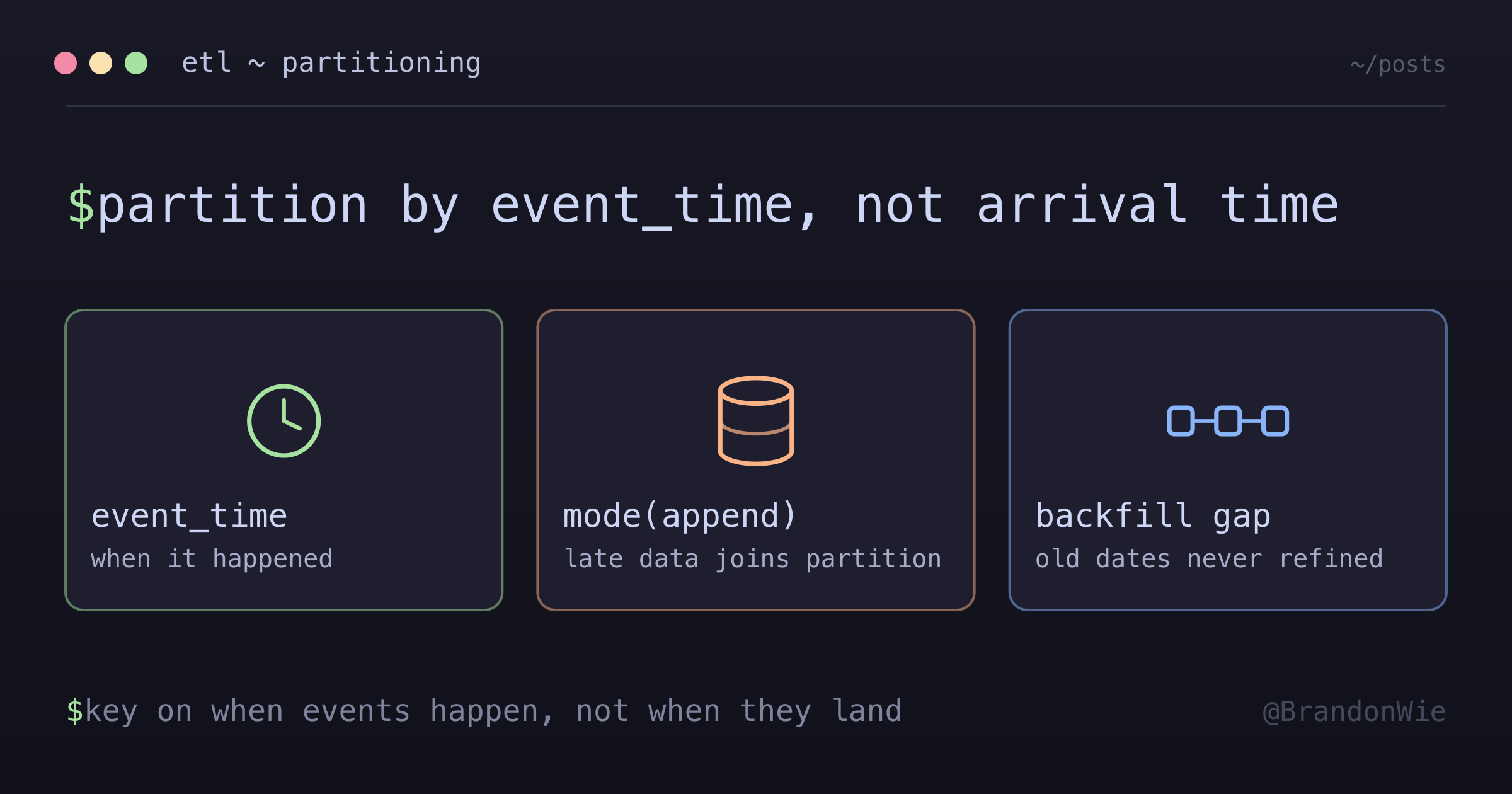
Amplitude ETL Partitioning
How Amplitude event data is partitioned when moving from raw to refined storage.
Amplitude’s Export API hands you files whose names look like dates. A file called {PROJECT_ID}_2026-01-25_18#0.json.gz reads like “events from January 25th, 6pm.” It isn’t. That is the hour Amplitude exported the file, and the events inside it can be days older.
I worked through the partitioning logic of an Amplitude ETL pipeline, and that single distinction turned out to decide whether the refined layer is correct or quietly wrong.
The Problem
When ingesting Amplitude event data into a data lake, raw files are organized by arrival time — the hour the export API returned them. But events inside those files can belong to earlier dates: late-arriving data from mobile devices that were offline, or batched uploads that got delayed. If the ETL partitions refined data by arrival time instead of event time, analytics queries produce incorrect results. Events appear on the wrong date, and any daily metric derived from those partitions is inaccurate.
The raw file naming makes this worse. The 2026-01-25_18 segment looks like a date partition, but it is the export hour, not the event hour. Anyone reading the S3 structure for the first time would naturally assume the date in the filename is when the events occurred.
The Key Insight: Partition by Event Time
The ETL must use event_time (when the event occurred in the user’s app) for partitioning, not arrival time (when the file was exported). This ensures late-arriving data lands in the correct date partition:
# Extracts date from event_time, NOT from filename
to_date(col("event_time")).alias("dt"),
The write step uses append mode with Hive-style partitioning:
def write_to_s3(df, output_path, partition_cols=["dt"]):
    df.write.mode("append").partitionBy(*partition_cols).parquet(output_path)
mode("append") is important here — it allows late-arriving data to be added to existing partitions. Spark creates part-*.parquet files within each dt=YYYY-MM-DD/ directory. The trade-off is that rerunning the ETL creates duplicate files in a partition. You need downstream deduplication to handle this, or an overwrite strategy with careful partition management.
Options I Considered
| Option | Pros | Cons |
|---|---|---|
| Partition by arrival time (filename date) | Simple, no parsing needed | Late-arriving events land on wrong date; analytics are inaccurate |
| Partition by event_time (chosen) | Correct date placement; late data handled | Requires parsing event payload; append mode needs dedup downstream |
| Partition by both (dual write) | Supports both access patterns | Double storage cost; complexity maintaining two partition schemes |
Partitioning by event_time was the clear winner because analytical queries almost always filter by “when the event happened,” not “when the file was received.” For the pipeline I looked at, the share of events arriving after their own event date sat in the 5-10% range — enough to move daily business numbers, and enough to make arrival-time partitioning a non-starter.
Seeing It Work
The behavior is easy to reproduce locally with plain PySpark — one batch containing a late event, written out by event date:
from pyspark.sql import SparkSession
from pyspark.sql.functions import col, to_date

spark = SparkSession.builder.appName("event-time-partitioning").getOrCreate()

# One "arrival batch": both rows showed up in the same export file
events = spark.createDataFrame(
    [
        ("a1", "2026-01-25T09:12:00"),
        ("a2", "2026-01-20T22:40:00"),  # five days late
    ],
    ["event_id", "event_time"],
)

(
    events.withColumn("dt", to_date(col("event_time")))
    .write.mode("append")
    .partitionBy("dt")
    .parquet("/tmp/refined/events")
)
The output directory has dt=2026-01-25/ and dt=2026-01-20/. The late event is filed under the day it happened, not the day the batch arrived. Partition by the filename date instead and both rows collapse into dt=2026-01-25/.
The Backfill Gap
There is a failure mode worth designing against here. A backfill that only refetches missing raw files does not, by itself, produce refined data. It pulls the files back from the Export API into raw storage and stops.
If the daily ETL is scoped to a single date — yesterday — it will never revisit those older raw files. The backfilled data sits in raw storage with no path to the refined layer. Nothing errors. The pipeline just has a hole in it that only shows up when someone queries an old partition and finds it thin.
Pair every backfill with a catch-up transform. Three ways to do that:
- Have the backfill run the transformation itself
- Have the backfill trigger a re-processing job for the affected dates
- Run a separate catch-up job that compares raw against refined and processes the difference
Configuration That Never Reaches the Job
The other trap is quieter. An orchestrator can pass paths to a Spark job as environment variables while the job reads module-level constants:
# The scheduler sets SOURCE_PATH in the job's environment.
# The job never looks at it.
SOURCE_PATH = "s3://example-raw-bucket/events/"
Nothing errors. The variables are set, the job runs, and the constants win. You think you have pointed the job at a test path, but it is still reading from and writing to whatever paths are baked into the source — including production ones.
Reading through os.getenv() with the constant as the fallback keeps the default while letting an override actually take effect:
import os

SOURCE_PATH = os.getenv("SOURCE_PATH", "s3://example-raw-bucket/events/")
It is a two-line change, and it is the difference between a test run that is genuinely isolated and one that only looks isolated.
Takeaway
When building an ETL pipeline for event data from Amplitude — or any analytics platform carrying mobile SDK data — partition by event_time, not arrival time. Late-arriving data is normal with mobile SDKs: offline users, batched uploads, and network retries push events into export files hours or days after they happened. Arrival-time partitioning misplaces those events silently, and every dashboard built on the partitions inherits the error.