On this page
Amplitude Export API Response Format
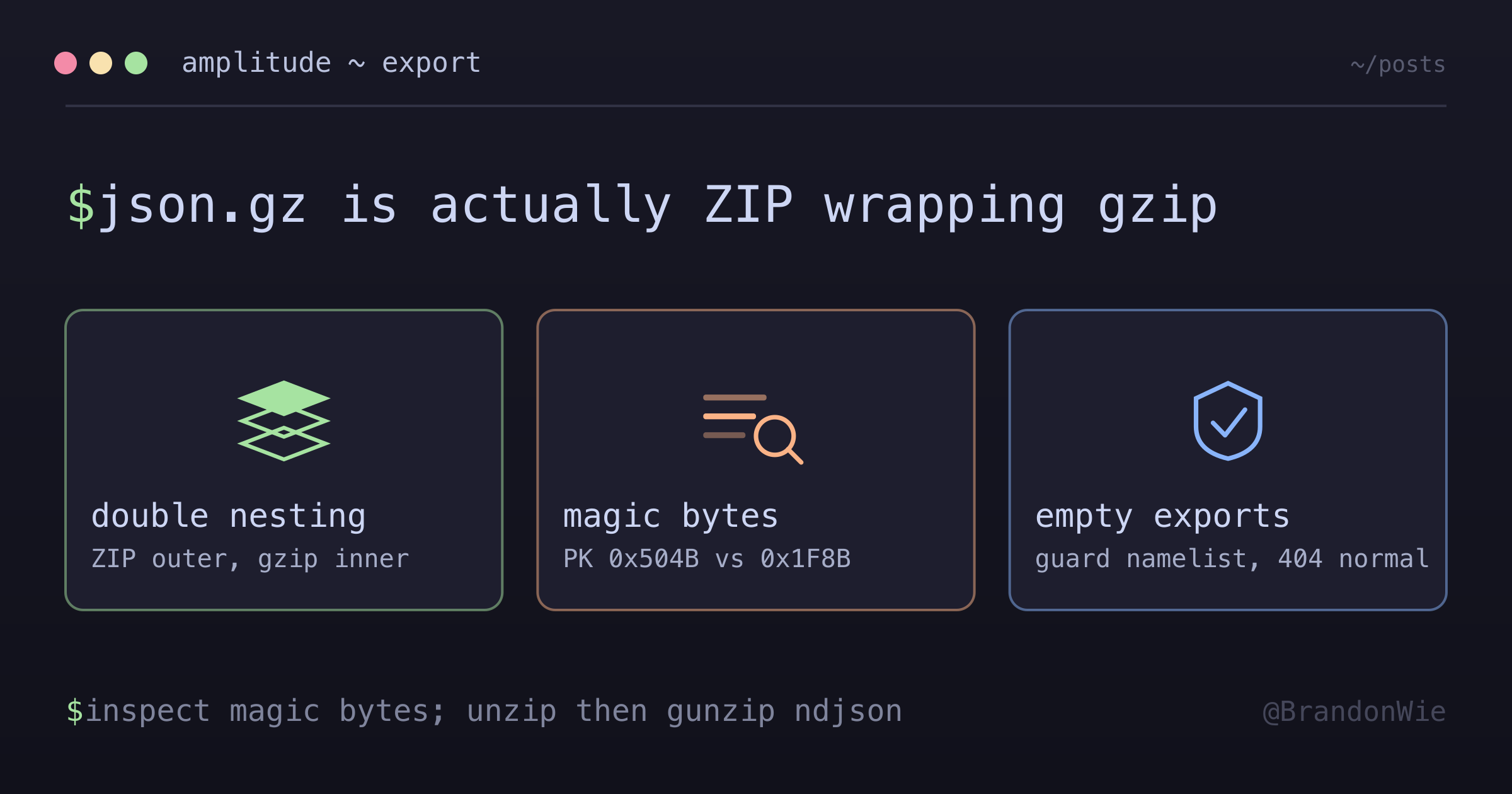
The Amplitude Export API returns data in a nested compression format that is easy to misunderstand — a ZIP holding a GZIP holding newline-delimited JSON.
I was building an ETL pipeline to backfill Amplitude event data into a data warehouse when gzip.decompress() started throwing cryptic errors. The files were named *.json.gz, so I assumed they were gzip-compressed JSON. They weren’t. I spent an embarrassing amount of time debugging what turned out to be a double-layered compression format that Amplitude’s documentation barely explains.
If you’re pulling data from the Amplitude Export API, this post will save you the hex-dump debugging session I had to do.
The Problem
The Amplitude Export API returns files named *.json.gz. That extension strongly implies simple gzip-compressed JSON — the kind you’d decompress with a single gzip.decompress() call. But the files are actually ZIP archives containing a gzip file inside. The .json.gz extension is, for all practical purposes, a lie.
When you treat these files as plain gzip, you get either silent failures or unhelpful error messages. The documentation mentions “gzipped JSON” without specifying the outer ZIP wrapper, so there’s nothing to tip you off until you inspect the raw bytes.
The Misleading Extension
Here’s what the actual nesting looks like:
{PROJECT_ID}_{DATE}_{HOUR}#0.json.gz
└── Actually a ZIP file (magic: PK / 0x504B)
    └── Contains: {PROJECT_ID}/{PROJECT_ID}_{DATE}_{HOUR}#0.json.gz
        └── This inner file IS gzip (magic: 0x1F8B)
            └── Contains: Newline-delimited JSON events
The only reliable way I found to discover the true format was to hex-dump the first bytes of the response. ZIP files start with PK (hex 0x504B), while GZIP files start with \x1f\x8b (hex 0x1F8B). When you see PK at the start of a file that claims to be .json.gz, you know the extension is lying.
| Format | Magic Bytes | Hex |
|---|---|---|
| ZIP | PK | 0x504B |
| GZIP | \x1f\x8b | 0x1F8B |
How to Read the Data Correctly
Once you know about the double nesting, the code is straightforward. You unzip the outer layer, then decompress the inner gzip, then parse the newline-delimited JSON:
import zipfile
import gzip
import json
import io

def read_amplitude_export(raw_data: bytes) -> list[dict]:
    # Outer layer: ZIP
    with zipfile.ZipFile(io.BytesIO(raw_data)) as zf:
        inner_file = zf.namelist()[0]

        # Inner layer: GZIP
        with zf.open(inner_file) as f:
            json_data = gzip.decompress(f.read()).decode()

    # Content: Newline-delimited JSON
    events = [json.loads(line) for line in json_data.strip().split('
')]
    return events
One gotcha to watch for: some hourly exports return empty ZIP files or files with empty namelists. If you don’t validate before calling zf.namelist()[0], you’ll get IndexError or BadZipFile exceptions. Add a guard:
if not zf.namelist():
    return []  # No events for this hour
Event Structure
Each line in the decompressed output is a JSON object. Here are the key fields you’ll typically work with, filled in with placeholder values:
{
  "event_type": "session_end",
  "event_time": "2026-01-26 04:23:35.379000",
  "user_id": "user@example.com",
  "device_id": "00000000-0000-4000-8000-000000000000",
  "platform": "Web",
  "country": "South Korea",
  "city": "Seoul",
  "event_properties": {},
  "user_properties": {
    "utm_source": "newsletter"
  }
}
The event_time format is YYYY-MM-DD HH:MM:SS.ffffff — note the space separator instead of T. Parse accordingly if you’re loading into a system that expects ISO 8601.
API Endpoint
The Export API uses hourly time ranges with basic auth:
# Export API URL
https://amplitude.com/api/2/export?start={YYYYMMDD}T{HH}&end={YYYYMMDD}T{HH}

# Example: Get hour 10 of 2026-01-26
curl -u "API_KEY:SECRET_KEY"
  "https://amplitude.com/api/2/export?start=20260126T10&end=20260126T11"
Error Codes
When things go wrong, these are the status codes you’ll encounter:
| Code | Meaning | Action |
|---|---|---|
| 200 | Success | Process data |
| 400 | Data > 4GB | Skip (use smaller time range) |
| 404 | No data | Normal for quiet hours |
| 429 | Rate limited | Retry with exponential backoff |
| 504 | Server timeout | Log and skip |
A 404 isn’t an error — it’s normal for hours with no activity. Don’t let your pipeline treat it as a failure. A 400 means the export exceeds 4GB; narrow your time range to get smaller chunks.
When to Use This Knowledge
This nested format only applies to the Amplitude Export API response. If you’re using the Batch Event Upload API, it accepts plain JSON — no compression nesting. If you’re using Segment, mParticle, or Amplitude’s own warehouse sync integrations, the data arrives in the integration’s format, not this ZIP+GZIP nesting.
Other analytics platforms (Mixpanel, Heap, PostHog) have their own export formats. Don’t assume they share Amplitude’s nesting — check their docs for magic bytes if something looks off.
Takeaway
When Amplitude says .json.gz, they mean ZIP containing GZIP containing newline-delimited JSON. Always inspect magic bytes when a decompression library throws unexpected errors — the file extension might be lying. Build your reader to handle both the double nesting and the edge case of empty exports, and your ETL pipeline will handle Amplitude data without surprises.