On this page
Backfill Stats Manifest on Early Exit
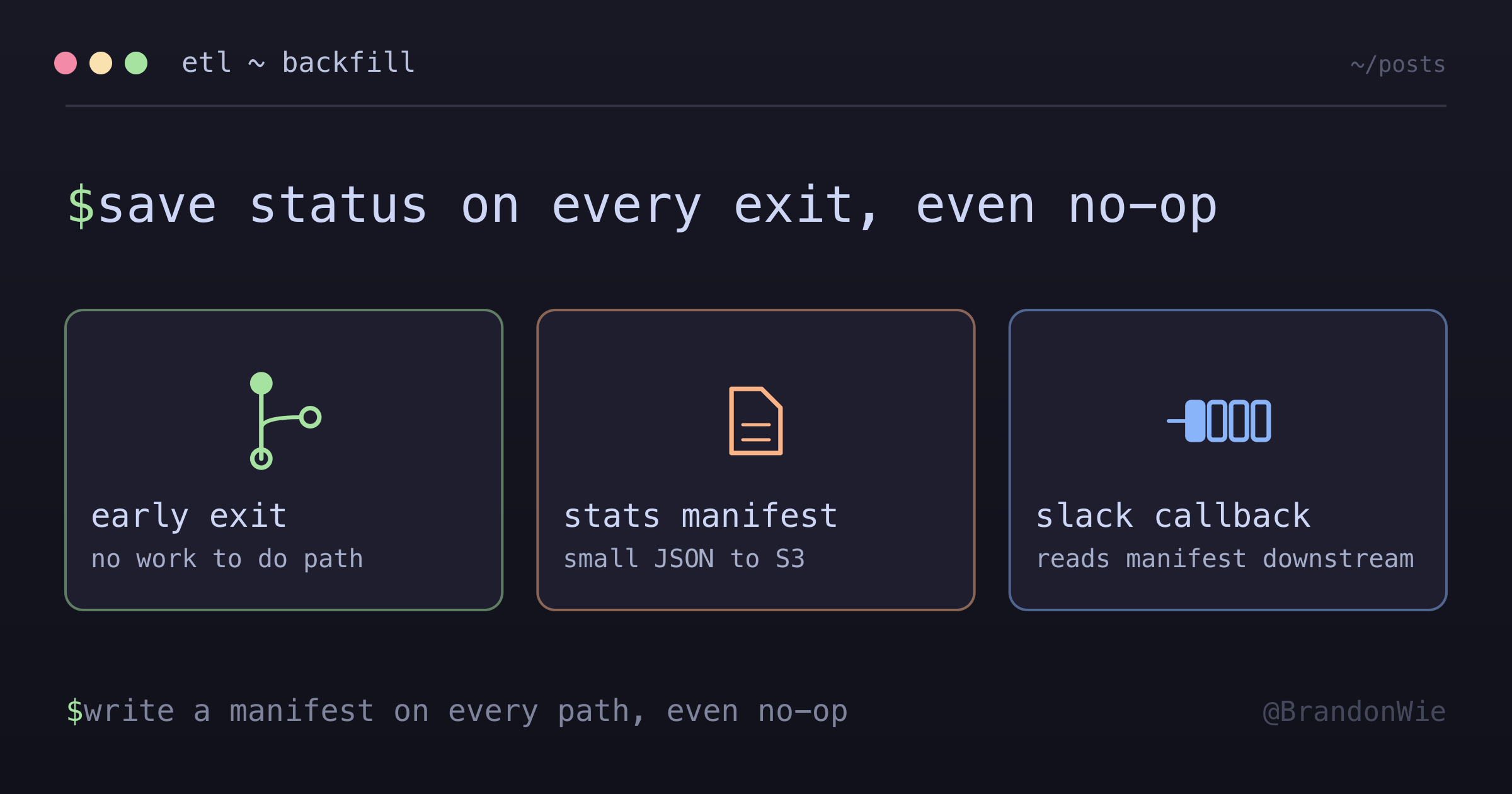
When a job can exit early with nothing to do, write its status manifest on that path too — otherwise the notification downstream has nothing to show.
A scheduled recovery job I worked on had a simple contract with its notifier. At the end of a run it wrote a small JSON stats file to object storage. A callback fired after the job finished, read that file, and turned it into a Slack message.
One run produced a notification full of empty 0 values. The job itself had
succeeded, and the logs plainly said it found no missing hours. It had done the
right thing and told nobody.
The Problem
The job had a clean early-exit path for the case where there was nothing to recover. The manifest write sat further down, on the path that actually processed data:
def run(start, end):
    gaps = find_gaps(start, end)

    if not gaps:
        log.info("no gaps in range")
        return Result(status="success", processed=0)  # ← early exit

    # ... process the gaps ...

    save_run_stats(stats)  # ← never reached on the early exit
The callback ran anyway — that is what a success callback is for. Airflow, as
one example, documents on_success_callback as invoked when the task succeeds,
with callbacks executed after tasks complete. So the callback went looking for a
manifest that was never written, and fell back to zeros with no context.
The Fix
Write the manifest on every exit path, including the boring one:
def run(start, end):
    gaps = find_gaps(start, end)

    if not gaps:
        log.info("no gaps in range")
        save_run_stats({
            "schema": 1,
            "window_start": start,
            "window_end": end,
            "gaps_found": 0,
            "hours_recovered": 0,
            "still_missing": {},
            "finished_at": now_utc(),
            "message": "no gaps found in range",
        })
        return Result(status="success", processed=0)

    # ... process the gaps ...
The notification then reads “no gaps found for Jan 20-26” instead of a row of zeros. A few hundred bytes of JSON costs nothing next to the confusion it removes.
What Belongs in the Manifest
Fixing the missing write is the easy half. Deciding what the file says is where the value is, and three things seem to earn their place.
- Identity of the run — the window it covered, when it finished, and a schema version. The version is what lets the consumer change shape later without guessing which producer wrote the file.
- Counts, including the zeros, stated explicitly. An absent key and a zero
are different facts, and a consumer that reaches for
.get(key, 0)erases the difference silently. - A human-readable message. The callback should not have to compose prose out of counters, and the producer is the side that actually knows why the numbers look the way they do.
“No Work” Is Not “Never Ran”
This is the part worth being careful about. Once the early-exit path writes a manifest, a zeroed manifest carries a real claim: I checked this window, and everything was already there. An absent manifest now means something different and worse — the job did not run, or it died before it could report.
That distinction only survives if the consumer checks freshness rather than existence. A manifest from last week still parses perfectly. Stamping the finish time and the covered window into the file is what lets a reader reject a stale one.
Even then, “did it run at all” is not really the manifest’s question to answer, because a job that never starts writes nothing at all. That belongs to a separate heartbeat check — dead man’s switch services such as Healthchecks.io exist for exactly this shape: they stay silent while pings arrive on schedule and raise an alert as soon as one does not.
Write It So a Re-run Is Harmless
Two habits keep the manifest trustworthy once more than one run can touch it.
Key it deterministically by the window it describes — something like stats/{start}_{end}.json — so a re-run overwrites its own record instead of
leaving two half-truths side by side.
And write it once, at the end of the path it belongs to, rather than incrementally as the run progresses. A partially written manifest is worse than a missing one, because the consumer will believe it. On a filesystem that means write to a temp path and rename; on an object store, a single put publishes all at once.
The Wider Principle
This generalizes past ETL. Any time a job has an early exit, the downstream consumers of that job’s output — callbacks, dashboards, alert rules, whoever reads the channel — need to know what happened. “Nothing to do” is meaningful information. It confirms the system looked and found everything in order, which is not the same as silence.
It shows up in any job wired to a success callback, any job that can exit early without doing work, ETL steps with validation or skip logic, and scheduled tasks that run on a timer whether or not there is work waiting.
Takeaway
When a job has multiple exit paths, write status on every one of them, including “nothing to do.” Say what window was checked and when, so the reader can tell a fresh no-op from a stale file, and leave “did it run at all” to a heartbeat rather than to an absent manifest. Observability that only covers the happy path is observability that goes quiet exactly when you are trying to work out whether anything happened.