On this page
boto3 S3 put_object() Body Parameter Encoding
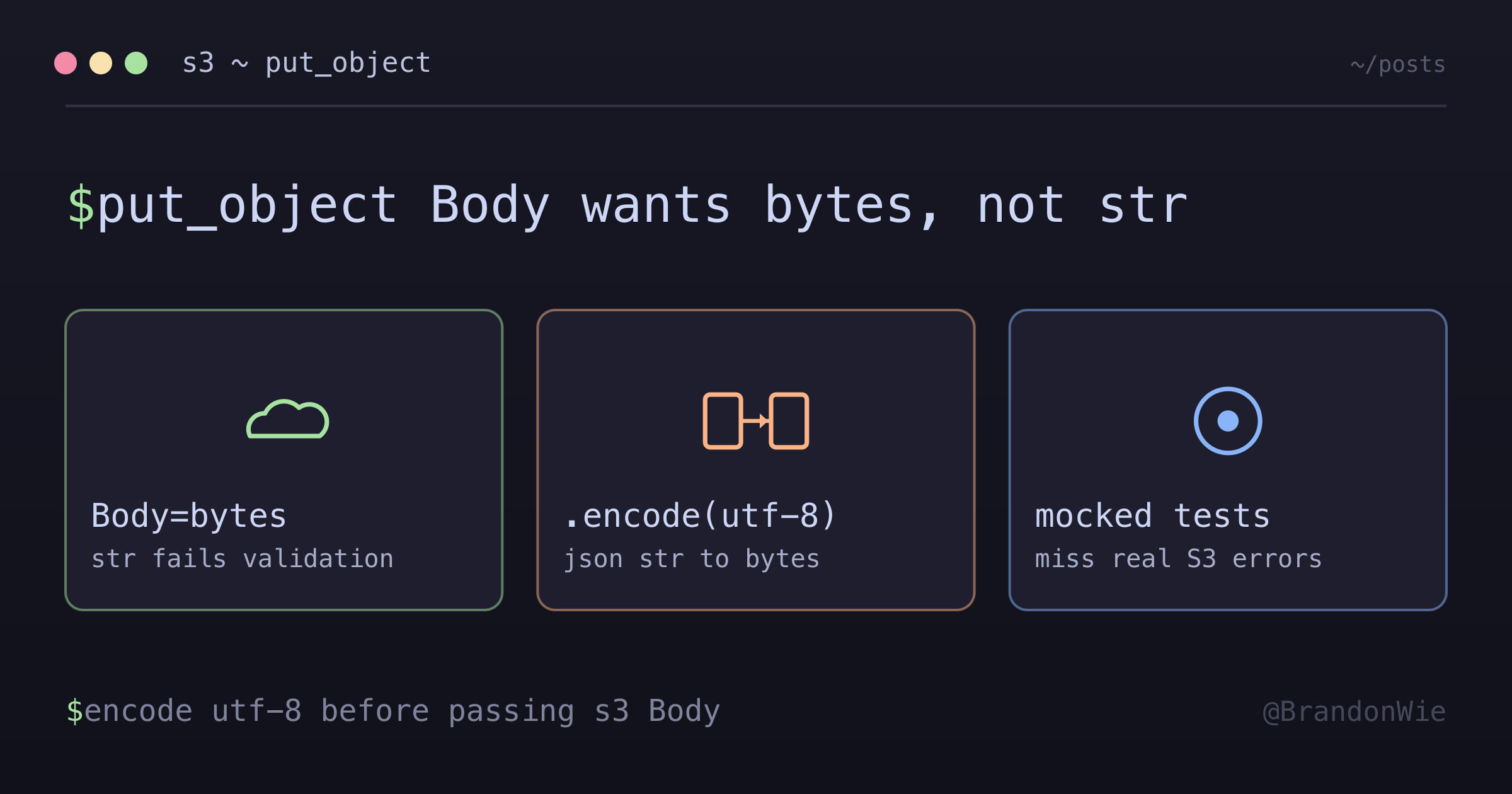
An ETL pipeline uploading JSON manifests to S3 failed parameter validation with an error that never mentions encoding — the fix is one .encode("utf-8") call.
I hit this in an ETL pipeline that uploaded JSON manifests to S3: the put_object() call was passing a Python string where boto3 expects bytes, and GitHub Copilot flagged it in a pull request review before any test did. The error message — “Invalid type for parameter Body” — never mentions encoding, making the fix non-obvious if you don’t already know the str vs bytes distinction in Python 3.
The Problem
json.dumps() returns a Python str (Unicode text). But boto3.client('s3').put_object() expects the Body parameter to be bytes, bytearray, or a file-like object. Passing a str directly causes a runtime parameter validation error:
import json
import boto3

s3_client = boto3.client('s3')

# BAD - will fail parameter validation
manifest = {"key": "value"}
s3_client.put_object(
    Bucket="my-bucket",
    Key="manifest.json",
    Body=json.dumps(manifest, indent=2),  # ❌ Returns str
    ContentType="application/json",
)
The error looks like this:
Parameter validation failed:
Invalid type for parameter Body, value: <str>, type: <class 'str'>,
valid types: <class 'bytes'>, <class 'bytearray'>, file-like object
Why This Is Easy to Miss
The error message doesn’t mention encoding. It lists valid types but never suggests .encode(). If you don’t already know that json.dumps() returns str (not bytes), the connection isn’t obvious.
Python 2 muscle memory. In Python 2, str was bytes. Developers with Python 2 experience may not realize that Python 3 str is Unicode text, leading to confusion about why a “string” is rejected.
Many online examples skip the encode step. Especially older ones. The bug gets silently introduced when copying example code that worked in a different Python version or context.
Tests may not catch it. In my case, the put_object call sat in a code path that only ran during real S3 uploads. Local tests mocked the S3 client, so parameter validation never fired until the code reached a real S3 endpoint.
The Fix
Always encode JSON strings to bytes using .encode("utf-8") before uploading:
# GOOD - encodes to bytes
s3_client.put_object(
    Bucket="my-bucket",
    Key="manifest.json",
    Body=json.dumps(manifest, indent=2).encode("utf-8"),  # ✅ Returns bytes
    ContentType="application/json",
)
That’s it. One .encode("utf-8") call.
Why UTF-8?
- Standard: UTF-8 is the default encoding for JSON per RFC 8259
- Compatibility: AWS S3 expects UTF-8 for text content
- Safety: Handles all Unicode characters correctly (important if your JSON contains non-ASCII data like Korean text or emoji)
Alternative: Encode to a Variable First
For readability, you can separate the encoding step:
import json

data_bytes = json.dumps(manifest, indent=2).encode("utf-8")
s3_client.put_object(
    Bucket="my-bucket",
    Key="manifest.json",
    Body=data_bytes,
    ContentType="application/json",
)
This makes it explicit that you’re working with bytes, which is helpful in code review.
When to Encode
- Any time you call
s3.put_object()with text content (JSON, CSV, plain text) - When building ETL pipelines that write output files to S3
- When serializing Python objects to JSON for S3 storage
- Any boto3 API that accepts a
Bodyparameter with text data
When NOT to Encode
- Binary data (images, PDFs, Parquet files) — these are already bytes; don’t encode them
- File-like objects — if you open a file with
open(path, "rb"), pass the file handle directly; no.encode()needed s3.upload_file()ors3.upload_fileobj()— these methods handle encoding internally and expect file paths or file objects, not byte strings- AWS SDK v2 / resource API —
s3.Object().put()behaves the same way, buts3.upload_file()abstracts this away entirely
Places to Check in Your Codebase
If you have an ETL pipeline, audit these common locations:
- Manifest file uploads — JSON summaries written after processing
- Metadata/stats file uploads — Pipeline statistics or run metadata
- Configuration file uploads — Dynamic config pushed to S3
- Any JSON serialization before S3 upload —
json.dumps()followed byput_object()
Takeaway
When uploading text content to S3 via boto3, always call .encode("utf-8") on the string before passing it as the Body parameter. The error message won’t tell you this — it just says “invalid type.” This is one of those bugs that’s trivial to fix but hard to diagnose, especially when your tests mock the S3 client and never trigger boto3’s parameter validation.