On this page
Calendar EXDATE Behavior: Apple vs Google
Understanding how Apple Calendar and Google Calendar handle recurring event
I was debugging why single-occurrence deletions from Apple Calendar were silently vanishing from our app. A user deleted “this only” on a recurring weekly event in Apple Calendar. Google Calendar synced the change. Our webhook processed the update. But the deleted occurrence kept showing up in the app as if nothing happened.
The root cause: Apple and Google handle recurring event deletions in completely different ways, and our sync system only understood Google’s pattern.
The Problem
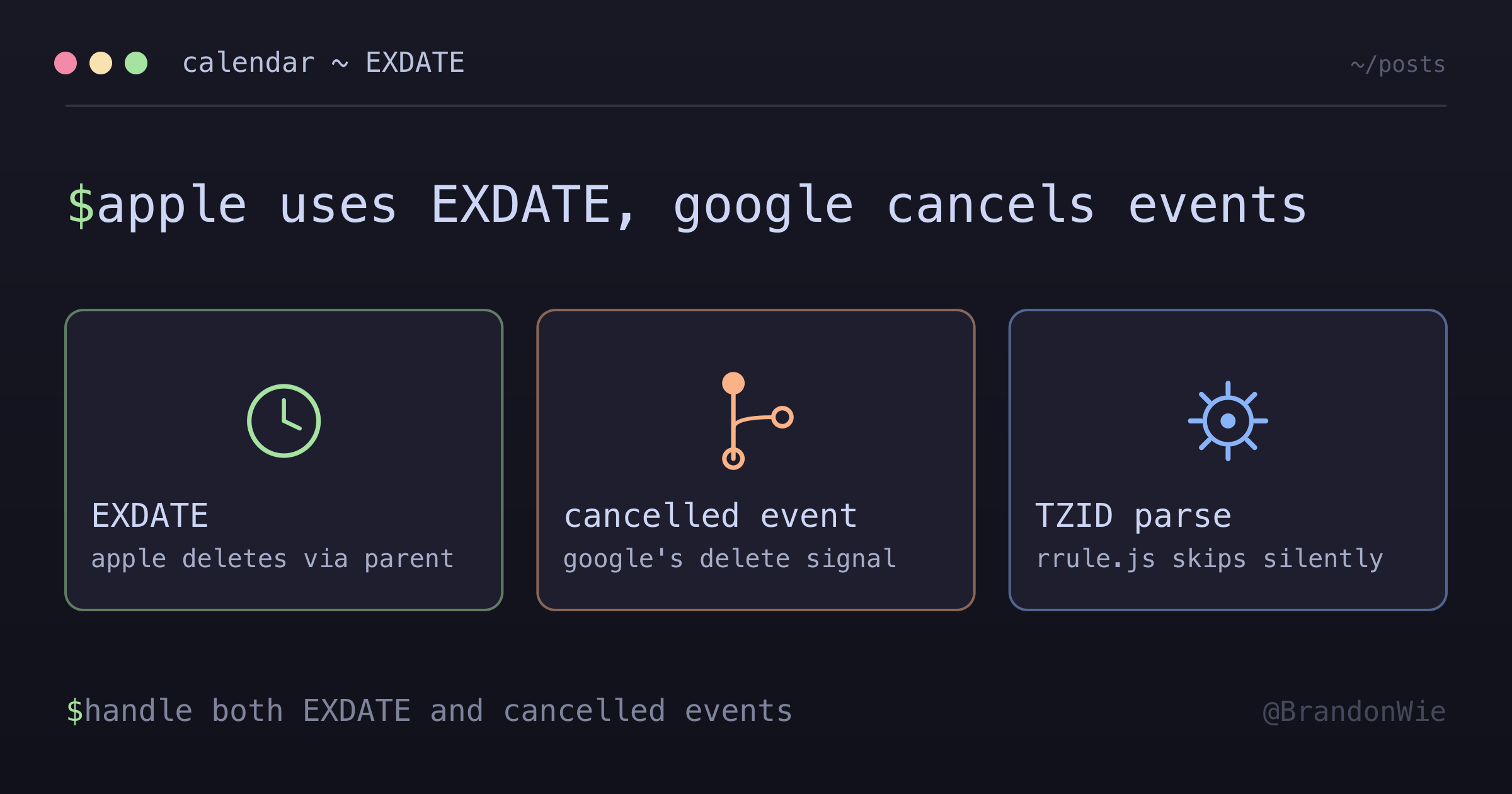
When you delete a single occurrence of a recurring event (“this only”), Apple Calendar and Google Calendar produce different signals. Google creates a cancelled exception event — a separate event object with status: "cancelled". Apple adds an EXDATE line to the parent event — no separate event is created.
If your sync system only looks for cancelled exception events (the Google pattern), Apple Calendar deletions are invisible. The EXDATE line is the only signal, and it’s easy to miss because Google passes it through without converting it to a cancelled event.
The Critical Distinction
| Scenario | Parent has EXDATE | Exception Event Exists |
|---|---|---|
| Apple DELETE “this only” | Yes | No |
| Google DELETE “this only” | No | Yes (cancelled) |
| Apple MODIFY “this only” | No | Yes (confirmed) |
| Google MODIFY “this only” | No | Yes (confirmed) |
The asymmetry only applies to deletions. Both Apple and Google create exception events for modifications (“edit this only”). It’s specifically the “delete this only” action where they diverge.
How Apple Calendar Deletions Work
When a user deletes “this only” from Apple Calendar, Apple adds an EXDATE line to the parent recurring event. No exception event is created:
RRULE:FREQ=WEEKLY;BYDAY=TU
EXDATE;TZID=Asia/Seoul:20250819T090000
The EXDATE property (defined in RFC 5545 Section 3.8.5.1) specifies dates to exclude from the recurrence set. It’s a perfectly valid approach per the iCalendar specification — but it’s the opposite of what Google does.
How Google Calendar Deletions Work
Google creates a separate exception event with status: "cancelled":
{
  "id": "parent_id_20250819T000000Z",
  "recurringEventId": "parent_id",
  "status": "cancelled"
}
No EXDATE is added to the parent event. The deletion signal is entirely in the exception event.
The Google API Passthrough
When data flows Apple Calendar → Google Calendar → Your App, Google preserves Apple’s EXDATE lines but does not convert them to cancelled exception events. This passthrough behavior is undocumented — I only discovered it by testing with real Apple-to-Google synced calendars and inspecting the raw recurrence data.
This means your app must handle both patterns simultaneously for the same recurring event series: EXDATE lines from Apple deletions and cancelled exception events from Google deletions.
The rrule.js Limitation
When I tried to handle EXDATE in our recurrence expansion code, I hit another problem: the rrule.js library cannot parse EXDATE with a TZID parameter:
// This FAILS in rrule.js:
EXDATE;TZID=Asia/Seoul:20250819T090000

// rrule.js expects:
EXDATE:20250819T000000Z
The library silently ignores the EXDATE when TZID is present. The excluded dates still appear in the recurrence expansion. The only clue was comparing expected vs actual occurrence counts — a subtle bug that’s easy to miss.
The Fix: Parse EXDATE Separately
The solution is to extract EXDATE lines before passing recurrence data to rrule.js, parse them with timezone awareness, and add them to the RRuleSet manually:
import { RRuleSet, rrulestr } from "rrule";

function createRuleSetWithExdates(
  recurrence: string[],
  dtstart: Date,
  timeZone: string
): RRuleSet {
  // Extract RRULE lines only
  const rruleLines = recurrence.filter((line) => line.startsWith("RRULE:"));

  // Parse RRULE
  const baseRule = rrulestr(rruleLines.join("
"), { dtstart });

  // Parse EXDATE separately (handles TZID)
  const exdates = parseExdates(recurrence, timeZone);

  // Combine into RRuleSet
  const ruleSet = new RRuleSet();
  ruleSet.rrule(baseRule);
  for (const exdate of exdates) {
    ruleSet.exdate(exdate);
  }

  return ruleSet;
}
By separating EXDATE parsing from RRULE parsing, you get correct timezone handling regardless of the format (TZID-qualified or UTC).
When This Matters
This knowledge is essential when building any calendar sync system that ingests data from the Google Calendar API where users may have Apple Calendar as the original source. If you’re building a Google-only system where all users are on Google Calendar, deletions always produce cancelled exception events and EXDATE parsing adds no value.
The Apple-vs-Google distinction also doesn’t apply to Outlook/Exchange calendars, which have their own exception handling model (modified/deleted occurrences in the Exchange API).
Takeaway
A robust calendar sync system must handle both deletion patterns: Apple’s EXDATE on the parent event and Google’s cancelled exception event. Don’t assume exception events exist for every deletion — Apple doesn’t create them. Parse EXDATE separately from RRULE when using rrule.js, because the library silently ignores EXDATE with TZID parameters. Always test your recurrence expansion with real Apple-to-Google synced calendars, not just Google-native events.