On this page
Claude Code Multi-Profile HUD Setup
Running Claude Code with multiple accounts requires careful HUD configuration to show correct per-account usage stats. Here's how to fix cross-profile data leaks.
My work profile’s HUD was showing personal account usage stats. I tracked the wrong numbers for a week before realizing the data was crossed. Fixing it took hours of debugging because the failure mode was completely silent — no errors, just wrong numbers.
If you run Claude Code with separate personal and work accounts, the HUD plugin needs explicit configuration to show the right stats for each profile.
Why It Matters
Claude Code supports multiple profiles through the CLAUDE_CONFIG_DIR environment variable. You can have a personal ~/.claude and a work ~/.claude-work, each with its own OAuth tokens, settings, and plugins.
The problem is that Claude Code does not pass CLAUDE_CONFIG_DIR to statusline
subprocesses. The HUD plugin runs as a subprocess, so it always falls back to the
default path (~/.claude). The work profile ends up showing personal account
usage. The personal profile works fine since it’s the default.
This isn’t a bug in the obvious sense — the HUD still shows data. It just shows the wrong data. That makes it harder to catch than a crash.
Difficulties Encountered
The environment variable didn’t propagate. I assumed CLAUDE_CONFIG_DIR would pass through to the statusline wrapper script, but Claude Code strips it.
I only discovered this after extensive debugging of the wrapper receiving the
wrong config path.
Keychain entries looked identical at first glance. Both profiles create keychain entries under similar service names. The suffix hash that differentiates them isn’t obvious, so it was easy to confuse which entry belonged to which profile.
Duplicate keychain entries caused unpredictable reads. macOS security find-generic-password returns the first match. With duplicates, it
silently returns wrong credentials — no error, just the wrong data.
HUD binaries are independent per profile. I initially assumed symlinks would work, but each profile’s plugin binary must be patched independently. Symlinking makes both profiles share the same binary, defeating the purpose.
Token sync was a red herring. I tried syncing tokens between keychain entries, which overwrote valid tokens with stale ones. Claude manages tokens natively per profile — manual intervention makes things worse.
Both tokens can expire silently. The profile-specific keychain entry only
updates on clean session exit (via the _claude_sync_token hook). If sessions
are closed uncleanly — terminal kill, crash — the profile entry goes stale while
the default entry stays fresh. When the default also expires, both fallback paths
fail simultaneously and usage shows nothing. No error, just null data.
The failure cache masks the real cause. usage-api.ts caches API failures
for 15 seconds (CACHE_FAILURE_TTL_MS). Reading the cache file shows apiUnavailable: true, which looks like an API outage. The real cause is expired
credentials that prevented the API call entirely. This misdirection cost
significant debugging time.
Source TypeScript is behind compiled dist JavaScript. The HUD plugin has two
code paths — src/ (TypeScript, run by bun) and dist/ (compiled JS). Plugin
updates install new dist but don’t update source. Features like quotaBar, showSpeed, contextValue, usageBarEnabled, and sevenDayThreshold only
existed in dist while source still had hardcoded values and missing functions.
Patching must target src/ files since the wrapper runs bun src/index.ts.
Piped subprocesses have no terminal width. I attempted auto-wrap at | boundaries, but process.stderr.columns, process.stdout.columns, and $COLUMNS all return undefined or 0 in the piped statusline subprocess. Claude
Code’s statusline renderer controls final line truncation — the HUD cannot
detect or work around this.
429 race condition from missing lock mechanism. This was the nastiest bug.
With 3+ concurrent CLI sessions sharing one cache file per profile, all sessions
expired the 60-second cache simultaneously and fired parallel API requests. The
Anthropic usage API (rate-limited) returned 429 to all of them. Once
rate-limited, the 3-minute failure cache kicked in — but it created a retry
loop: cached failure expired, all sessions retried, 429 again, never recovered.
My emergency fix was raising the failure TTL to 5 minutes, but the real solution
came from the upstream repo: a file-based lock using O_EXCL atomic create so
only one process fetches while others wait for fresh cache.
sed r with address range inserts on every line. Using sed "/start/,/end/r file" inserts the file after every line in the range, not
just the last. For precise insertions after a function body, use awk
insert-before on a unique anchor line below the target instead.
getOutputSpeed return type mismatch. The speed-tracker returns number | null directly, but I wrote code assuming it returns { speed, outputTokens }. This caused intermittent undefined is not an object TypeErrors — triggered only when speed was non-null, which is rare due to the
2-second measurement window.
Stale marketplace paths after profile rename. ~/.claude/plugins/known_marketplaces.json stores absolute paths to marketplace clones. After renaming ~/.claude-personal/ to ~/.claude/, the old paths persisted and claude plugin install failed with “Source path does not exist” — no obvious error pointing to the marketplace file.
Statusline height is fixed by Claude Code. The HUD plugin outputs lines via console.log() but Claude Code controls the vertical area allocated to the statusline. The plugin has no API to request more space. Line ordering in render output directly controls degradation: first lines survive, last lines clip.
Stale usage cache after plugin upgrade. During a plugin upgrade, there’s a window where the old (unpatched) HUD binary runs and populates the cache with wrong-profile data. After patches are applied, the patched HUD serves the stale cache indefinitely (60s TTL resets on reads). Fix: the post-patches script must clear both profiles’ usage caches after applying patches.
API failure overwrites good cache with error. When the usage API returns 423 (Locked) or any non-200 status, the original code overwrites the stale cache entry (which had valid usage data) with {apiUnavailable: true}. This causes Usage ⚠ (423) to flash for 15 seconds even though the stale data was only seconds old. The fix uses a stale-while-revalidate pattern: check if stale cache exists and is non-failure before overwriting.
0-byte lock file creates a permanent “busy” state. If the HUD process
crashes between fs.openSync(lockPath, 'wx') and fs.writeFileSync(fd, timestamp), the lock file is created but empty (0 bytes). readLockTimestamp() returns null for empty files, and the stale-lock cleanup
checks if (lockTimestamp != null && ...) — so the null case is never cleaned
up. The lock stays permanently “busy,” and the HUD returns stale cache data
forever. I submitted an upstream fix (PR #203) that adds a lockTimestamp === null guard using statSync().mtimeMs to distinguish crash
leftovers (old mtime — remove) from active writers (recent mtime — return busy).
Stale-while-revalidate without TTL refresh causes a 429 retry storm. The
stale cache fallback (Patch 9) returns good stale data when the API fails, but
originally it did not update the cache timestamp. Every render cycle (1–2s) saw
expired cache, retried the API, got 429, returned stale, and repeated. Even with
a single tmux session, this hammered the API continuously. The fix: call writeCache(homeDir, cacheState.data, now) to give the stale data a fresh 60s
TTL, limiting retries to once per minute instead of every render.
The Solution
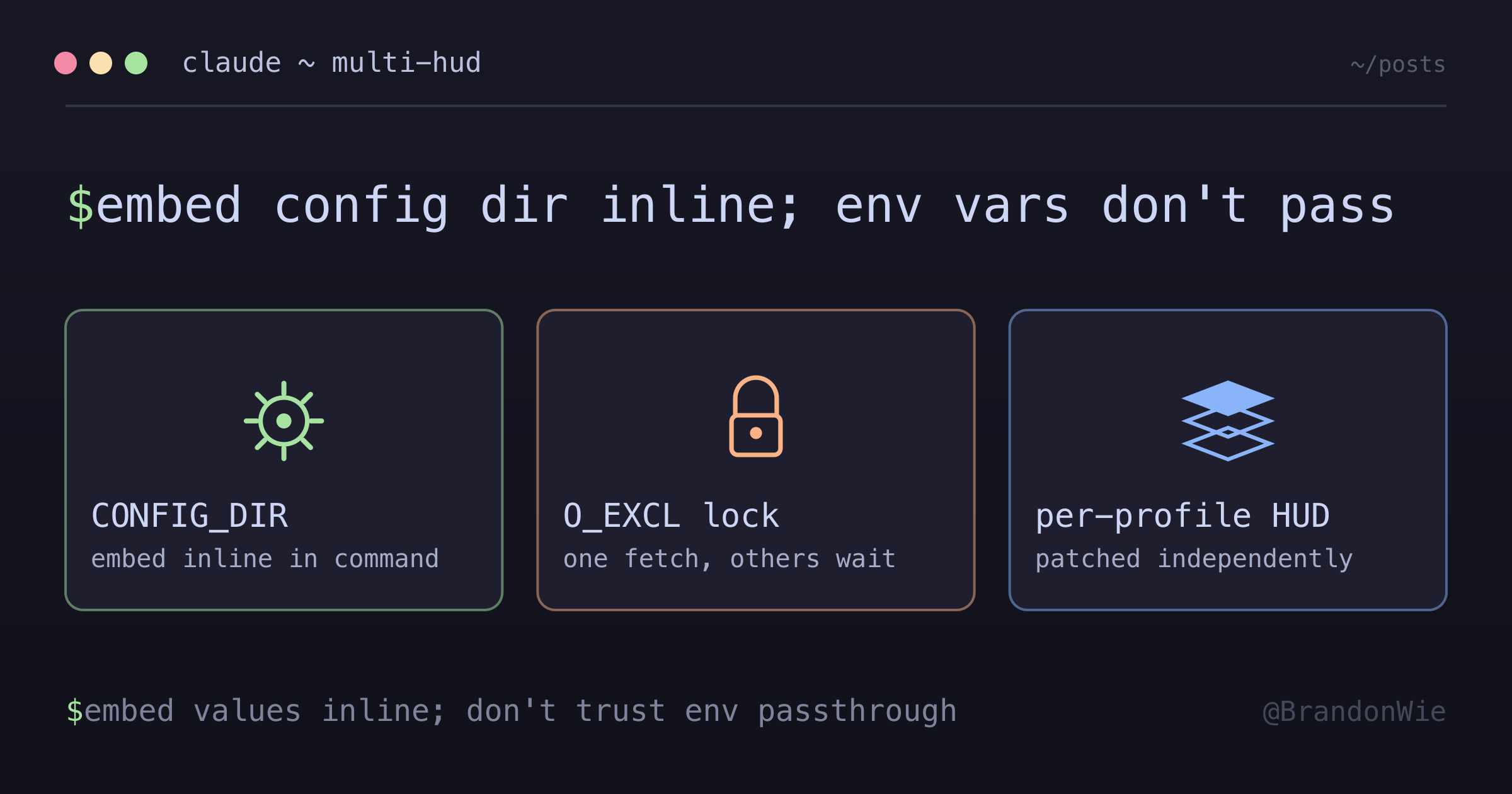
Embed CLAUDE_CONFIG_DIR directly in each profile’s settings.json statusline
command. This bypasses the env var passthrough problem entirely.
// Personal — defaults to ~/.claude, no override needed
"command": "/path/to/statusline-wrapper.sh"

// Work — must explicitly set CLAUDE_CONFIG_DIR
"command": "CLAUDE_CONFIG_DIR=/path/to/.claude-work /path/to/statusline-wrapper.sh"
The personal profile doesn’t need an override since ~/.claude is the default.
The work profile sets CLAUDE_CONFIG_DIR inline so the wrapper script knows
which config directory (and therefore which keychain entry) to read.
Profile Architecture
~/.claude/              (personal, default)
├── plugins/cache/claude-hud/   (independent binary, patched)
└── settings.json               (statusline → wrapper)

~/.claude-work/         (work)
├── plugins/cache/claude-hud/   (independent binary, patched)
└── settings.json               (statusline → CLAUDE_CONFIG_DIR=... wrapper)
Each profile has its own independent HUD binary. These are not symlinked and must be patched separately. The binary reads environment variables to determine which keychain entry and cache path to use.
Required Patches
9 custom patches applied by claude-hud-post-patches.sh (down from 30 at v0.0.6 — 22 absorbed upstream):
| # | Type | Target File | Purpose |
|---|---|---|---|
| 1 | sed | claude-config-dir.ts | CLAUDE_HUD_CONFIG_DIR priority over defaults |
| 2 | sed | usage-api.ts | CLAUDE_HUD_KEYCHAIN_SERVICE prepend |
| 3 | sed | config.ts | Quote config field (interface + defaults + merge) |
| 4 | copy | colors.ts | Midnight Aurora 9-role semantic palette |
| 5 | copy | project.ts | Email, env label/version, model display |
| 6 | copy | usage.ts | formatResetHours + provider guard |
| 7 | copy | quote.ts | Quote line renderer |
| 8 | copy | render/index.ts | Quote integration + NBSP replacement |
| 9 | sed | usage-api.ts | Stale cache fallback on API failure |
Cache Lock Mechanism
The 429 race condition required a lock mechanism to prevent concurrent API
calls. The upstream repo’s solution uses tryAcquireCacheLock with O_EXCL atomic file creation — the operating system guarantees only one process succeeds
in creating the lock file.
The flow works like this: when cache expires, the first process acquires the
lock and fetches fresh data. Other processes see the lock, return busy, and
poll every 50ms (up to 2 seconds) waiting for fresh cache to appear. Stale locks
older than 30 seconds are auto-cleaned to prevent deadlocks from crashed
processes.
This makes the upstream TTLs safe: 60 seconds for successful responses, 15
seconds for failures. Without the lock, multiple processes would all fire API
calls on every cache expiry. With the lock, exactly one process fetches per
expiry cycle. Two important details: clearCache() must also remove .usage-cache.lock — otherwise an orphaned lock file blocks all processes from
fetching. And watch out for the 0-byte lock edge case: if the process crashes
between creating the lock file and writing the timestamp, the file exists but is
empty. The stale-lock cleanup skips it because it checks for a non-null
timestamp. The upstream fix (PR #203) adds a lockTimestamp === null guard that
falls back to statSync().mtimeMs — if the file’s mtime is old, it’s a crash
leftover and gets removed; if recent, an active writer might still be going.
Midnight Aurora Theme
The HUD supports custom color themes. Midnight Aurora uses 9 semantic color
roles via ANSI 256-color codes (\x1b[38;5;{N}m):
| Role | Code | Color Name | Usage |
|---|---|---|---|
| NEON_VIOLET | 135 | Vivid purple | Hero elements, quotes |
| VIOLET | 141 | Soft purple | Dominant text color |
| SOFT_CYAN | 117 | Light cyan | Primary informational |
| WARM_AMBER | 215 | Gold | Accent highlights |
| SOFT_ROSE | 211 | Pink | Secondary emphasis |
| MINT | 85 | Green | Success indicators |
| PEACH | 216 | Light orange | Warnings |
| CORAL | 203 | Red-orange | Danger/error |
| LAVENDER | 103 | Muted purple | Muted/disabled text |
| GRAY | 245 | Neutral | Inactive elements |
Color functions use semantic names (e.g., green() maps to success) rather than
literal color names. Swapping the entire palette only requires editing colors.ts. The quote line renders with BOLD + neonViolet() (code 135,
vivid) — separate from general violet() (code 141, softer) for visual
hierarchy.
HUD Configuration
The HUD plugin supports several configuration options worth knowing:
Layout modes. Two choices: "compact" (single line, truncates on narrow
terminals) and "expanded" (multiline with identity, project, environment, and
usage on separate lines). Use "expanded" to avoid losing information to
truncation.
Patch durability. Plugin updates overwrite source files. Maintain claude-hud-post-patches.sh to reapply patches after updates — as of March
2026, this covers 9 patches.
Always show the 7-day usage window. Set sevenDayThreshold: 0 in config.
The default (80) hides the 7-day window until usage exceeds 80%.
Output token speed. Enable showSpeed to display output token speed (tok/s)
via the speed-tracker.ts module.
Context display modes. The contextValue option switches context display
between 'percent' and 'tokens' in both compact and expanded layouts.
Expanded layout order. Customizable via render/index.ts template — project
(with model badge) → combined context+usage → activity → environment. The quote
renders LAST in both compact and expanded modes — on narrow terminals, essential
info (project, context, usage) survives and the decorative quote is clipped
first.
Speed tracker return type. getOutputSpeed() returns number | null directly, not an object. Check the return type carefully when integrating speed
into custom renderers.
Stale-while-revalidate on API failure. When the usage API fails (423,
timeout, network error), the HUD checks if the expired cache holds valid data
(not apiUnavailable). If so, it returns the stale data AND refreshes the cache
timestamp with writeCache. This gives the stale data a fresh 60s TTL so
retries happen once per minute, not every render cycle. Without the timestamp
refresh, every 1–2 second render sees expired cache, retries the API, hits 429,
and returns stale — a continuous retry storm even from a single session. Only
when no previous good data exists does the HUD fall through to failure-caching.
Reinstall workflow. When things go sideways, the full reinstall sequence is: claude plugin uninstall claude-hud@claude-hud, then claude plugin install claude-hud@claude-hud, then run claude-hud-post-patches.sh for both profiles. The plugin install overwrites
source with clean upstream; the script re-applies custom patches. Remember that known_marketplaces.json stores absolute paths to marketplace clones — these
must be updated after any profile directory renames.
Token Management
Claude Code manages OAuth tokens natively per profile:
- Auto-creates profile-specific keychain entries on login
- Auto-refreshes tokens before expiration
- No manual sync needed — syncing between entries is harmful
When /login is needed: After refresh token revocation, new machine setup,
manual keychain deletion, or when both profile-specific and default tokens have
expired. You can diagnose the dual-expiry scenario by checking for apiUnavailable: true in the cache file combined with expired expiresAt timestamps in keychain entries.
Common Pitfalls
These are the mistakes I made (and you should avoid):
- Don’t sync tokens between keychain entries. Claude manages them natively per profile. Manual sync breaks things.
- Don’t assume env vars pass through. Embed
CLAUDE_CONFIG_DIRin the statusline command. - Patch both profiles. HUD binaries are independent per profile. Patching one doesn’t patch the other.
- Reload your shell after
.zshrcchanges. Old functions stay in memory. New settings only apply in new terminal sessions. - Check for duplicate keychain entries. Duplicates cause unpredictable reads.
List entries with
security find-generic-password -aand remove duplicates. - Clear usage caches after patching. Stale cache from the pre-patch window shows wrong plan/account data.
- Watch for 0-byte lock files. If the HUD crashes mid-lock-creation, the
empty lock file blocks all processes from fetching fresh data. Check for a
.usage-cache.lockfile with 0 bytes and delete it manually if usage is stuck. - Update
known_marketplaces.jsonafter directory renames. This file stores absolute paths to marketplace clones. After renaming a profile directory, plugin install commands will fail silently. - Frame composed statusline rows explicitly. If
statusline-wrapper.shappends Token Optimizer health (CtxQ,Eff, optional duration) before the 3B session-state row (3B claude·<sid> · locks:N), the Token Optimizer filter must print a trailing newline. Otherwise the rows concatenate asEff:--3B claude.... Guard this inclaude-hud-pin-guard.sh; patch-marker checks can pass while wrapper-only row framing is still broken.
Why This Works
The inline environment variable approach works because it completely bypasses the passthrough problem. Instead of relying on Claude Code to forward env vars to subprocesses (which it doesn’t), the correct values are embedded in the command string itself.
The HUD binary reads CLAUDE_CONFIG_DIR from its own environment, resolves the
correct keychain entry and cache path, and displays the right usage stats. The
file-based lock prevents concurrent sessions from stampeding the API. Each
profile is fully independent.
Practical Tips
Use this setup when: You run Claude Code with separate personal and work Anthropic accounts and need accurate per-account usage tracking in the terminal statusline.
Skip this when: You have a single account (no profile separation needed),
only use the web UI (HUD is a terminal feature), or don’t use the HUD plugin at
all. The basic multi-profile setup (CLAUDE_CONFIG_DIR) works without HUD
patches — patches are only needed for accurate statusline stats.
The key insight: Claude Code’s subprocess environment may not match your expectations. When in doubt, embed values directly in the command string rather than relying on environment variable inheritance.