On this page
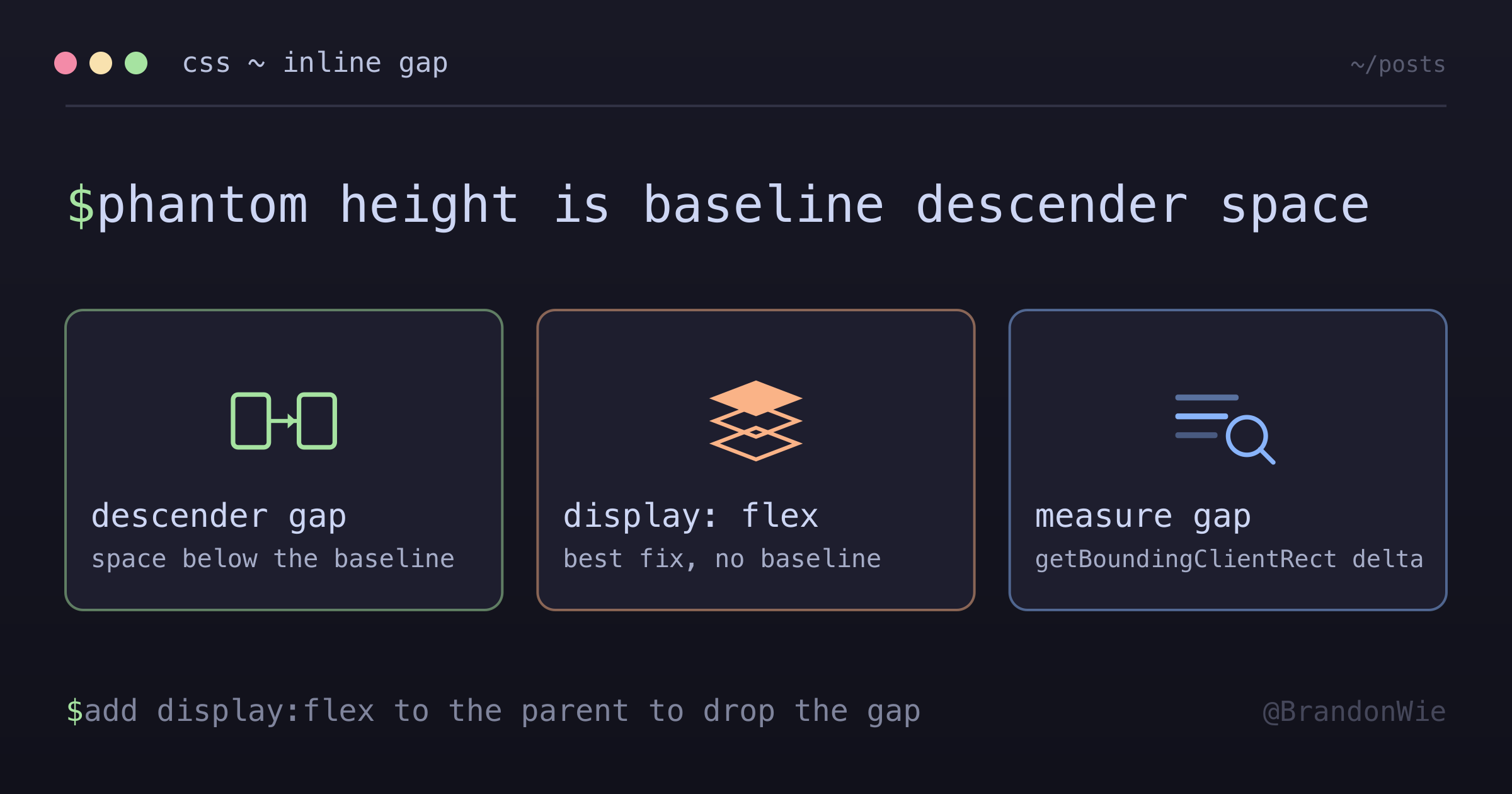
CSS Inline-Replaced Element Gap
Elements like `<textarea>`, `<img>`, `<input>`, and `<video>` are
I was building a chat input component — a textarea with a microphone button absolutely positioned in the corner. The button should have been vertically centered relative to the textarea. It was not. It sat about 3 pixels too low, and no amount of adjusting top, padding, or margin fixed it.
I opened DevTools, inspected the box model, and found nothing. No unexpected margin. No padding. No border. The textarea was 50 pixels tall, but its parent div was 56.5 pixels tall. Something was adding 6.5 pixels of phantom height, and the box model inspector had no explanation for it.
This is one of the most common CSS “gotchas,” and it is invisible to the tools most developers reach for first.
What Are Inline-Replaced Elements?
Elements like <textarea>, <img>, <input>, and <video> are “inline-replaced” elements in CSS. Unlike normal inline elements (like <span>), their dimensions are determined by their content or explicit attributes, not by the text flow. But they still participate in inline formatting context, which means they sit on the text baseline by default.
The text baseline is where the bottom of letters like “a” and “x” rest. Below the baseline, there is extra space reserved for descenders — the tails of letters like g, y, p, and q. That descender space is always reserved, even when there is no text in the parent container.
This is where the phantom gap comes from. The parent container allocates vertical space for a line of text (determined by font-size and line-height), and the inline-replaced element sits on the baseline with descender space below it. The gap between the element’s bottom edge and the parent’s bottom edge is that descender space.
Seeing the Problem
Here is the exact scenario that tripped me up:
<div class="relative">
  <!-- textarea is 50px tall, but parent div becomes 56.5px -->
  <textarea rows="2" />
  <!-- Absolutely positioned button centers to 56.5px, not 50px -->
  <button class="absolute top-1/2 -translate-y-1/2">Mic</button>
</div>
The mic button’s top-1/2 calculates 50% of 56.5px (28.25px), not 50% of the textarea’s 50px (25px). That 3.25px difference is enough to make the button look misaligned. And because the gap comes from the inline formatting context rather than any box model property, DevTools shows nothing wrong.
The gap size depends on the parent’s font-size and line-height. With typical body text settings, it ranges from 3 to 7 pixels. Smaller font sizes produce smaller gaps, but the gap never reaches zero as long as the element participates in inline formatting.
Three Fixes, Ranked
There are three ways to eliminate the gap. They all work by removing the element from inline formatting context, but they differ in how broadly they affect the layout.
/* 1. Make parent a flex container (best — eliminates baseline) */
.parent {
  display: flex;
}

/* 2. Make the element block-level */
textarea {
  display: block;
}

/* 3. Remove line-height from parent */
.parent {
  line-height: 0;
}
Flex container is the best option because it changes the formatting context entirely. Flex items do not participate in inline formatting, so there is no baseline, no descender space, and no gap. This is also the most intuitive fix — modern layouts use flex for positioning anyway.
Display block works because block elements do not sit on a text baseline. But it changes the element’s layout behavior in other ways (it becomes full-width by default, for example), so it may require additional adjustments.
Line-height zero is a surgical fix that eliminates the descender space directly. But it affects any text inside the parent, which makes it fragile. If you later add a label or error message inside the same container, the text will collapse.
In Tailwind CSS, the flex approach is one class:
<!-- Add "flex" to the parent div -->
<div class="relative flex-1 flex">
  <textarea class="w-full" rows="2" />
  <button class="absolute top-1/2 -translate-y-1/2 right-1.5">Mic</button>
</div>
How to Verify the Gap
When you suspect the inline-replaced element gap, use the browser console or Playwright to compare computed heights:
const parent = element.parentElement;
const parentRect = parent.getBoundingClientRect();
const childRect = element.getBoundingClientRect();
console.log("Gap:", parentRect.height - childRect.height);
// If gap > 0 and there's no padding/border, it's the
// inline-replaced baseline gap
If the gap is positive and the box model shows no padding or border, you are looking at descender space. In my case, Playwright measured the parent at 56.5px and the textarea at 50px — a 6.5px delta that came entirely from the descender allocation.
Where to Watch for This
This gap affects any layout where an inline-replaced element sits inside a block container and you need pixel-perfect vertical alignment:
- Chat UIs and search bars where buttons overlay textarea or input elements
- Image galleries where
<img>elements have unexplained bottom gaps inside their containers - Form layouts where inputs inside divs create uneven spacing
- Flex containers with textarea/img children where
align-items: stretchmakes the parent taller than expected
The last case is subtle. Even inside a flex container, if the textarea is inside a nested div that is not itself a flex container, the gap persists in that inner div. The fix needs to be applied at the element’s immediate parent, not at an outer wrapper.
Takeaway
When an inline-replaced element’s parent is taller than the element itself and DevTools shows no margin, padding, or border, the culprit is descender space from inline formatting context. Add display: flex to the parent. It eliminates the baseline calculation entirely and is the most resilient fix across different layout configurations.