On this page
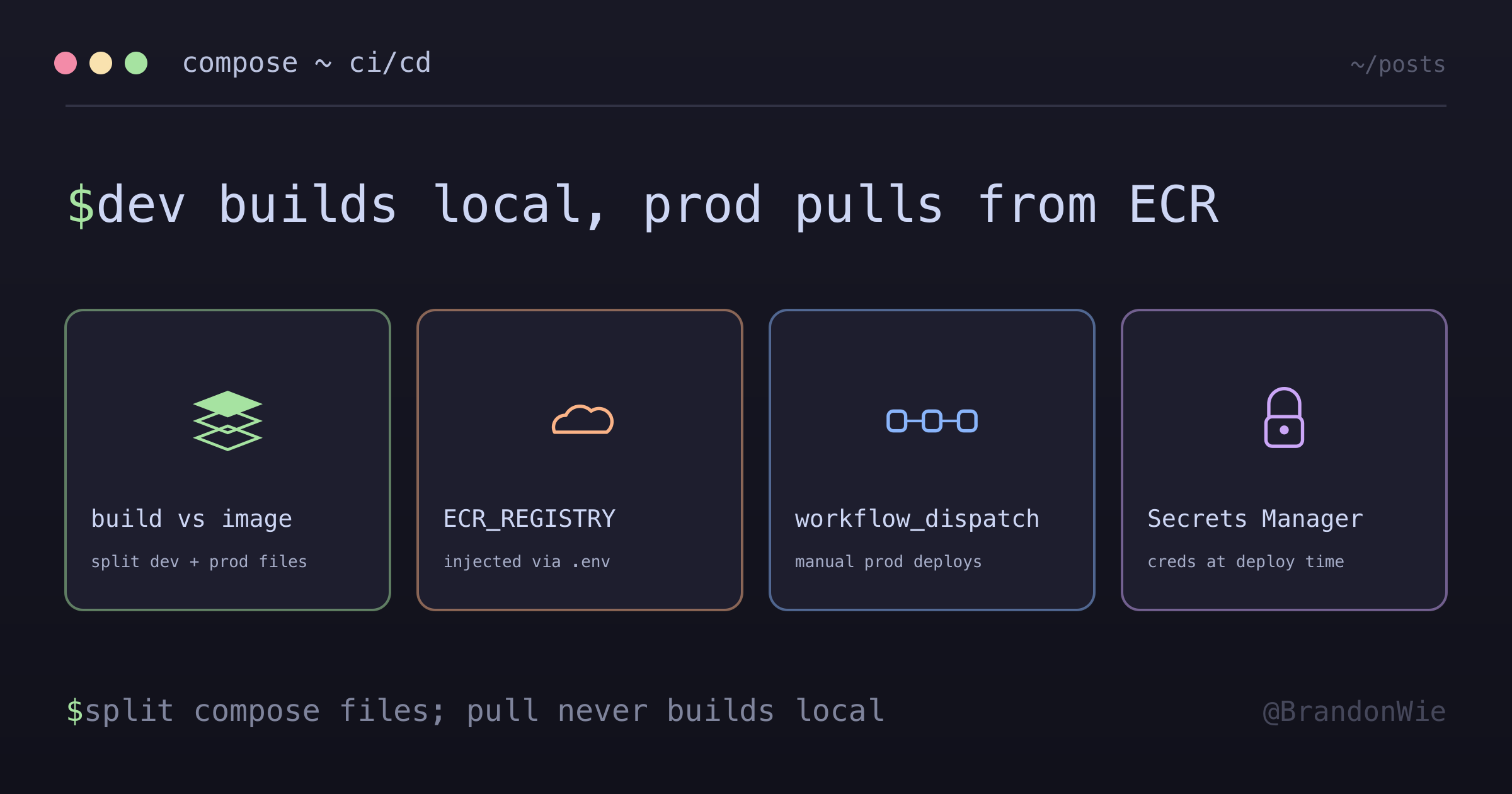
Docker Compose CI/CD Patterns
Patterns for using Docker Compose in CI/CD pipelines: separating dev and prod configurations, ECR integration, and deployment strategies.
On an Airflow deployment I worked on, a pipeline ran docker-compose pull and then docker-compose up -d on the production host. Both commands exited clean, but the container came back on an old locally built image rather than the one just pushed to ECR. The cause sat in the Compose file: it used build: instead of image:, so pull had nothing to fetch and silently did nothing.
This is one of those mistakes that wastes hours because everything looks correct. This post covers the pattern that prevents it: separating your Docker Compose files into development (build:) and production (image:) configurations, along with CI/CD pipeline strategies for Airflow deployments on EC2.
The build vs image problem
The issue
The root cause is a difference in what build: and image: mean to Docker Compose. When a service uses build:, Compose ignores pull entirely. There’s nothing to pull, because the configuration says “build this locally.” When a service uses image:, Compose knows to fetch the specified image from a registry.
# docker-compose.yml
services:
  webserver:
    build: # ← "Build locally"
      context: ..
      dockerfile: docker/Dockerfile
docker-compose pull # ← Does nothing! No image to pull
docker-compose up -d # ← Builds locally insteadAnalogy: Like telling someone “follow this recipe” (build) when you already cooked the meal and put it in the fridge (ECR).
The solution: separate files
The fix is to maintain two separate Compose files. One for local development that builds from source, one for production that pulls pre-built images from ECR.
project/
├── dags/
└── docker/
    ├── Dockerfile
    ├── docker-compose.yml       # Local development (build:)
    └── docker-compose.prod.yml  # Production (image:)
Local Development uses build: so you can iterate on Dockerfile changes without pushing to a registry:
# docker-compose.yml
services:
  webserver:
    build:
      context: ..
      dockerfile: docker/Dockerfile
Production uses image: with an ECR registry URL. The ${ECR_REGISTRY} variable is injected by CI/CD at deploy time:
# docker-compose.prod.yml
services:
  webserver:
    image: ${ECR_REGISTRY}/my-airflow-webserver:latest # ← Pull from ECR
With the Compose files separated, the CI/CD pipeline can use the right file for each environment. The full flow for an Airflow deployment supports both DAG-only changes (fast, no restart) and image changes (full rebuild and deploy).
CI/CD pipeline flow
┌────────────────────────────────────────────────────────────────┐
│                  GitHub Actions (deploy.yml)                   │
├────────────────────────────────────────────────────────────────┤
│                                                                │
│  1. detect-changes                                             │
│     └─ Detect whether dags/ or docker/ changed                 │
│                                                                │
│  2a. sync-dags (DAG-only changes)                              │
│      └─ EC2: git pull                                          │
│      └─ No restart, ~30s reflection                            │
│                                                                │
│  2b. build-images (image changes)                              │
│      └─ GitHub Actions: docker build                           │
│      └─ Push to ECR (webserver + worker images)                │
│                                                                │
│  3. deploy-ec2 (image changes)                                 │
│      ├─ Secrets Manager → .env file                            │
│      ├─ Add ECR_REGISTRY to .env                               │
│      ├─ docker-compose.prod.yml pull  ← KEY CHANGE             │
│      └─ docker-compose.prod.yml up -d                          │
│                                                                │
└────────────────────────────────────────────────────────────────┘
ECR_REGISTRY environment variable
The ${ECR_REGISTRY} variable in the production Compose file needs to resolve to the actual ECR URL. CI/CD handles this by appending the registry URL to the .env file on the target server:
# In deploy.yml
echo "ECR_REGISTRY=${AWS_ACCOUNT_ID}.dkr.ecr.${AWS_REGION}.amazonaws.com" >> docker/.env
Then docker-compose.prod.yml uses it:
services:
  webserver:
    image: ${ECR_REGISTRY}/my-airflow-webserver:latest
Trigger strategy
One decision for production deployments is whether they should run automatically on every push or require manual approval. I started with automatic triggers on every push to main and later moved to manual only.
Before: auto + manual
on:
  push:
    branches: [main]
  workflow_dispatch:
After: manual only (recommended for prod)
on:
  workflow_dispatch:
    inputs:
      deploy_type:
        description: "Deploy type"
        required: true
        default: "all"
        type: choice
        options:
          - dags
          - images
          - all
Why manual?
- Production deployment should be intentional
- Prevent accidental deployments from main push
- Allow choosing deployment type (DAG only, images only, all)
Secrets Manager integration
The production server needs environment variables (database credentials, API keys, etc.) that should never live in the repository. The CI/CD pipeline fetches them from AWS Secrets Manager and writes them to .env on the target server at deploy time:
# In deploy.yml
aws secretsmanager get-secret-value
  --secret-id <your-secret-id>
  --query SecretString --output text |
  jq -r 'to_entries | map("(.key)=(.value)") | .[]' > docker/.env
The secret ID is whatever naming convention your account already uses. The shape of the command doesn’t change with it.
What goes in the bundle
For an Airflow stack the secret holds roughly five categories of value: the metadata database connection (host, port, database, user, password), the Redis connection used as the Celery broker, the Airflow admin account plus the webserver secret key, the AWS region and account ID (the account ID is what lets DAGs construct ECR image paths), and a git token so the server can pull DAG changes on its own.
Keeping them in one bundle matters more than the exact key names: one get-secret-value call produces the entire .env, so there’s no partial-write state where the container starts with half its configuration.
Deployment scenarios
The two most common deployment scenarios differ in speed and impact.
Scenario 1: DAG-only changes
DAG-only changes are the fastest deployment path: a git pull on the EC2 instance, and Airflow picks up the changes within ~30 seconds. No container restart needed.
# 1. Push code
git add dags/my_dag.py
git commit -m "feat: add new DAG"
git push origin main

# 2. GitHub Actions (manual trigger)
# → deploy_type: dags

# 3. Result
# - EC2: git pull
# - No restart
# - ~30s reflection
Scenario 2: Dockerfile/requirements changes
Image changes require the full pipeline: build a new Docker image, push it to ECR, pull it on the server, and restart containers. This takes 1-2 minutes with a brief downtime window.
# 1. Push code
git add docker/Dockerfile requirements.txt
git commit -m "feat: add new dependency"
git push origin main

# 2. GitHub Actions (manual trigger)
# → deploy_type: images

# 3. Result
# - GitHub Actions: build image
# - Push to ECR
# - EC2: docker-compose.prod.yml pull
# - Container restart (~1-2min downtime)
Rollback methods
When a deployment goes wrong, you need to get back to a known-good state fast. The rollback approach depends on what changed.
ECR image rollback
For image-related issues, pin the Compose file to a specific image tag (git SHA) instead of :latest:
ssh <deploy-host>
cd <deploy-dir>

# Edit docker-compose.prod.yml: :latest → :abc123 (specific commit SHA)
docker-compose -f docker/docker-compose.prod.yml pull
docker-compose -f docker/docker-compose.prod.yml up -d
DAG rollback
ssh <deploy-host>
cd <deploy-dir>

# Rollback specific files
git checkout <commit-sha> -- dags/

# Or full rollback
git reset --hard <commit-sha>
Summary
| File | Purpose | Uses |
|---|---|---|
docker-compose.yml | Local development | build: directive |
docker-compose.prod.yml | Production deployment | image: directive |
CI/CD gotchas
Floating action tags break builds silently. I was using cloudflare/wrangler-action@v3 in a GitHub Actions workflow, and in March 2026 builds started failing with “bun not found.” The action had changed its default packageManager from npm to bun, and since ubuntu-latest doesn’t ship with bun, the step failed immediately. (That default may well have moved again since; the point is the tag moved, not that this specific default is still wrong.)
The fix was to pin packageManager: npm explicitly. The broader rule: pin action versions, or explicitly set every configurable default you depend on. A @v3 tag can shift under your feet without a single line of your code changing.
A second gotcha costs far more than a failed build: it threatens data. A Docker Compose project name stays stable only within one Compose major version. Compose v1 derives the project name from the current working directory’s basename; v2 derives it from the compose file’s directory. Swap the Compose binary from v1 to v2 on the host (an innocent-looking upgrade) and the project name flips underneath you. Three things break, in ascending order of pain. docker-compose down finds nothing under the new name, so the old stack keeps running. docker-compose up -d collides on any explicit container_name. And the worst case: a named volume rebinds to a brand-new empty <newproject>_<volume> instead of the live one, handing your database a fresh empty disk.
Treat this as a hard go/no-go before any deploy that re-runs Compose. Capture the live project label and the current volumes first:
docker inspect <ctr> --format '{{index .Config.Labels "com.docker.compose.project"}}'
docker volume ls
If a deploy has already flipped the name, force the historical one to reconnect the live volume:
docker-compose -p <live-project> up -dThe third gotcha follows directly from the second: never run down -v or docker volume prune during an incident. After a project-name flip, the orphaned old volume is often the only remaining copy of your stateful data. down without -v never deletes volumes, so it stays safe, but -v and volume prune will wipe the one disk you need to recover.
Practical takeaways
The build: vs image: distinction is the thing to get right first in Docker Compose CI/CD. Everything else follows from this separation:
Always use separate Compose files for dev and prod.
docker-compose.ymlwithbuild:for local development,docker-compose.prod.ymlwithimage:for production. Mixing them leads to the silent failure wherepulldoes nothing because the file says “build locally.”Inject the ECR registry URL via environment variable. The
ECR_REGISTRYpattern keeps your Compose file portable, so the same file works for any AWS account or region. CI/CD writes it to.env, and Docker Compose interpolates it automatically.Use manual triggers for production deployments.
workflow_dispatchwith deployment type selection (dags,images,all) prevents accidental deployments from pushes to main. For a system like Airflow, this also lets you deploy DAG changes without rebuilding containers, a 30-second operation instead of a 2-minute one.Store secrets in AWS Secrets Manager, not in the repository. The CI/CD pipeline fetches secrets at deploy time and writes them to
.envon the target server. This keeps credentials out of git history and makes rotation straightforward.
The pattern in this post scales from a single EC2 instance to multi-node deployments. The rule stays the same: development builds locally, production pulls pre-built images.