On this page
Documentation Patterns
The Buffer Pattern preserves important discoveries during AI-assisted sessions. It keeps insights from evaporating when a session ends or a connection drops.
I used to finish a two-hour coding session with Claude, close the terminal, and realize a week later that I had solved a tricky problem during that session but could not remember how. The decision rationale was gone. The debugging insight was gone. The useful API reference I stumbled on — gone. All of it evaporated the moment the session ended.
This happened enough times that I built a system to stop the bleeding. I call it the Buffer Pattern, and it has become the single most valuable piece of my documentation workflow.
The Problem: Sessions End, Context Disappears
When you work with an AI coding assistant, valuable things happen throughout the session. You make a decision to use library X over library Y, and the reasoning is clear in the moment. You discover that the root cause of a bug was a race condition in the event loop. You find an official API endpoint that is not in the top search results.
Then the session ends. Maybe you close the terminal. Maybe the connection drops. Maybe you start a new session the next morning. In all cases, the context that made those moments valuable is lost.
This is not a quirk of my setup. It is how the tool is documented to work: Claude Code’s memory docs state that each session begins with a fresh context window, and that the things which carry knowledge across sessions are files on disk. Anything that lived only in the conversation goes when the conversation goes.
SCENARIO: Working session with Claude

- Make important decision (chose X over Y)
- Solve tricky problem (root cause was Z)
- Find useful pattern (this approach works well)

THEN:
- Session ends / connection drops / new session starts

RESULT: All context LOST
The problem is not that you forget things happened. You remember that you solved something. The problem is that you forget the why — the reasoning, the alternatives you considered, the specific detail that made the solution work.
That failure mode is not new, and it is not specific to AI tooling. Michael Nygard observed in his 2011 post on architecture decision records that “one of the hardest things to track during the life of a project is the motivation behind certain decisions” — and his answer was to write the rationale down at the moment the decision is made. A session buffer is the same idea on a much shorter clock: years for an architecture record, hours for a coding session.
The Solution: Write to a Buffer Immediately
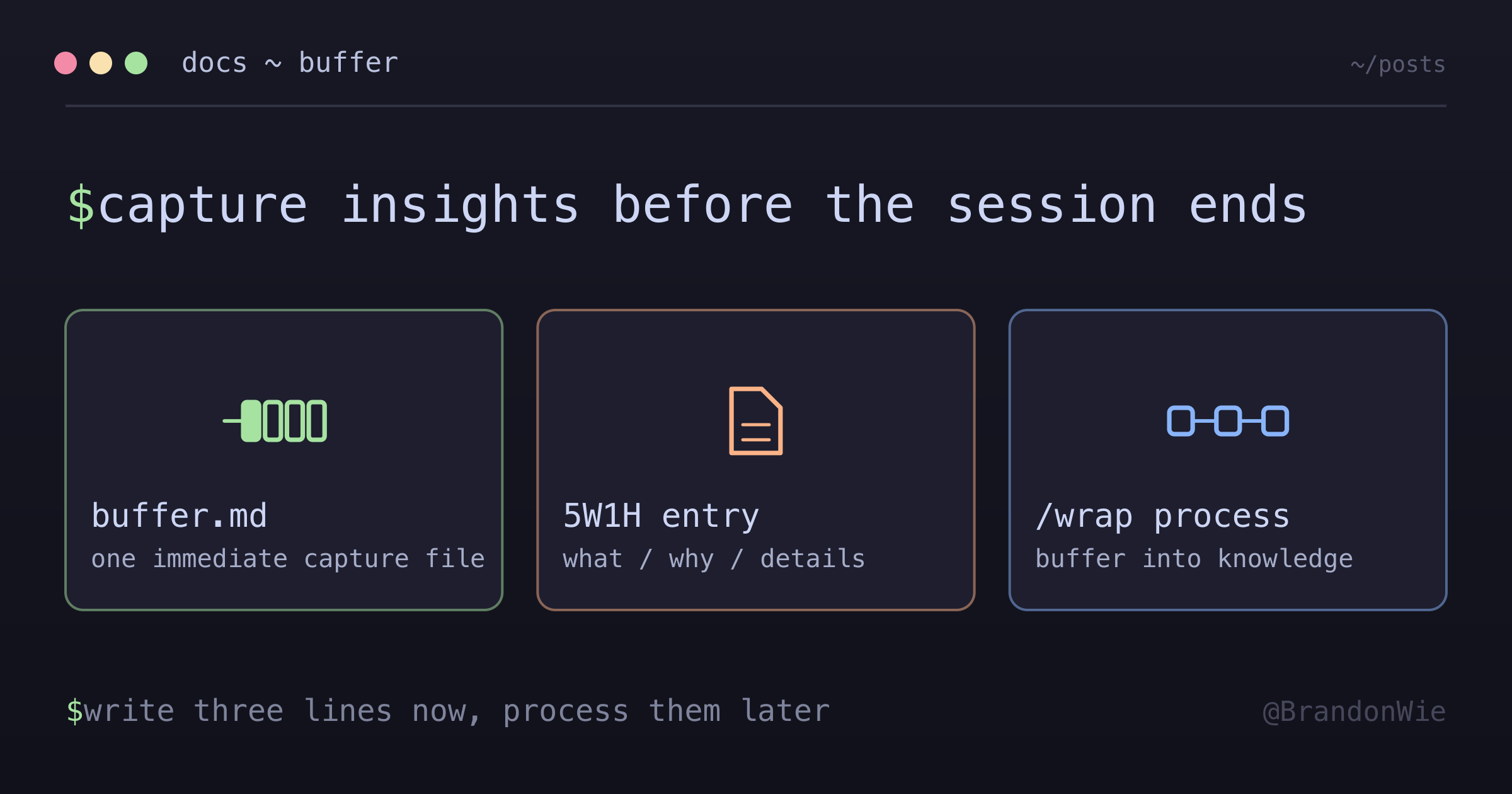
The Buffer Pattern is dead simple. When something important happens during a session, you write it to a single persistent file immediately. Not at the end of the session. Not when you remember. Right now, the moment it happens.
At the end of the session, you process the buffer entries into permanent notes and clear the file for next time.
DURING SESSION (as important things happen):
┌────────────────────────────────────────────────────────────────┐
│ Important moment occurs (decision, solution, discovery)        │
│         │                                                      │
│         ▼                                                      │
│ IMMEDIATELY write to .claude/buffer.md                         │
│ (brief entry with 5W1H context)                                │
│         │                                                      │
│         ▼                                                      │
│ Buffer PERSISTS even if session ends                           │
└────────────────────────────────────────────────────────────────┘

AT /wrap TIME:
┌────────────────────────────────────────────────────────────────┐
│ Read buffer entries                                            │
│         │                                                      │
│         ▼                                                      │
│ Process into journals/knowledge                                │
│         │                                                      │
│         ▼                                                      │
│ Clear buffer for next session                                  │
└────────────────────────────────────────────────────────────────┘

RESULT: Important moments PRESERVED
The key insight is that the buffer is a capture mechanism, not a storage mechanism. It exists to catch important moments before they vanish. The permanent home for that knowledge is somewhere else — in journal files, knowledge base entries, or documentation. The buffer is the net that catches things in flight.
When to Write
Not everything deserves a buffer entry. Writing too much creates noise that makes the end-of-session processing tedious. Here are the triggers that warrant an immediate write:
| Trigger | Write immediately when… |
|---|---|
| Decision made | You chose X over Y with clear rationale |
| Problem solved | Root cause was non-obvious |
| Pattern discovered | A technique/approach works well |
| Useful reference | Found official docs or verified source |
The common thread is non-obvious value. If the information is easy to re-derive or search for, skip it. If losing it would cost you real time or lead to repeating a mistake, write it down.
The Entry Format
Each entry follows a minimal template. The goal is speed — you want to capture the moment without interrupting your flow:
## YYYY-MM-DD HH:MM - {project}

**What:** {one line summary}
**Why it matters:** {why this is worth remembering}
**Details:** {code, explanation, reference - include 5W1H context}
The 5W1H context (Who, What, When, Where, Why, How) sounds formal but in practice it means: include enough detail that future-you can reconstruct the situation. A buffer entry that says “Fixed the auth bug” is useless. One that says “Auth bug was caused by Keychain returning stale token from duplicate entry — fixed by deleting all entries for the service name and letting the app recreate” tells you everything you need.
One File, No Complexity
The buffer lives in a single location: ~/dev/personal/3b/.claude/buffer.md
I tried more complex approaches before landing here. The evolution looked like this:
| Date | Change |
|---|---|
| 2025-01-15 | Initial design as learning-queue.md |
| 2026-01-23 | Evolved to per-project session-buffer.md |
| 2026-01-26 | Simplified to single buffer.md (current) |
The first version (learning-queue.md) had a complex entry format with multiple fields, categories, and priority levels. I never used it because the overhead of filling out the template killed the immediacy.
The second version (session-buffer.md) created a separate buffer per project. This spread entries across multiple files, making end-of-session processing a chore. Worse, cross-project insights — like a debugging technique that works everywhere — had no obvious home.
The current version is one file with a three-line entry format. It works because it removes every friction point: one location to remember, one format to follow, and entries are brief enough to write in under thirty seconds.
Why This Works
The Buffer Pattern succeeds for three reasons.
First, it captures at the moment of highest fidelity. When you solve a problem, the reasoning is freshest right then. Waiting even ten minutes introduces lossy compression — you start remembering what you did but forgetting why.
Second, it separates capture from organization. Trying to file knowledge into the right category in the right folder during an active coding session is a context switch that most people skip. The buffer defers that organizational work to a dedicated processing step.
Third, it survives session boundaries. The file is on disk. It does not depend on the AI’s context window, your browser staying open, or your terminal session remaining alive. If your machine crashes mid-session, the entries you already wrote are still there when you restart.
Takeaway
If you do AI-assisted development and you are not capturing insights during the session, you are leaking value every time you close the terminal. The fix is a single markdown file and a habit: when something important happens, write three lines immediately. Process them later. The twenty seconds per entry saves hours of re-derivation across weeks and months.
The buffer file is the safety net. Everything else — journals, knowledge bases, documentation — is built on top of what the buffer catches.
References:
- How Claude remembers your project - Claude Code memory docs: sessions start with a fresh context window, and only on-disk files carry across
- Documenting Architecture Decisions - Michael Nygard on capturing decision rationale before it evaporates
- In my own tooling repo,
.claude/buffer.mdis the buffer file and thewrapskill processes it at session end