On this page
EBS vs EFS: AWS Storage Comparison
Understanding when to use EBS (block storage) vs EFS (network filesystem).
Picture an Airflow cluster with a master node and two worker nodes, each on its own EC2 instance with its own local disk. A developer updates a DAG file on the master, the scheduler picks up the new version and dispatches a task to a worker — and the task fails. The worker is still running the old version of the DAG. The file exists on the master’s local disk, but each worker keeps its own separate copy, and nothing syncs them.
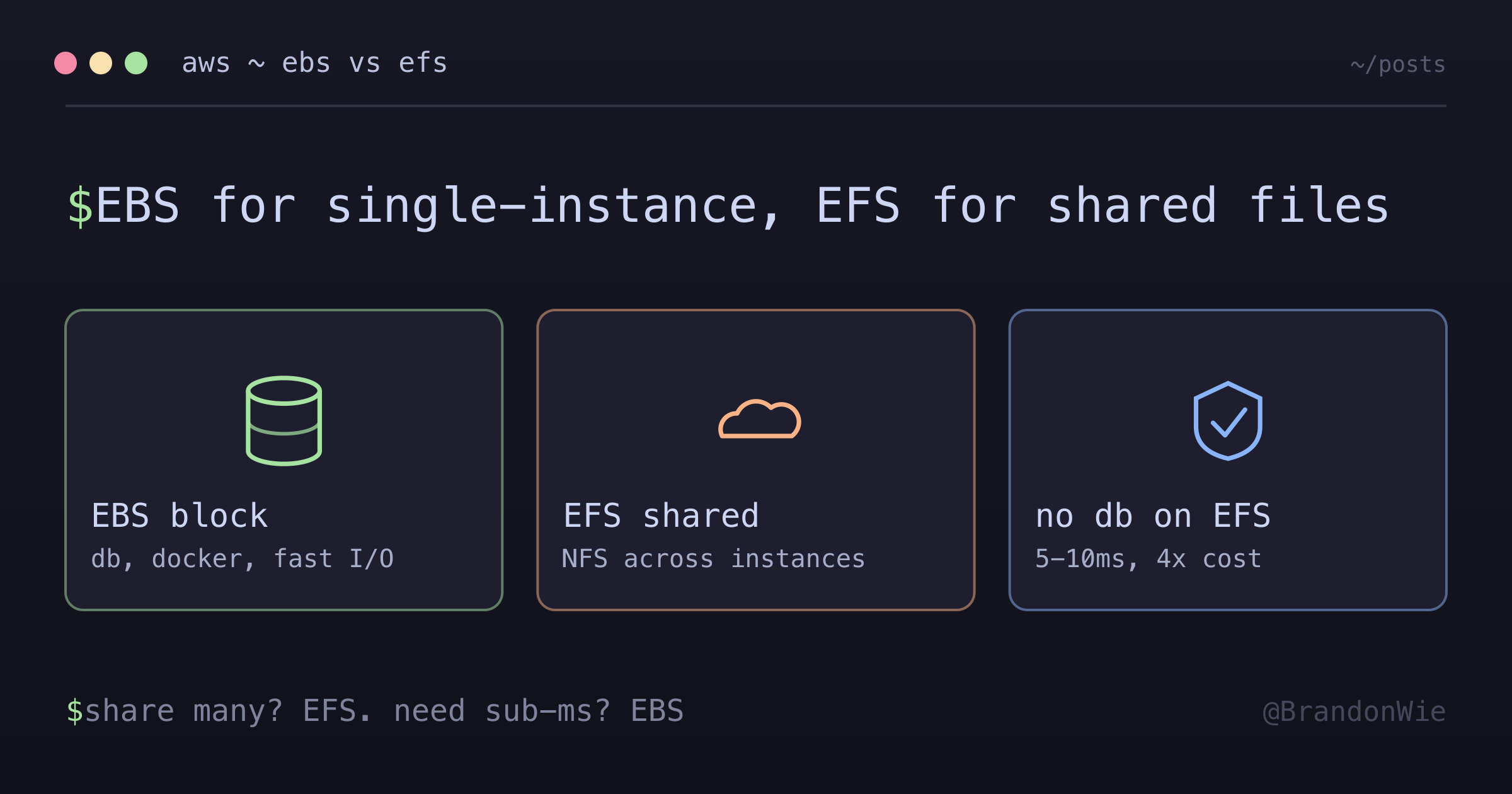
This is the exact problem that EFS solves: shared storage across multiple EC2 instances. But EFS is not the answer for everything. Databases on EFS perform terribly, and the cost is 4x higher per gigabyte than EBS. Understanding which storage type to use for which workload prevents both outages and wasted money.
The Two Storage Types
At a high level, EBS and EFS serve fundamentally different roles:
| Storage | Type | Shared? | Purpose |
|---|---|---|---|
| EBS | Block (like HDD/SSD) | No (1 instance only) | OS, Docker, PostgreSQL, Redis, logs |
| EFS | Network (NFS) | Yes (multiple instances) | DAG files shared by master + workers |
Think of EBS as the hard drive inside your computer. It is fast, it is local, and only that one computer can access it. EFS is more like a network drive that everyone in the office mounts — any machine can read and write to it simultaneously, but there is a performance penalty for going over the network.
EBS (Elastic Block Storage)
EBS provides block-level storage volumes attached to individual EC2 instances. Each volume belongs to exactly one instance at a time. This is where you put anything that needs fast I/O or is inherently single-instance: operating systems, databases, container runtimes, and logs.
Typical Sizes
For an Airflow deployment of that shape, one workable sizing looks like this:
| Instance | EBS Size | Contents |
|---|---|---|
| Master | 100 GB | PostgreSQL, Redis, Docker images, logs, OS |
| Worker | 50 GB | Docker images, task artifacts, OS |
| Bastion | 8 GB | OS only (minimal) |
The master gets the largest volume because it runs PostgreSQL (Airflow metadata), Redis (Celery message broker), and accumulates task execution logs over time. Workers need less because they run tasks and discard artifacts. The bastion host needs almost nothing — it is a jump box.
What Lives on EBS
A master node’s volume typically fills up like this:
100 GB EBS Volume
│
├── /var/lib/docker/              (~30 GB)
│   ├── images/                   # Docker images
│   └── volumes/
│       ├── postgres-data/        # Airflow metadata database
│       └── redis-data/           # Celery message queue
│
├── /opt/airflow/logs/            (~10-50 GB over time)
│   └── dag_id/run_id/task_id/    # Task execution logs
│
└── / (root)                      (~10 GB)
    └── Operating system
The Docker volumes section is the most critical. PostgreSQL stores every DAG run, task state, and user account. Redis holds the Celery message queue. Logs grow over time and can consume significant space if you do not set up rotation.
If EBS Is Lost
Losing the master’s EBS volume means losing everything stored on it:
- All DAG run history
- Task execution logs
- User accounts and passwords
- Airflow Variables and Connections
Recovery requires restoring from an EBS snapshot or rebuilding the entire environment from scratch. This is why automated EBS snapshots are non-negotiable for the master node. Daily snapshots with a 7-day retention window are a reasonable baseline.
EFS (Elastic File System)
EFS is a managed NFS filesystem that multiple EC2 instances can mount simultaneously. Every instance sees the same files at the same time. This is the property that makes EFS valuable — and the property that EBS fundamentally cannot provide.
Why EFS for Shared Files?
The problem without shared storage is a consistency nightmare:
Scenario: You update a DAG file

┌─────────────┐                    ┌─────────────┐
│   Master    │                    │   Worker    │
│ my_dag.py   │                    │ my_dag.py   │
│ (version 2) │                    │ (version 1) │ ← OUTDATED!
│ Scheduler   │ ──── task ────►   │ Celery      │
│ sees v2     │                    │ runs v1     │ ← WRONG CODE!
└─────────────┘                    └─────────────┘

Result: Task fails or runs wrong logic
The scheduler on the master reads version 2 of the DAG, decides it is time to run a task, and sends it to a worker. But the worker still has version 1 of the DAG on its local disk. The task either fails with an import error (if the code structure changed) or, worse, runs silently with the old logic.
With EFS, this problem disappears:
                    ┌─────────────────┐
                    │      EFS        │
                    │  my_dag.py (v2) │  ← Single source of truth
                    └────────┬────────┘
              ┌──────────────┴──────────────┐
              ▼                             ▼
     ┌─────────────┐               ┌─────────────┐
     │   Master    │               │   Worker    │
     │ Sees v2     │               │ Sees v2     │  ← SAME!
     └─────────────┘               └─────────────┘

Result: Consistency guaranteed
Both the master and workers mount the same EFS volume at /opt/airflow/dags/. When you update a file, every instance sees the update immediately (within NFS cache propagation time, which is typically sub-second).
What Lives on EFS
EFS (~10 GB)
└── /opt/airflow/dags/
    ├── example_dag.py
    ├── etl_pipeline.py
    └── utils/
        └── helpers.py
Only DAG Python files live on EFS. The volume is small because code is small — even a complex Airflow deployment with dozens of DAGs rarely exceeds a few hundred megabytes.
If EFS Is Lost
Losing EFS is much less catastrophic than losing EBS. DAG files can be re-deployed from Git in minutes. No historical data is lost because all the metadata and logs live in PostgreSQL and on EBS.
This asymmetry is important for your backup strategy. EBS needs automated snapshots because losing it means losing data that cannot be reconstructed. EFS stores code that exists in version control — losing it is inconvenient but recoverable.
Why Not Use EFS for Everything?
If EFS lets multiple instances share files, why not put the database on EFS too and skip the single-instance limitation of EBS?
| Factor | EBS | EFS |
|---|---|---|
| Latency | ~1ms | ~5-10ms |
| Cost per GB | $0.08 | $0.30 (4x more) |
| Database performance | Excellent | Poor |
| Shared access | No | Yes |
PostgreSQL on EFS would be 5-10x slower because every disk operation goes over the network. Database workloads involve constant random reads and writes to data files, WAL logs, and indexes. NFS adds latency to each of these operations, and the cumulative effect on query performance is severe.
It would also cost 4x more per gigabyte for worse performance. AWS documentation explicitly recommends against running databases on EFS. Use EBS for databases and EFS for shared files — that is the design boundary.
Cost Breakdown
For a cluster this size, the total storage cost is modest:
| Storage | Size | Rate | Monthly Cost |
|---|---|---|---|
| EBS Master | 100 GB | $0.08/GB | $8.00 |
| EBS Worker | 50 GB | $0.08/GB | $4.00 |
| EFS | ~10 GB | $0.30/GB | $3.00 |
| Total | ~$15/month |
Storage is one of the cheapest parts of an AWS deployment. The real cost of getting storage wrong is not the monthly bill — it is the outage from a database on EFS that cannot keep up with query load, or the data loss from an EBS volume without snapshots.
Practical Takeaway
The rule of thumb is straightforward:
- EBS for single-instance data: databases, container runtimes, logs, anything that needs fast I/O
- EFS for shared files: code, configuration, anything that multiple instances need to read simultaneously
Protect EBS with automated snapshots — it holds data that cannot be reconstructed. Treat EFS as ephemeral — it holds code that exists in Git. If you find yourself wondering whether a workload belongs on EBS or EFS, ask two questions: Does more than one instance need to access this? Does it need sub-millisecond latency? If the answer to the first question is yes, use EFS. If the answer to the second question is yes, use EBS. If both answers are yes, you need to rethink your architecture.