On this page
ECR Credential Helper
AWS's official solution for automatic ECR authentication. Instead of storing
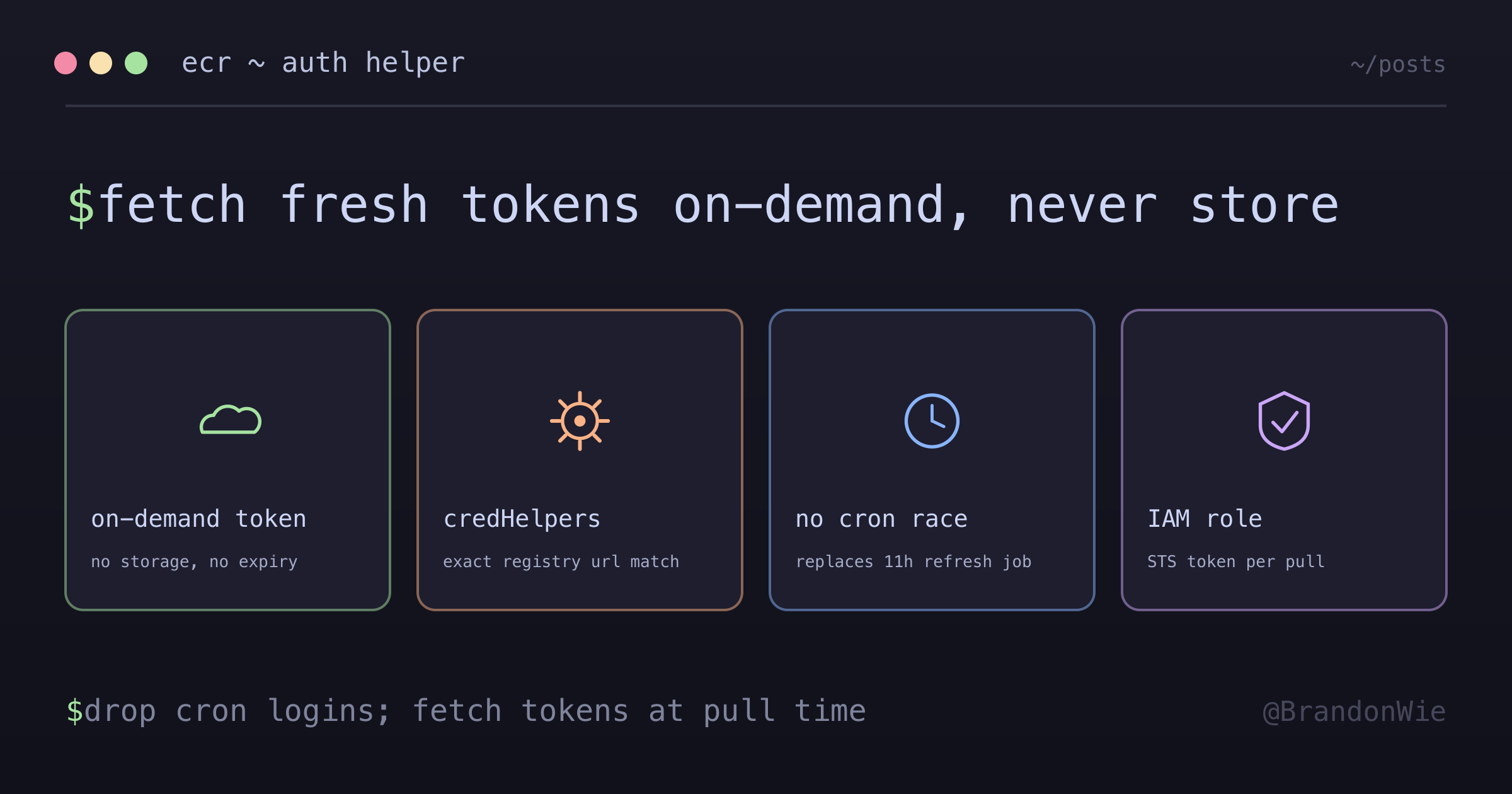
After dealing with ECR token expiration for weeks — first with manual docker login, then with a cron job that still had a race condition — I found the right solution: AWS’s ECR Credential Helper. Instead of storing tokens that expire, it fetches fresh tokens on-demand every time Docker needs to authenticate.
The old approach stored a token at container startup, and that token expired after 12 hours. The credential helper flips this: no token is stored, and a fresh one is fetched at the exact moment Docker needs it.
The Old Way vs The New Way
OLD WAY (One-time login):
┌─────────────────────────────────────────────────┐
│ Container startup: docker login → token stored  │
│ 12 hours later: token expires                   │
│ docker pull: "authorization token has expired"  │
└─────────────────────────────────────────────────┘
NEW WAY (Credential helper):
┌─────────────────────────────────────────────────┐
│ docker pull requested │
│ Docker reads ~/.docker/config.json │
│ Sees credHelpers → calls docker-credential-ecr-login │
│ Helper fetches fresh token from AWS STS │
│ Docker uses token immediately │
│ No storage = no expiry problem │
└─────────────────────────────────────────────────┘The Gotchas I Hit
Error appeared only after 12+ hours. The Airflow DockerOperator worked perfectly on initial deployment. The “authorization token has expired” error only surfaced the next day, making it hard to connect the failure to authentication rather than a missing image.
Cron-based token refresh has a race condition. My first fix was a cron job running docker login every 11 hours. But if a pull happened during the brief window between token expiry and the next cron execution, it still failed. The credential helper eliminates this window entirely.
Binary must match your architecture. The helper binary is architecture-specific (linux-amd64 vs linux-arm64). Using the wrong one fails silently — Docker reports “credentials not found” without indicating an architecture mismatch.
config.json key must be the exact registry URL. The credHelpers key must match the exact ECR registry URL including the account ID and region. A typo or wrong region means Docker falls back to no auth with no warning.
How It Works
When Docker needs to pull an image, it checks ~/.docker/config.json for credential helpers. If one is configured for the registry, Docker calls the helper binary, which fetches a fresh token from AWS STS using the instance’s IAM role:
The token is used immediately and never stored to disk. Each pull gets a fresh token.
Setup
1. Install the Helper
# In Dockerfile
RUN curl -sL "https://amazon-ecr-credential-helper-releases.s3.us-east-2.amazonaws.com/0.9.0/linux-${ARCH}/docker-credential-ecr-login"
    -o /usr/local/bin/docker-credential-ecr-login
    && chmod +x /usr/local/bin/docker-credential-ecr-login
2. Configure Docker
// ~/.docker/config.json
{
  "credHelpers": {
    "123456789.dkr.ecr.ap-northeast-2.amazonaws.com": "ecr-login"
  }
}
The key must be the exact registry URL. Docker matches this string literally — 123456789.dkr.ecr.ap-northeast-2.amazonaws.com must match your actual account ID and region.
3. Required IAM Permissions
The EC2 instance role needs these permissions:
- sts:GetCallerIdentity      (account ID lookup)
- ecr:GetAuthorizationToken  (Docker login token)
- ecr:BatchCheckLayerAvailability
- ecr:GetDownloadUrlForLayer
- ecr:BatchGetImage
Key Properties
- On-demand: Token fetched only when Docker needs it
- No storage: Token used immediately, never written to disk
- Auto-refresh: Each operation gets a fresh token
- IAM-based: Uses EC2 instance role, no credentials to manage
Credential Helper vs docker login
| Aspect | docker login | Credential Helper |
|---|---|---|
| Token storage | ~/.docker/config.json | None |
| Expiry handling | Manual refresh (cron) | Automatic |
| Setup complexity | Simple | Slightly more |
| Maintenance | High (cron, monitoring) | None |
The credential helper requires slightly more initial setup (install binary, configure config.json), but the zero-maintenance aspect is worth it. No cron jobs to monitor, no race conditions, no expired token incidents at 2 AM.
When to Use This
| Scenario | Use Credential Helper? |
|---|---|
| Long-running containers pulling from ECR | Yes |
| CI/CD pipelines | Maybe (short-lived, login OK) |
| Local development | Yes (convenient) |
| Lambda/ECS with ECR | No (AWS handles it) |
When NOT to Use This
- Lambda or ECS tasks pulling from ECR — AWS manages ECR authentication natively for these services. Adding the credential helper is redundant.
- Short-lived CI/CD containers — If the entire pipeline completes in under 12 hours, a single
docker loginat the start is simpler and sufficient. - Non-ECR registries — The credential helper is ECR-specific. For Docker Hub, GHCR, or other registries, use their native auth mechanisms.
- Environments without IAM roles — The helper relies on IAM credentials (instance role, environment variables, or AWS config). If IAM is not available, it cannot function.
Takeaway
The ECR Credential Helper replaces cron-based token refresh with on-demand authentication. Install the binary, configure ~/.docker/config.json with your exact registry URL, and forget about ECR token expiry. The setup takes five minutes and eliminates an entire class of production incidents — no more “authorization token has expired” failures at 2 AM.