On this page
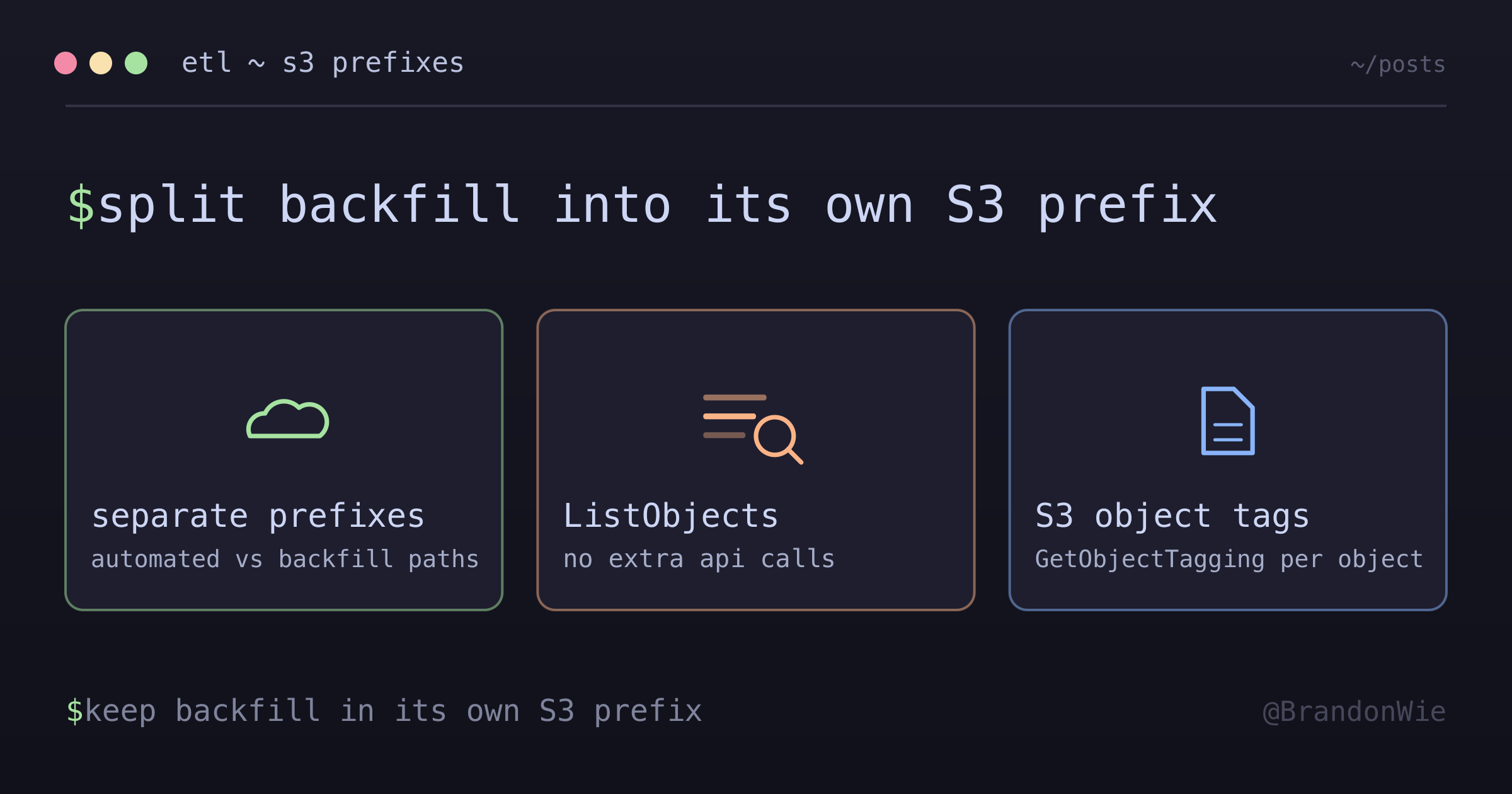
ETL Data Separation Strategy
Mixing automated ETL data with manually recovered backfill data in one S3 prefix breaks lineage and invites silent reprocessing. Separate prefixes fix it.
I was running an Amplitude ETL pipeline when I noticed duplicate records showing up in the refined data layer. The daily automated job was picking up files that I’d manually backfilled earlier that week — files that looked identical to regular exports because they shared the same naming convention, the same format, and the same S3 prefix. There was no way to tell automated data from manual backfill data after the fact.
This is a problem any data team hits when they need to recover missing data. The natural instinct is to drop the backfill files in the same bucket path as everything else. But once they’re there, your automated pipeline treats them as new data and processes them again.
The Problem
Mixing regular ETL data with manually recovered backfill data in the same S3 path makes it hard to:
- Track data sources — can’t distinguish automated vs manual data
- Control processing — daily ETL may accidentally process backfilled data
- Debug issues — hard to trace which data came from where
- Manage lifecycle — can’t apply different retention policies
In my case, the backfilled files had the same naming convention and format as automated exports. The daily job silently reprocessed them, causing duplicates downstream. I briefly considered S3 object tags as a lighter-weight solution, but tags are not visible in ListObjects responses — you’d need a separate GetObjectTagging call per object, making filtering expensive at scale.
The Solution: Separate Storage Paths
The fix is to use distinct S3 prefixes for different data sources:
s3://bucket/
├── raw-data/              # Regular automated ETL
│   └── data_2026-01-27.json
└── raw-data-backfill/     # Manual backfill recovery
    └── data_2026-01-20.json
This is the simplest possible separation — no code changes to the ETL reader, no additional API calls. You point the daily job at one prefix and the backfill job at another.
Real-World Example: Amplitude ETL
Here’s what the migration looked like for the Amplitude pipeline I was working on.
Before separation — everything in one prefix:
s3://amplitude-raw-bucket/
└── {PROJECT_ID}/
    ├── {PROJECT_ID}_2026-01-27_10#0.json.gz  # Automated
    ├── {PROJECT_ID}_2026-01-27_10_complete
    ├── {PROJECT_ID}_2026-01-20_19#0.json.gz  # Backfilled - mixed!
    └── {PROJECT_ID}_2026-01-20_19_complete
After separation — backfill in its own prefix:
s3://amplitude-raw-bucket/
├── {PROJECT_ID}/                              # Automated only
│   ├── {PROJECT_ID}_2026-01-27_10#0.json.gz
│   └── {PROJECT_ID}_2026-01-27_10_complete
└── {PROJECT_ID}-backfill/                     # Manual backfill only
    ├── {PROJECT_ID}-backfill_2026-01-20_19#0.json.gz
    └── {PROJECT_ID}-backfill_2026-01-20_19_complete
Now the daily ETL only reads from {PROJECT_ID}/ and never sees backfill files. Backfill data is processed on-demand with a manual run pointed at the -backfill/ prefix.
Implementation
The configuration is minimal — two source paths, one shared target:
# Regular ETL reads from automated path
SOURCE_PATH_REGULAR = "s3://amplitude-raw-bucket/{PROJECT_ID}/"

# Backfill writes to separate path
SOURCE_PATH_BACKFILL = "s3://amplitude-raw-bucket/{PROJECT_ID}-backfill/"

# Both write to same refined path after processing
TARGET_PATH = "s3://amplitude-refined-bucket/event/"
The backfill job writes to its own prefix:
RAW_PREFIX = "{PROJECT_ID}-backfill"  # Separate prefix for backfill

def save_to_raw_bucket(data: bytes, date: str, hour: int):
    """Save backfill data to separate S3 path."""
    base_key = f"{RAW_PREFIX}/{RAW_PREFIX}_{date}_{hour}"
    data_key = f"{base_key}#0.json.gz"
    # Saves to: s3://bucket/{PROJECT_ID}-backfill/{PROJECT_ID}-backfill_{date}_{hour}#0.json.gz
Processing either source is just a matter of pointing the ETL at the right prefix. Same entry point, same code — only --source-path changes:
# Regular daily run (automated)
python etl.py
  --execution-date 2026-01-27
  --source-path s3://amplitude-raw-bucket/{PROJECT_ID}/

# Backfill run (manual)
python etl.py
  --execution-date 2026-01-20
  --source-path s3://amplitude-raw-bucket/{PROJECT_ID}-backfill/
Options I Considered
| Option | Pros | Cons |
|---|---|---|
| Separate S3 prefixes | Clear in ListObjects, no extra API calls, works with existing ETL | Two prefixes to manage, naming coordination |
| S3 object tags | Data in one location, simpler prefix structure | Not visible in ListObjects, extra API call per object |
| Database metadata table | Rich queryable metadata, flexible schema | Requires DB, extra write per upload, can drift from S3 |
I chose separate S3 prefixes because the primary need was preventing the daily ETL from accidentally processing backfill data. Prefix-based separation achieves this with zero code changes to the ETL reader — just point it at a different prefix. S3 tags would have required modifying the ETL to filter by tag on every run, adding latency and API cost.
When NOT to Use This
Not every situation warrants prefix separation:
- Identical data sources — if all data comes from the same automated pipeline with the same format, separation adds unnecessary prefix management overhead
- No lineage requirement — if you never need to trace data origin (e.g., throwaway analytics), the complexity isn’t justified
- High-frequency small backfills — if backfills happen constantly and are tiny, the operational overhead of managing two paths exceeds the benefit; consider S3 object tags instead
Alternative: Metadata Tagging
If you need tracking but not separation, S3 object tags work as a lighter alternative:
s3_client.put_object(
    Bucket=bucket,
    Key=key,
    Body=data,
    Tagging="source=backfill&manual=true"  # Tag instead of separate path
)
The trade-off: tags require an additional API call per object to read (GetObjectTagging), but keep all data in one location.
Takeaway
When your ETL pipeline handles both automated and manual data, separate them at the storage level with distinct S3 prefixes. It’s the cheapest possible solution — no code changes to the reader, no extra API calls, no database to maintain. The daily pipeline can’t accidentally process backfill data because it never sees it.