On this page
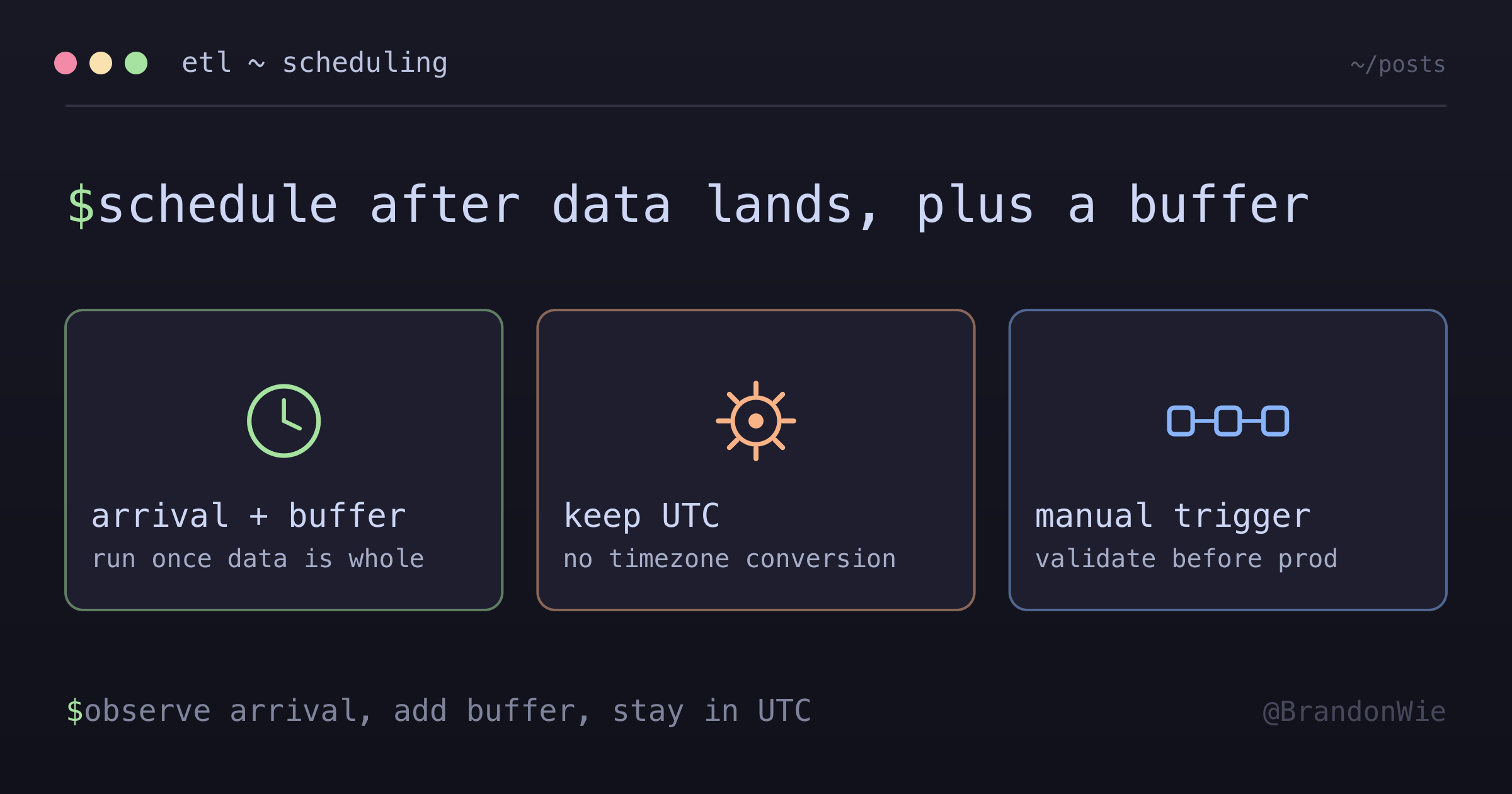
ETL Schedule Timing
How to choose the correct ETL schedule based on data arrival patterns.
An ETL job I maintained kept reporting “missing hours” — but the data was right there in S3. The pipeline ran, checked for 24 hours of data, found only 23, and fired a Slack alert. The fix wasn’t a code change; it was a schedule change.
The ETL was running before the last hour of data had arrived. The root cause was a mismatch between when I scheduled the job and when the source system finished writing data.
The Key Principle
ETL scheduling isn’t about picking a convenient time. It requires knowing three things:
- Data arrival time — When does the source system finish writing all data for a given period?
- Buffer time — How much safety margin do you need for network delays, processing hiccups, or retries?
- Timezone consistency — Are the source, ETL, and schedule all using the same timezone?
Get any of these wrong, and you’ll either process incomplete data (too early) or waste hours of freshness (too late).
A Real Example: Amplitude ETL
Here’s the scenario that taught me this lesson. Amplitude’s S3 Export writes hourly data files with approximately a 1 hour 48 minute delay:
| Hour Range | Data Arrives | Delay |
|---|---|---|
| 00:00-00:59 | ~01:48 | ~1h 48min after hour ends |
| 01:00-01:59 | ~02:48 | ~1h 48min after hour ends |
| … | … | … |
| 23:00-23:59 | ~01:48 next day | ~1h 48min after hour ends |
The critical observation: the last hour of day D (hour 23) doesn’t arrive until ~01:48 UTC on day D+1. If your ETL runs before that, it will see 23 hours instead of 24.
Calculating the Right Schedule
Last data arrives:  ~01:48 UTC
Buffer needed:      ~1h 15min (safety margin)
Optimal schedule:   03:00 UTC
At 03:00 UTC, the hour-23 data has been available for over an hour, giving plenty of buffer for network delays or Amplitude processing slowdowns.
What Wrong Schedules Look Like
The old schedule ran at 16:00 UTC — 14 hours after the data arrived. Technically correct (all data present), but wasteful. Data sat unused for most of the day.
Even worse would be running at 01:00 UTC:
Hour 23 arrives:   01:48 UTC
ETL runs:          01:00 UTC (48min BEFORE arrival)
Result:            ❌ False "missing hours" detection
That second case is the one that produces the false alarm. The ETL starts before the last hour lands, counts 23 hours instead of 24, and reports data as missing when it simply hasn’t been written yet. Any schedule that falls inside the arrival window has the same failure mode, whichever hour it happens to land on.
The General Formula
ETL_schedule = last_hour_arrival + buffer_time

where:
  last_hour_arrival = observed time when final data file appears
  buffer_time = safety margin (typically 15min - 2h)
The formula is simple, but the inputs require observation. You need to check your source system’s actual data arrival times, not just what the documentation says. Third-party services like Amplitude have delays that can vary, so watch the pattern over several days before committing to a schedule.
The Timezone Trap
This is where it gets tricky, especially for teams working across timezones.
When I first set up this ETL, my instinct was to think in KST (Korea Standard Time), since KST is my local timezone. The logs showed data arriving at 10:48 KST, so scheduling at 12:00 KST seemed natural.
Wrong approach:
Last hour arrives: 10:48 KST (user observed in logs)
Schedule at:       12:00 KST (03:00 UTC)  ✓ Correct timing
But:               Amplitude project uses UTC
                   Airflow stores times in UTC
                   → Must think in UTC, not KST
The numbers happen to line up here, but mixing timezones is asking for trouble — especially during daylight saving transitions or when onboarding new team members.
Correct approach:
Last hour arrives: 01:48 UTC (10:48 KST)
Schedule at:       03:00 UTC (12:00 KST)
All times in UTC:  ✓ No timezone conversion needed
Keep everything in UTC. Convert for human readability only at the display layer.
Validation Checklist
Before setting any ETL schedule:
- Check source system’s timezone setting
- Observe actual data arrival times (in UTC)
- Confirm Airflow DAG execution timezone (usually UTC)
- Calculate buffer in same timezone as observations
- Test schedule with manual trigger before production
Implementation in Airflow
Here’s how the corrected schedule looks as an Airflow DAG:
# amplitude_etl_dag.py
with DAG(
    dag_id="amplitude_etl_dag",
    schedule_interval="0 3 * * *",  # 03:00 UTC = 12:00 KST
    start_date=datetime(2026, 1, 20),
    catchup=False,
) as dag:
    # Processes yesterday_ds (day D) at 03:00 UTC on day D+1
    EXECUTION_DATE = "{{ dag_run.conf.get('execution_date', yesterday_ds) }}"
The DAG uses yesterday_ds because at 03:00 UTC on day D+1, the target is day D’s data. All 24 hours of day D are complete by then, with a comfortable buffer.
Adding Monitoring
Even with the right schedule, it’s worth monitoring for real missing data (like Amplitude outages):
# In Slack notification
if missing_hours:
    logger.warning(
        "Missing hours detected - check if schedule needs adjustment",
        date=execution_date,
        missing=missing_hours,
    )
After the schedule fix, the expected behavior is:
- Normal operation: 24/24 hours complete
- Amplitude outage: Missing hours detected, backfill triggers
The same alert that was a false positive now serves as a real signal.
Takeaway
ETL schedule timing is about data arrival patterns, not convenience. Observe when your source system finishes writing data, add a buffer, keep everything in UTC, and validate with manual triggers before going to production. A schedule that’s 48 minutes too early can turn a perfectly working pipeline into a daily false alarm.