On this page
Google Calendar API: Recurring Event Updates
Handling "this", "thisAndFollowing", and "all" updates for recurring events.
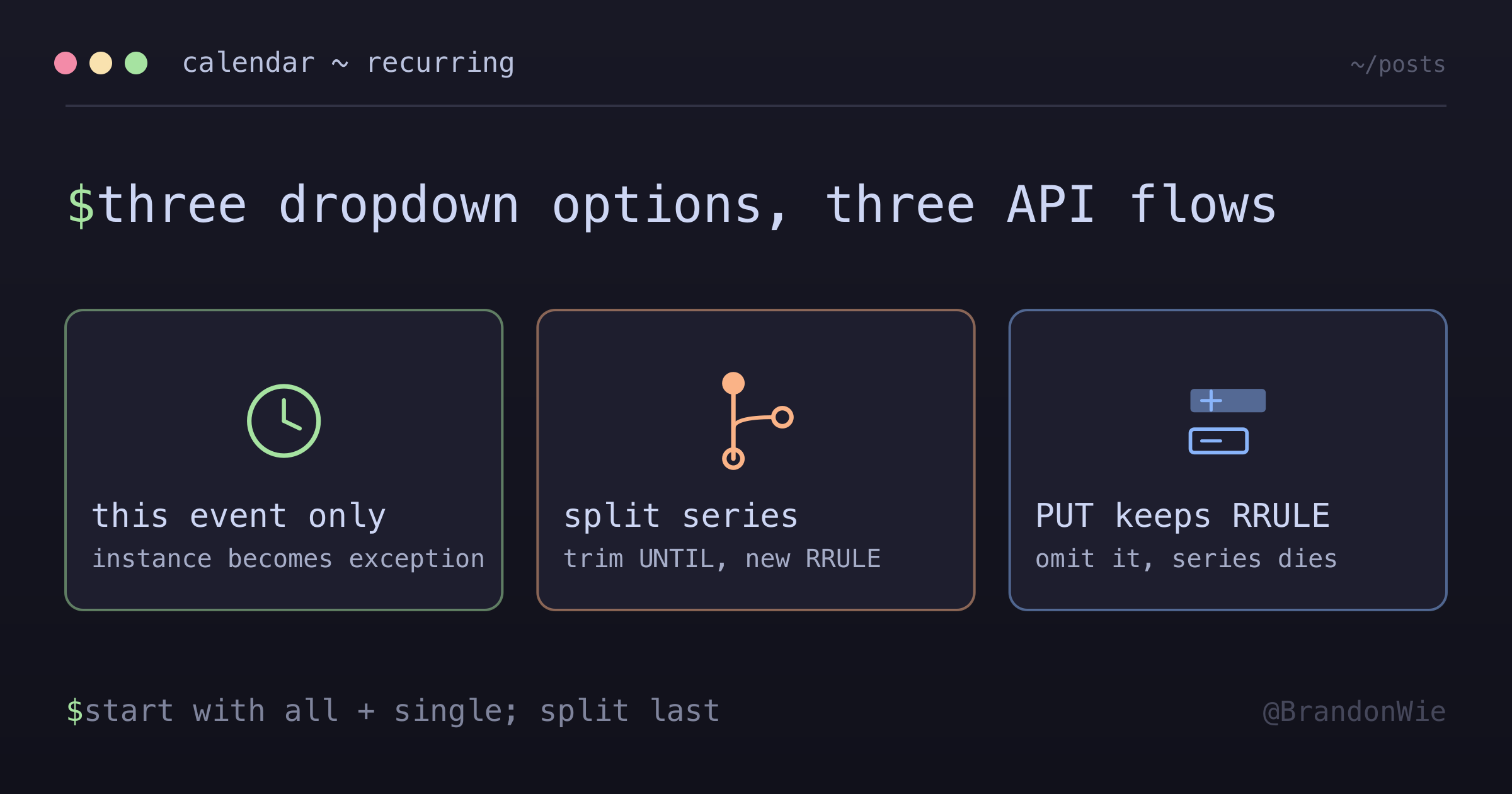
I spent two days debugging a calendar sync feature before I realized the Google Calendar API handles recurring event updates in three completely different ways. The dropdown that says “This event,” “All events,” or “This and following events” maps to three distinct API flows, and getting any of them wrong corrupts the entire series.
Here is what I wish I had known before I started.
The three update types
When a user edits a recurring event, Google Calendar shows three options. Each one maps to a different API approach.
| UI Option | API Approach |
|---|---|
| “This event only” | Update specific instance |
| “All events” | Update recurring event resource |
| “This and following” | Split series (two API calls) |
The complexity varies between them. “This event only” and “All events” each require a single API call. “This and following” requires at least two calls and careful exception handling.
Updating a single occurrence (“This Event Only”)
This is the most straightforward case. You retrieve the specific instance from the series, modify it, and save it back. The instance becomes an “exception” to the recurring pattern.
The workflow looks like this:
- Retrieve the specific instance via
events.instances() - Modify the fields you need to change
- Save the instance back (this creates an exception automatically)
// Each instance becomes an exception event with:
// - recurringEventId: points to original series
// - originalStartTime: slot it would have occupied
The exception keeps a pointer back to the parent series through recurringEventId, and it records which time slot it originally occupied via originalStartTime. This linkage is how Google knows the exception replaces a specific occurrence rather than being an independent event.
One word of caution: do not modify many instances individually. Each modification creates an exception, and a series with dozens of exceptions clutters the API responses and slows things down. If you find yourself updating more than a handful of instances, update the entire series instead.
Updating the entire series (“All Events”)
To update all occurrences at once, you update the recurring event resource itself, the parent event that holds the RRULE.
// Update the recurring event's ID (not an instance ID)
// Changes propagate to all non-exception occurrences
The change propagates to every occurrence that has not been individually modified. Existing exceptions keep their special status. If someone changed the location of next Tuesday’s meeting, and you then update the series title, next Tuesday’s meeting keeps its custom location while getting the new title.
There is a critical distinction between PUT and PATCH here. Using PUT requires including ALL fields in the request body, especially the recurrence rule. If you omit the recurrence field in a PUT request, the API resets it, and your recurring event becomes a single event. That is a destructive mistake, and it is hard to detect in testing because the first occurrence still looks correct.
Updating “This and following” (split recurrence)
This is where things get genuinely difficult. There is no single API call for “this and following.” You have to split the series into two parts manually.
Step 1: Trim the original series
Modify the original RRULE to end BEFORE the target instance. You do this by setting the UNTIL date to the day before the target occurrence, then updating the original recurring event.
Step 2: Create a new series
Create a brand-new recurring event that starts at the target occurrence. This new event contains your updated details and follows the same frequency as the original (unless the user is also changing the recurrence pattern).
A concrete example
Say you have a weekly Monday meeting and the user wants to change the location starting next week.
- Update the original series: set
UNTILto this Monday - Create a new recurring event: starts next Monday with the new location, same weekly frequency
The result is two series where there used to be one. The original covers everything up to and including this week. The new one covers next week onward.
The exception problem
Here is the part that burned me: exceptions after the split point are not preserved automatically. If someone had already modified a specific occurrence three weeks from now, that modification lives on the original series. When you truncate the original to end this week, that exception becomes orphaned.
To preserve exceptions across a split:
- Before splitting, retrieve all exceptions that fall after the target date
- After creating the new series, re-apply those modifications to the corresponding instances in the new series
- Transfer canceled and modified occurrences manually
This is tedious but necessary. Skipping it means losing user edits silently, the kind of bug that erodes trust in your product.
PATCH vs PUT: choose carefully
| Method | Behavior | Use When |
|---|---|---|
| PUT | Replaces entire resource | Comprehensive updates |
| PATCH | Updates only specified fields | Small changes (safer) |
PUT is dangerous because omitting any field resets it. Always include the recurrence field when using PUT on recurring events, or you will accidentally destroy the series.
PATCH is safer for small changes because it leaves unmentioned fields alone. However, PATCH costs 3 quota units compared to 1 for PUT. For high-volume integrations, that difference matters.
The _R sub-series trap
The split operation hides one more trap. A “this and following” split does not create a lightweight pointer. It materializes a real series resource, with its own id of the form {parentId}_R{stamp} and its own RRULE. These _R sub-series behave differently from the parent in two ways that both cost data if you miss them.
First, they reject PUT. Send a PUT to an _R id and the call fails with “Invalid resource id.” Sub-series updates have to go through PATCH.
Second, and this is the one that corrupts data silently, when your app truncates a sub-series locally, the update payload MUST include the recurrence field. Picture a second split that sets UNTIL to the day before the new split point. A common heuristic says “don’t send recurrence for child events,” and that heuristic drops the field. Google then keeps the untruncated range, and the next incoming sync resurrects the range you just deleted. The delete looks successful on your side, then reappears on the next sync.
That second failure points at a broader principle: sync mirrors provider state, it never originates a provider deletion. When data disappears on the provider that you expected to keep, the bug lives in your outbound write-back path, not the incoming sync. Hunt the write you sent, not the read you received.
The best practice for safe updates
The Google docs recommend a get-then-update pattern instead of relying on PATCH:
// Instead of PATCH:
1. events.get() - fetch latest
2. events.update() - PUT with modifications + ETag
// Uses 2 calls but ensures latest data
This approach uses 2 API calls but guarantees you are working with the latest data. The ETag check prevents overwriting someone else’s concurrent changes.
Error Handling
Three error codes come up repeatedly when working with recurring events.
404 Not Found
This means one of several things: wrong eventId or calendarId, the event was never created, the event was permanently removed, or your service account does not have access to the calendar.
The fix is to verify your IDs. Do not retry blindly. A 404 on a calendar event is almost never transient.
410 Gone
The event was deleted, or your sync token has expired. Treat this as permanent. Clean up your local state and move on. Retrying a 410 will never succeed.
412 Precondition Failed
This happens when you use ETag-based optimistic concurrency and your data is stale. Someone else modified the event between your GET and your PUT. The correct response is to fetch the latest event and re-apply your changes.
Key takeaways
Working with recurring events in the Google Calendar API comes down to seven principles:
- Single instance updates create exceptions. Use them sparingly to avoid cluttering the series.
- Series updates require the full resource with PUT. Use PATCH if you want safety, but watch the quota cost.
- “This and following” requires splitting the series. Plan for exception handling before you implement it.
- Always preserve the RRULE when using PUT. Omitting it silently destroys the recurring pattern.
- Handle 404 and 410 gracefully. Events may be deleted by other users or integrations at any time.
_Rsub-series are real series. PATCH them, never PUT, and always send the recurrence field when the local RRULE changed, otherwise provider state diverges from yours.- Sync mirrors provider state; it never originates provider deletions. When data disappears on the provider, hunt your outbound write-back path, not the incoming sync.
The Google Calendar API documentation covers these concepts, but it does not emphasize how much complexity hides behind that three-option dropdown. The split operation alone took me longer to implement correctly than the other two combined. If you are building a calendar integration, start with “All events” and “This event only,” then get those working and tested before you tackle “This and following.”