On this page
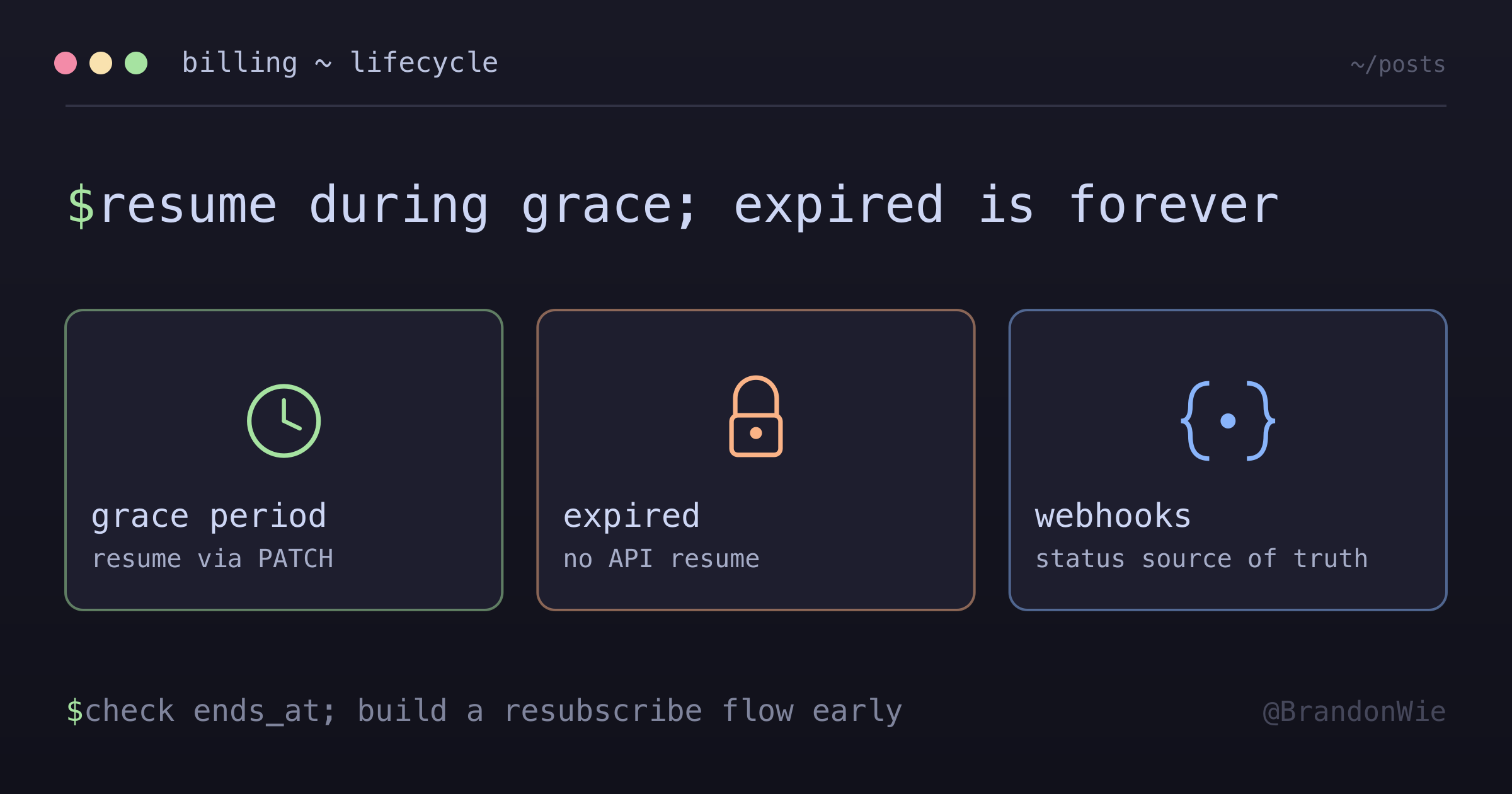
Lemon Squeezy Subscription Management
Subscription lifecycle, cancellation, expiration, and reactivation.
Cancelling a Lemon Squeezy subscription is a single API call. Undoing that cancellation is also a single API call — until it silently stops being one.
While implementing subscription billing on a SaaS product, the boundary I most
needed to pin down was cancelled versus expired. Both mean the customer is
on their way out, but only one of them is reversible through the API, and
nothing in the calling code makes the difference obvious.
So I mapped the whole lifecycle out of the docs: each status transition, the grace period, and the exact point after which a returning customer needs a new checkout.
The subscription lifecycle
Lemon Squeezy subscriptions move through seven distinct statuses. Each one determines what your users can access and what actions your backend can take.
| Status | Description |
|---|---|
on_trial | In free trial period |
active | Active and billing normally |
paused | Payment collection paused |
past_due | Renewal failed, 4 retries over 2 weeks |
unpaid | All retries failed, dunning rules apply |
cancelled | Cancelled but in grace period |
expired | Subscription ended completely |
The first three statuses are straightforward. The risk starts at past_due.
When a renewal charge fails, Lemon Squeezy retries four times over two weeks. If
all retries fail, the subscription moves to unpaid, and the configured dunning
rules determine what happens next.
But the transition that shapes the most application logic is cancelled to expired. There is a window between those two, and once it closes, the customer starts from scratch.
What happens during the grace period
When a user cancels, the subscription does not end immediately. Here is the exact sequence:
- Status changes to
cancelled - The
cancelledattribute flips totrue ends_atpopulates with the expiration date (typically the end of the current billing period)- The customer retains full access until
ends_at - During the grace period, the API can resume the subscription
- After the grace period, the status changes to
expiredand cannot be resumed
That grace period is your safety net. As long as the subscription is cancelled but not yet expired, you can bring it back to life with a single API call.
Resuming a cancelled subscription
The API call to resume is a PATCH request that sets cancelled back to false:
PATCH /v1/subscriptions/{subscription_id}
{
  "data": {
    "type": "subscriptions",
    "id": "{subscription_id}",
    "attributes": {
      "cancelled": false
    }
  }
}
The result is clean: the same subscription reactivates, the original payment schedule continues, and all the existing IDs (subscription, order, order_item) stay intact. No new checkout required, no disruption to your database relationships.
This is the ideal reactivation path, and it is only available during the grace period.
What changes after expiration
This is the boundary that everything else in the design has to respect.
Once a subscription reaches
expiredstatus, the API cannot resume it.
After expiration, your options narrow dramatically:
- The resume endpoint rejects the request
- The user must go through a new checkout flow
- A new checkout creates a completely new subscription with different IDs (subscription, order, order_item)
- A fresh billing cycle starts from the new subscription date
This leaves two subscription records for the same customer. Access-control logic must ignore the old expired record while recognizing the new active one. If the product tracks subscription history, the application must link the records itself.
How pause, cancel, and expire differ
These three actions look similar from a UI perspective, but they have very different implications for your backend:
| Action | Resumable | Status |
|---|---|---|
| Pause | Yes, anytime | paused |
| Cancel | Yes, during grace period | cancelled → expired |
| Expire | No | expired |
Pausing fits a temporary break. The subscription stays in a paused state and
can be resumed later. Lemon Squeezy offers two pause modes:
void: No service during the pause (user loses access)free: Service continues for free (user keeps access, you stop billing)
Cancelling starts a countdown. The user keeps access through the grace period,
but once ends_at passes, the subscription expires and cannot be brought back.
If the product has a “take a break” feature, use pause. If the user wants to leave, use cancel and make sure the resubscription flow handles expiration.
Webhook events to monitor
Lemon Squeezy communicates subscription changes through webhooks. These five events cover the full lifecycle:
subscription_created: new subscription startedsubscription_updated: status or attributes changedsubscription_cancelled: user or system cancelled the subscriptionsubscription_resumed: cancelled subscription resumed during the grace periodsubscription_expired: grace period ended and the subscription became inactive
The webhook handler should update the local database on every event. Polling alone leaves a delay between the provider state and the product state.
Database design
A customer can have multiple subscriptions over time (especially after expirations that require new checkouts). Your schema should reflect this one-to-many relationship:
// Customer can have multiple subscriptions over time
Customer 1:n Subscription

Subscription {
  id: string;
  customerId: string;
  status: SubscriptionStatus;
  cancelled: boolean;
  endsAt: Date | null;
}
The endsAt field is particularly important. When status is cancelled, endsAt tells you exactly when to stop granting access. Your access-control middleware should check both fields: a cancelled subscription with a future endsAt still grants access.
Moving existing subscribers to a new price
Editing a product or variant price does not automatically update subscriptions that already reference it. Existing subscriptions retain the price captured when they were created until their plan changes.
The migration path is:
- Create new variants at the new price.
- List subscriptions that still reference the old variant.
- PATCH each subscription with the new
variant_id. - Unpublish the old variants only after no subscriptions depend on them.
Proration needs an explicit choice. disable_prorations: true keeps the current
billing date and applies the new price at the next renewal. By contrast, invoice_immediately: true creates a prorated invoice now.
PATCH /v1/subscriptions/{subscription_id}
{
  "data": {
    "type": "subscriptions",
    "id": "{subscription_id}",
    "attributes": {
      "variant_id": 123456,
      "disable_prorations": true
    }
  }
}
The update endpoint documents several cases that need separate handling. Changing billing intervals, moving between free and paid variants, or starting or ending a trial can change the billing anchor. PayPal subscriptions cannot be updated through this API path; those customers need to change plans through the customer portal.
I would not PATCH the same variant_id after editing its price and assume the
subscription takes a new snapshot. That behavior is not documented. A new
variant makes the intended migration observable and reversible.
Practical takeaways
Five rules I now use:
Check
ends_atfor cancelled subscriptions. A cancelled subscription may still grant legitimate access.Verify status before granting access.
on_trial,cancelledduring grace, andpausedinfreemode can all grant access under product rules.Build a resubscription flow early. Expired subscriptions require a new checkout.
Keep expired subscription data for billing history, analytics, and access investigations.
Migrate prices through explicit variants. Choose proration behavior, handle PayPal separately, and keep old variants until every dependent subscription has moved.
The expiration boundary is the operational dividing line. Before it, resuming preserves the subscription and its IDs. After it, the customer must check out again and the application must connect the new record to the old history.