On this page
Local S3 with MinIO
MinIO is an S3-compatible object storage that runs locally via Docker.
I was building an ETL pipeline that pulled data from S3, and every test run against real AWS cost money, required internet, and risked touching production buckets. I needed a way to iterate on S3-dependent code locally — fast, free, and completely isolated from production.
MinIO solves this. It’s a lightweight, S3-compatible object storage server that runs in a Docker container. Your code talks to MinIO the same way it talks to AWS S3, so you can develop and test locally without changing your application logic.
Why MinIO Over the Alternatives
Before settling on MinIO, I evaluated three options:
| Option | Pros | Cons |
|---|---|---|
| MinIO | 100% S3 API compatible, lightweight Docker image, web console included | Path-style only, no other AWS service emulation |
| LocalStack | Emulates many AWS services (S3, SQS, Lambda, etc.) | Heavier resource usage, free tier has limitations, slower startup |
| Real AWS S3 | No emulation gaps, production-identical | Costs money, requires internet, risk of touching prod data |
I chose MinIO because the project only needed S3 — no SQS, Lambda, or DynamoDB. MinIO starts in seconds, uses minimal resources, and provides a web console for visual browsing. If your project needs multiple AWS services, LocalStack is the better choice.
The Benefits
| Benefit | Description |
|---|---|
| No AWS costs | Free local development |
| Works offline | No network dependency |
| Safe sandbox | Won’t touch production data |
| 100% S3 compatible | Same API, drop-in replacement |
Docker Compose Setup
Getting MinIO running is straightforward with Docker Compose. The setup includes the MinIO server itself and an init container that creates your buckets automatically on startup:
services:
  minio:
    image: minio/minio:latest
    ports:
      - "9000:9000" # S3 API
      - "9001:9001" # Web console
    environment:
      MINIO_ROOT_USER: minioadmin
      MINIO_ROOT_PASSWORD: minioadmin
    command: server /data --console-address ":9001"
    volumes:
      - minio-data:/data

  # Auto-create buckets on startup
  minio-init:
    image: minio/mc:latest
    depends_on:
      minio:
        condition: service_healthy
    entrypoint: >
      /bin/sh -c " mc alias set local http://minio:9000 minioadmin minioadmin;
      mc mb local/my-bucket --ignore-existing; "

volumes:
  minio-data:
Notice the condition: service_healthy on the init container. Without this, the init container may try to create buckets before MinIO has fully started, causing a race condition where bucket creation silently fails.
Configuring Your Code
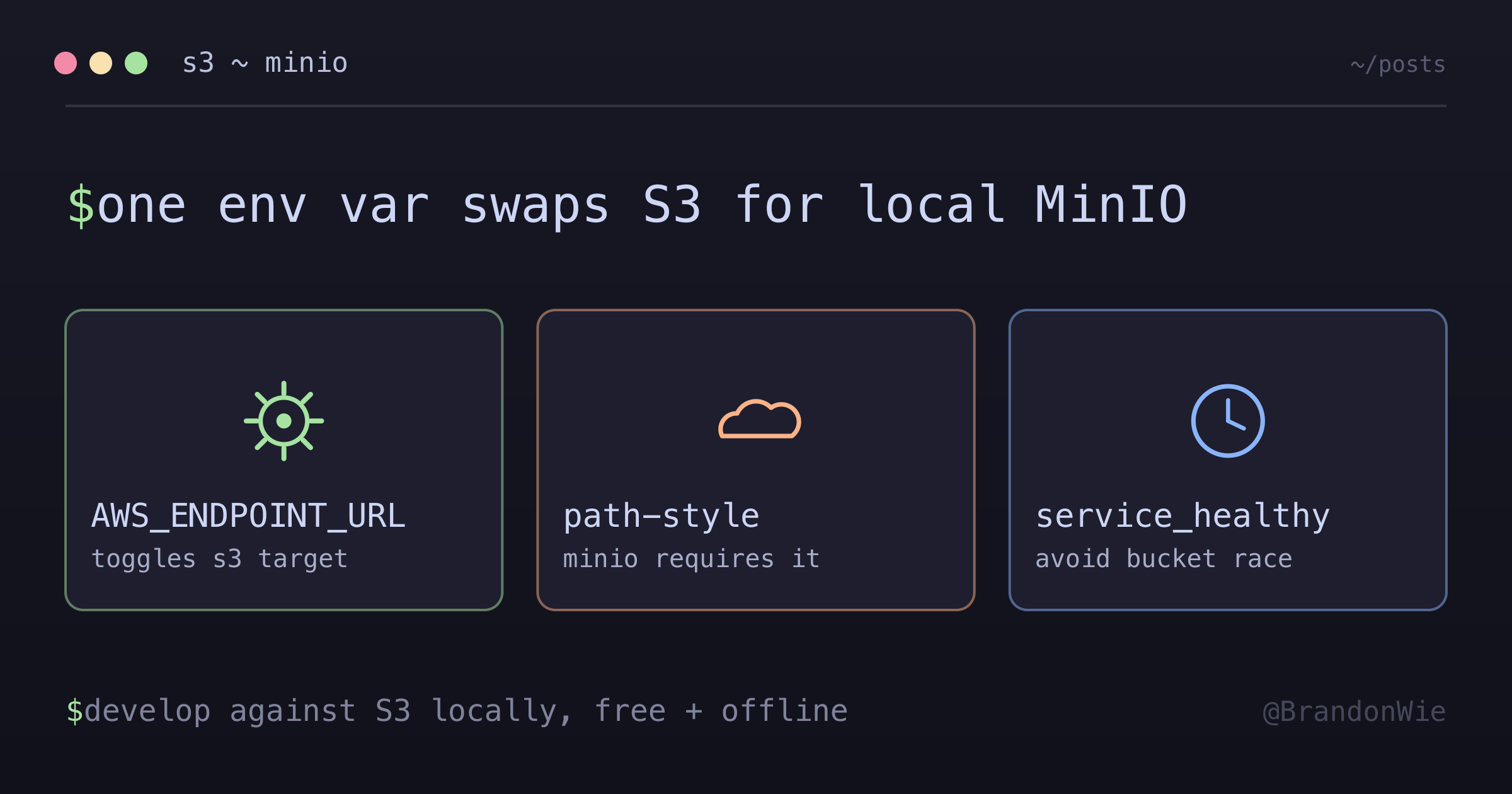
The key to making this work seamlessly is environment-based configuration. When AWS_ENDPOINT_URL is set, your code points at MinIO; when it’s absent, it uses real AWS S3. No code changes needed between environments.
boto3 Factory Function
import os
import boto3
from botocore.config import Config as BotoConfig

def get_s3_client(region_name: str | None = None):
    endpoint_url = os.getenv("AWS_ENDPOINT_URL")
    use_path_style = os.getenv("AWS_S3_USE_PATH_STYLE", "false").lower() == "true"
    region = region_name or os.getenv("AWS_REGION", "ap-northeast-2")

    client_kwargs = {"region_name": region}

    if endpoint_url:
        client_kwargs["endpoint_url"] = endpoint_url
        if use_path_style:
            client_kwargs["config"] = BotoConfig(s3={"addressing_style": "path"})

    return boto3.client("s3", **client_kwargs)
The addressing_style: "path" setting is critical. By default, boto3 uses virtual-hosted style URLs (bucket.s3.amazonaws.com), which MinIO does not support. Without this setting, you’ll get cryptic connection-refused errors that don’t hint at the actual problem.
PySpark S3A Configuration
If you’re using PySpark, there’s an extra layer of configuration. Spark uses the s3a:// protocol through the Hadoop connector, not s3://, and requires its own configuration keys. The boto3 settings don’t carry over:
endpoint_url = os.getenv("AWS_ENDPOINT_URL")

if endpoint_url:
    builder = (
        builder
        .config("spark.hadoop.fs.s3a.endpoint", endpoint_url)
        .config("spark.hadoop.fs.s3a.path.style.access", "true")
    )
    if endpoint_url.startswith("http://"):
        builder = builder.config("spark.hadoop.fs.s3a.connection.ssl.enabled", "false")
That SSL check matters because MinIO runs on plain HTTP locally, but S3A defaults to SSL. Forgetting connection.ssl.enabled=false produces TLS handshake errors that look like network problems — not configuration issues.
Environment Variables
# Local (MinIO)
AWS_ACCESS_KEY_ID=minioadmin
AWS_SECRET_ACCESS_KEY=minioadmin
AWS_ENDPOINT_URL=http://localhost:9000
AWS_S3_USE_PATH_STYLE=true

# Production (real AWS)
# Just don't set AWS_ENDPOINT_URL - uses real S3 by default
The beauty of this approach is that production requires no special configuration. When AWS_ENDPOINT_URL is absent, boto3 uses the default AWS endpoints automatically.
Understanding Path Style vs Virtual Hosted
This distinction tripped me up initially, so it’s worth explaining:
| Style | URL Format | Used By |
|---|---|---|
| Virtual-hosted | https://bucket.s3.region.amazonaws.com/key | AWS (default) |
| Path | http://host:port/bucket/key | MinIO (required) |
AWS S3 supports both styles but defaults to virtual-hosted. MinIO only supports path-style, so path.style.access=true is required in every client that talks to MinIO.
Access Methods
Once MinIO is running, you can interact with it in several ways:
| Method | URL |
|---|---|
| Web Console | http://localhost:9001 |
| S3 API | http://localhost:9000 |
| AWS CLI | aws s3 ls --endpoint-url http://localhost:9000 |
The web console at port 9001 is handy for visually inspecting bucket contents during development, similar to the AWS S3 console but running entirely on your machine.
When to Use This
- Local development of any S3-dependent code (ETL, file uploads, backups)
- CI/CD pipelines that need S3 for integration tests without AWS credentials
- Offline development where internet access is unreliable or unavailable
- Rapid iteration where real S3 latency would slow the feedback loop
When NOT to Use This
- Multi-service AWS emulation — If you need SQS, Lambda, DynamoDB, etc. alongside S3, use LocalStack instead; MinIO only emulates S3
- S3 Select or Glacier — MinIO does not support all S3 features; advanced features like S3 Select, Glacier tiers, or S3 Object Lock may behave differently or be absent
- Performance benchmarking — Local MinIO on Docker has different latency and throughput characteristics than real S3; do not use it for performance testing
- Virtual-hosted style URLs — If your code relies on virtual-hosted bucket URLs and cannot be configured for path-style, MinIO will not work without code changes
Takeaway
MinIO gives you a free, offline, production-compatible S3 environment in a single Docker container. The setup takes five minutes. The key gotchas are path-style addressing (required for MinIO), separate S3A configuration for PySpark, and the service_healthy dependency to avoid startup race conditions. Once configured, the same code runs against MinIO locally and AWS S3 in production — controlled entirely by environment variables.