On this page
macOS Keychain Multi-Account Behavior
macOS Keychain allows multiple entries with the same service name but different
I spent an afternoon debugging why a Claude Code HUD plugin was showing usage stats for the wrong account. The API calls were succeeding — no errors, no auth failures. The data came back fine. It was the wrong data. The plugin was reading credentials from the macOS Keychain, and the Keychain was returning a token for Account A when the plugin expected Account B.
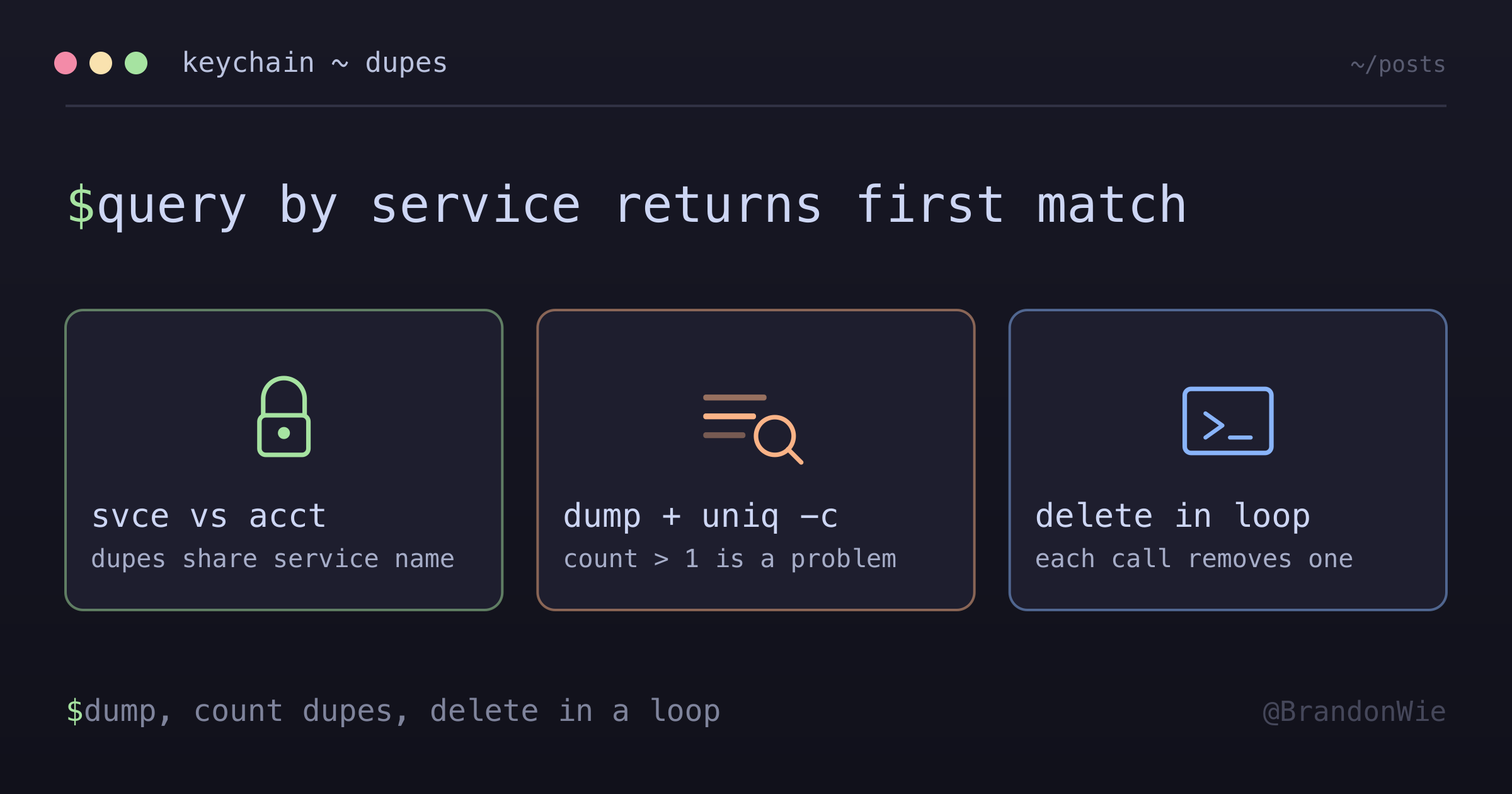
The root cause turned out to be a behavior of macOS Keychain that is not well-documented and causes subtle, silent bugs: the Keychain allows multiple entries with the same service name but different account (acct) attributes, and when you query by service name alone, it returns whichever entry it finds first. No warning. No error. The wrong credentials.
How Keychain Entries Work
Each entry in the macOS Keychain has several attributes. The two that matter here are the service name (svce) and the account (acct). An application stores credentials under a service name and retrieves them later using that same name.
The problem: nothing prevents multiple entries from sharing a service name. If Application A creates an entry with service “MyApp” and account ”user1@gmail.com”, and Application B (or the same application after a reinstall) creates another entry with service “MyApp” and account ”user2@gmail.com”, the Keychain now has two entries for “MyApp”.
When you query the Keychain with security find-generic-password -s "MyApp", it returns the first match. Not the most recent. Not the one with the right account. The first one it finds. And it does so with a successful return code, giving you no indication that multiple entries exist.
The Debugging Experience
Four aspects of this behavior made it particularly frustrating to track down.
No error on duplicate reads. The security find-generic-password command succeeds every time. It returns a password, an account name, and all the metadata you would expect. The fact that there is a second (or third, or fourth) entry for the same service name is invisible unless you go looking for it.
delete-generic-password only removes one. When I tried to clean up the duplicates, I ran security delete-generic-password -s "ServiceName" and assumed it removed all entries for that service. It does not. It removes one entry — the first match. To clean up all duplicates, you have to run the command in a loop until it errors.
Keychain Access GUI hides the problem. The Keychain Access application shows all entries, but it does not highlight duplicates or make the service/account relationship obvious at a glance. You have to manually scan through entries and notice that the same service name appears multiple times with different accounts.
Token sync scripts made things worse. My first “fix” was to write a script that synced tokens between the duplicate entries, keeping them consistent. This was exactly wrong. One of the entries had an auto-refreshed token from the application itself; my sync script was overwriting it with a stale token from the other entry. The correct fix was to remove the duplicates and stop syncing entirely.
Detecting Duplicates
Before you can fix the problem, you need to confirm it exists. These commands expose duplicate entries:
# List all entries for a service
security dump-keychain 2>/dev/null |
  grep -E "(svce.*ServiceName|acct)" | head -20

# Count duplicates (any count > 1 is a problem)
security dump-keychain 2>/dev/null |
  grep "svce.*ServiceName" | sort | uniq -c
The dump-keychain command outputs the entire Keychain in a text format. Filtering for svce (service) lines and the following acct (account) lines reveals whether multiple entries exist for the same service. If the uniq -c output shows a count greater than 1, you have duplicates.
Cleaning Up Duplicates
Once you have confirmed duplicates, clean them up by deleting in a loop:
# Delete all instances (run until error — each call removes one)
while security delete-generic-password -s "ServiceName"
  >/dev/null 2>&1; do :; done
This loop runs delete-generic-password repeatedly. Each call removes one entry. When no more entries exist for that service name, the command fails with a non-zero exit code, and the while loop ends. After cleaning up, let the application recreate its entry naturally — do not manually add entries back.
The Suffixed Service Name Pattern
Some applications are aware of this problem and work around it by using suffixed service names:
ServiceName              ← base entry
ServiceName-7195fd18     ← installation A
ServiceName-0e3ff1b1     ← installation B
The suffix is typically a hash of the configuration or installation path. Claude Code, for example, creates a unique suffixed entry for each installation. This lets multiple instances coexist without collisions in the Keychain.
The catch: tools that read from the base entry (without the suffix) will get the wrong credentials. If you wrote a script that queries security find-generic-password -s "ServiceName" but the application stores its token under ServiceName-7195fd18, your script reads stale or wrong data. The fix is to query for the specific suffixed entry, or to use the application’s own credential-reading mechanism instead of calling the security command directly.
When This Matters
This Keychain behavior surfaces in specific situations:
- Authentication failures in macOS apps that use Keychain for credential storage — the app works for one account but fails (or returns wrong data) for another
- Multiple instances or accounts of the same application — personal and work profiles sharing a machine
- Stale credentials after reinstall — the old entry still exists alongside the new one, and the app reads the old one first
- Post-uninstall cleanup — Keychain entries survive application removal, so reinstalling creates duplicates
It does not apply to Linux or Windows (Keychain is macOS-specific), to applications that provide their own credential management UI (use the app’s tools instead), or to iCloud Keychain sync issues (that is a different problem entirely).
Takeaway
The macOS Keychain silently allows duplicate entries for the same service name and returns the first match with no warning. If an application creates entries with different account attributes — through reinstallation, multiple profiles, or configuration changes — queries by service name alone become unpredictable.
The diagnostic pattern is: dump the Keychain, grep for your service name, check if the count is greater than 1. The cleanup pattern is: delete in a loop until the command errors. And the lesson that cost me an afternoon: never write scripts that sync between Keychain entries. If the application manages its own credentials, let it. Manual intervention overwrites correct values with stale ones.