On this page
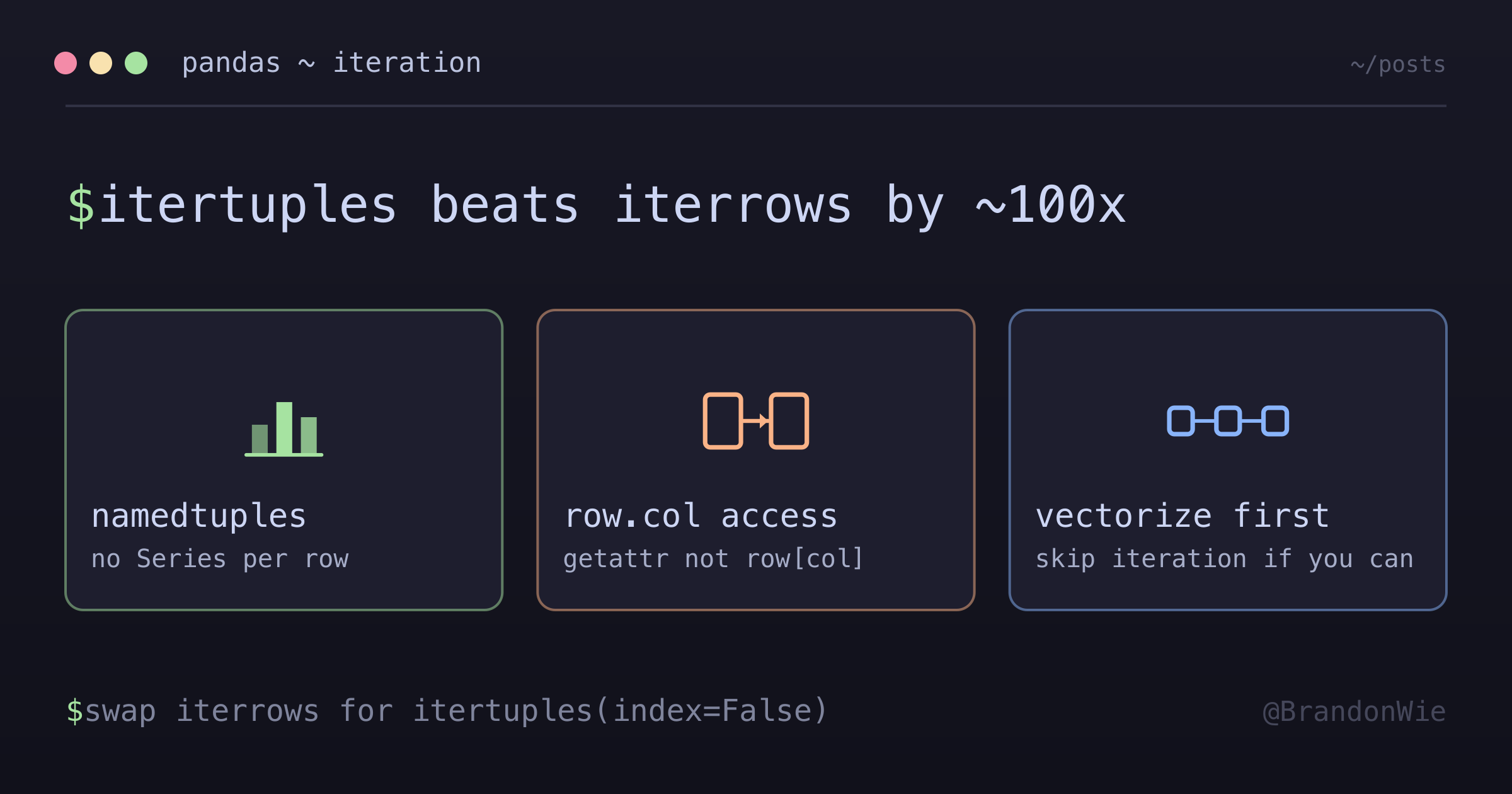
pandas itertuples() vs iterrows()
`iterrows()` is the most common way to iterate over DataFrame rows, but it builds a pd.Series for every row. Switching to `itertuples()` cut one ~10K-row step from 2s to 20ms.
I was profiling an ETL aggregation job that processed ~10K Amplitude events per hour, and one step was taking 2 seconds per run. The culprit was iterrows() — the most commonly recommended way to iterate over DataFrame rows. Switching to itertuples() dropped that same step to 20 milliseconds. A 100x improvement from changing one method call.
The reason iterrows() is so slow is that it constructs a pd.Series object for every single row. Series construction involves type inference, index creation, and memory allocation — work that’s entirely wasted when you only need to read values. itertuples() returns lightweight namedtuples instead, skipping all that overhead.
The Migration Isn’t Drop-In
Before I get into the details, the main reason itertuples() isn’t more widely used is that the access pattern changes. It’s not a simple find-and-replace:
# BEFORE (iterrows)
for _, row in df.iterrows():
    val = row["column_name"]
    safe = row.get("column_name", default)

# AFTER (itertuples)
for row in df.itertuples(index=False):
    val = row.column_name
    safe = getattr(row, "column_name", default)
Dict-style access (row["col"]) doesn’t work with namedtuples — you need attribute access (row.col). And row.get("col", default) becomes getattr(row, "col", default), which is less discoverable but functionally equivalent. The migration is mechanical but tedious in large functions.
Key Differences
| Aspect | iterrows() | itertuples() |
|---|---|---|
| Returns | (index, Series) | namedtuple |
| Speed | Slow (~1x) | Fast (~100x) |
| Memory | High (Series per row) | Low (namedtuple) |
| Access | row["col"] or row.col | row.col only |
| Default with | row.get("col", default) | getattr(row, "col", default) |
| Type preservation | No (casts to common type) | Yes |
The type preservation difference is worth highlighting. iterrows() casts all values in a row to a common type (usually object), which means you might get string values where you expected integers. itertuples() preserves the original column dtypes, which eliminates a whole class of subtle type-related bugs.
Performance Hierarchy
Roughly, here’s where each approach sits:
vectorized ops >> itertuples() >> apply() >> iterrows()The only gap I actually measured is the one at the far end — about 100x between iterrows() and itertuples() on that ~10K-row step. apply() lands somewhere in the middle because it skips per-row Series construction, but I never benchmarked it, so read its position as an ordering rather than a number. If the exact margin matters for your data, measure it on your own DataFrame; the ratio depends on row count, column count, and dtypes.
If your logic can be expressed as column-wise operations (boolean indexing, .str accessor, vectorized math), skip iteration entirely — it will be orders of magnitude faster than either iterrows() or itertuples(). But when row-by-row iteration is unavoidable (complex conditional logic, stateful accumulation), itertuples() is the right choice.
Real Example
Here’s the change that produced those numbers, reduced to the lines that mattered:
# Aggregation step over ~10K daily events

# BEFORE: ~2s for 10K rows
for _, row in filtered.iterrows():
    event_props = row.get("event_properties", {})
    platform = row.get("platform")

# AFTER: ~20ms for 10K rows
for row in filtered.itertuples(index=False):
    event_props = getattr(row, "event_properties", {})
    platform = getattr(row, "platform", None)
The logic inside the loop didn’t change at all — only the iteration method and access pattern. For a pipeline running hourly, cutting 2 seconds per run compounds into meaningful savings.
Watch Out For These Gotchas
Column names with spaces or special characters break namedtuple attribute access. If your DataFrame has columns like "event properties" (with a space), row.event properties is a syntax error. Rename columns first with df.rename(columns={"event properties": "event_properties"}), or fall back to iterrows() for that specific case.
Namedtuples are immutable. If your loop needs to modify row values in-place, itertuples() won’t work. Use iterrows() or, better yet, vectorized assignment.
iterrows() is everywhere in tutorials. Stack Overflow answers, blog posts, and even parts of the pandas documentation use iterrows() as the default iteration pattern. It takes deliberate effort to discover that itertuples() exists and is almost always the better choice.
When to Use Each
Use itertuples() when:
- Row-by-row iteration is unavoidable (complex logic that can’t be vectorized)
- You only need read-only access to row values
- Column names are valid Python identifiers
- Performance matters (1K+ rows)
Use iterrows() when:
- Column names have spaces or special characters that prevent attribute access
- You need to modify row values in-place
- The DataFrame is tiny and the difference doesn’t matter
Use vectorized operations when:
- The logic can be expressed as column-wise operations — this is always the first thing to try
Takeaway
Replace iterrows() with itertuples(index=False) in any performance-sensitive pandas code. The access pattern changes from row["col"] to row.col (or getattr(row, "col", default)), but the ~100x speedup is worth the mechanical migration. Always check if vectorized operations can replace the loop entirely before reaching for either iteration method.