On this page
Paraglide-JS i18n for SvelteKit
Adding Korean/English internationalization to a SvelteKit static blog without
I wanted to add Korean translations to my SvelteKit blog. The site is statically generated and deployed to Cloudflare Pages, so the i18n solution needed to resolve translations at build time — not ship a runtime parser to the browser. I spent a day evaluating options and fighting with SSG compatibility before landing on Paraglide-JS. Here is everything I learned, including the gotchas the docs do not cover.
Why Most i18n Libraries Did Not Fit
The standard recommendation for i18n in JavaScript is i18next or a framework-specific wrapper like svelte-i18n. Both are solid libraries, but they share a fundamental design assumption: translations are resolved at runtime. The library ships a JSON parser to the browser, loads the active locale’s messages, and interpolates them on every render.
For a server-rendered or client-rendered app, that tradeoff is fine. For a statically generated site, it means shipping JavaScript that parses and applies translations that could have been baked into the HTML at build time. Every kilobyte matters when your hosting is a CDN edge serving pre-built files.
I needed something that compiles translations away entirely.
Options I Evaluated
| Option | Pros | Cons |
|---|---|---|
| Paraglide-JS | Tiny bundle (tree-shakes), full type safety, compile-time, native SvelteKit plugin | Newer library, smaller community, docs still maturing |
| svelte-i18n | Established Svelte ecosystem, runtime flexibility | Runtime parsing overhead, medium bundle, manual SvelteKit integration |
| i18next + svelte adapter | Massive ecosystem, plugins for plurals/formatting | Large bundle, not compile-time, manual SvelteKit wiring |
| DIY JSON + store | No dependency, full control | No type safety, must build tooling from scratch |
Paraglide-JS won because compile-time translation means zero runtime cost, full TypeScript support catches missing or mistyped message keys during development, and the native SvelteKit Vite plugin made integration seamless compared to manually wiring i18next.
How Paraglide Compares
This table made the decision clear:
| Feature | Paraglide | svelte-i18n | i18next |
|---|---|---|---|
| Bundle size | Tiny (tree-shakes) | Medium | Large |
| Type safety | Full | Partial | Partial |
| Compile-time | Yes | No | No |
| SvelteKit integration | Native | Manual | Manual |
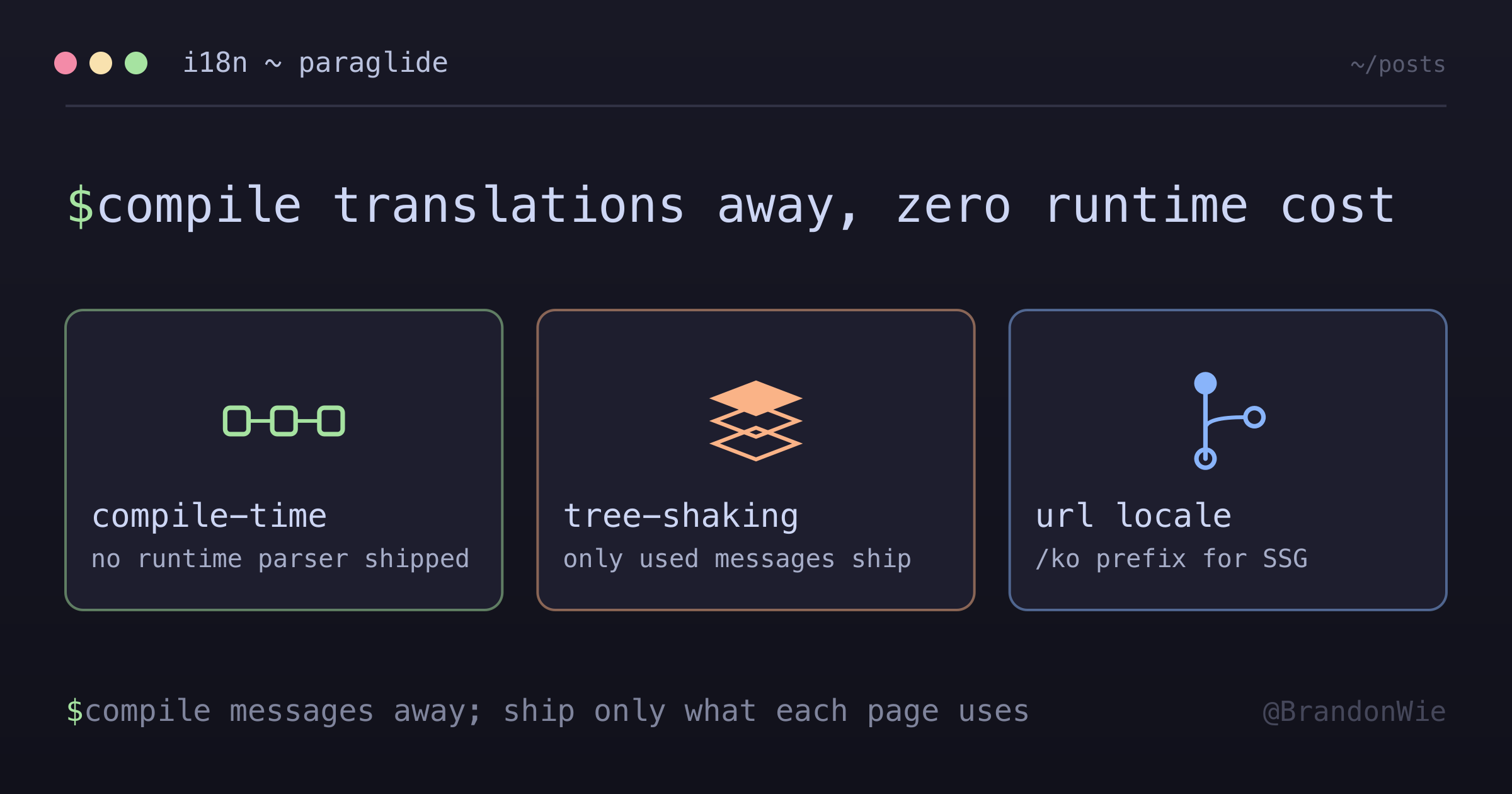
Tree-shaking is the key differentiator. Paraglide compiles each message into a standalone function. If you have 200 messages but a page only uses 5, only those 5 ship to the client. Runtime libraries cannot do this because they load the entire locale file.
Setting Up Paraglide-JS
Initialization takes one command:
npx @inlang/paraglide-js initThis creates three things:
project.inlang/settings.json— Configuration (source language, supported locales)messages/en.json— English messagessrc/lib/paraglide/— Generated runtime (do not edit these files)
The generated runtime in src/lib/paraglide/ is opaque and auto-regenerated on every build. Resist the urge to modify it — any changes will be overwritten.
Writing Message Files
Messages live in JSON files under messages/:
// messages/en.json
{
  "site_title": "Brandon Wie | Software Engineer",
  "welcome_message": "Welcome to my blog"
}

// messages/ko.json
{
  "site_title": "Brandon Wie | 소프트웨어 엔지니어",
  "welcome_message": "블로그에 오신 것을 환영합니다"
}
Each key must exist in both files. If you add a key to en.json but forget ko.json, TypeScript will catch it at compile time — one of Paraglide’s strongest features.
Using Messages in Components
Import and call messages as functions:
<script>
  import * as m from '$lib/paraglide/messages';
</script>

<h1>{m.site_title()}</h1>
<p>{m.welcome_message()}</p>
Messages are functions (not strings) because they can accept parameters:
{
  "greeting": "Hello, {name}!"
}{m.greeting({ name: 'Brandon' })}This function-call pattern is what enables tree-shaking and type safety. The compiler knows exactly which messages each component uses and strips the rest.
Route-Based Locale Detection for SSG
For a statically generated site, cookie-based or header-based locale detection does not work — there is no server to read cookies at request time. The locale must be encoded in the URL.
I chose a prefix strategy:
/           → English (default)
/posts      → English posts
/ko         → Korean
/ko/posts   → Korean posts
English is the default and gets no prefix. Korean routes live under /ko/. This keeps English URLs clean while making the locale explicit and crawlable for search engines.
Setting the Locale in Layouts
The Korean layout sets the language tag when the route mounts:
<!-- src/routes/ko/+layout.svelte -->
<script>
  import { setLanguageTag } from '$lib/paraglide/runtime';
  setLanguageTag('ko');
</script>

<slot />
Every component under /ko/ inherits this language tag. The English routes use the default, so no explicit setLanguageTag('en') is needed.
Building a Language Toggle
The toggle component needs to construct the alternate-language URL from the current path. This sounds simple until you hit edge cases:
<script lang="ts">
  import { page } from '$app/stores';
  import { languageTag } from '$lib/paraglide/runtime';

  const currentLang = languageTag();

  // Build alternate URL
  $: currentPath = $page.url.pathname;
  $: alternateUrl = currentLang === 'en'
    ? `/ko${currentPath}`
    : currentPath.replace(/^/ko/, '') || '/';
</script>

<a href={alternateUrl}>
  {currentLang === 'en' ? '한국어' : 'English'}
</a>
The || '/' fallback at the end handles the edge case where stripping /ko from /ko leaves an empty string. Without it, the link would point to an empty href.
Vite Plugin Configuration
The Paraglide Vite plugin runs at build time, compiling messages into the generated runtime:
// vite.config.ts
import { paraglideVitePlugin } from "@inlang/paraglide-js";

export default defineConfig({
  plugins: [
    paraglideVitePlugin({
      project: "./project.inlang",
      outdir: "./src/lib/paraglide"
    })
  ]
});
One important build-order detail: the Vite plugin generates TypeScript files in src/lib/paraglide/ during the build step. If you run svelte-check before build, it will fail on missing type definitions. Always build first, then type-check.
Prerendered Locale Resolution with URL Strategy
Paraglide’s newer URL strategy changes one important SSG assumption. With adapter-static, the generated /ko/... HTML can still be prerendered as the base locale: <html lang="en"> and English m.*() output are present in the static file. After hydration, Paraglide reads the /ko prefix, switches locale on the client, and re-renders the title and body text in Korean.
That means a grep over build/ko/<route>.html is not a valid localization test. It will find the base-locale text, and that can be correct. Verify localized output in a real browser or Playwright after hydration.
The practical split is:
- Message text can stay in
m.*()calls; the runtime handles translation after it resolves the URL locale. - Locale-aware links should take an explicit
localeprop and derive their base path (/kovs'') instead of relying on message translation state. - Static-only crawlers see the base locale; JavaScript-executing crawlers see the hydrated locale. That trade-off is acceptable for this blog, but it is worth checking for projects with stricter SEO requirements.
// vite.config.ts — url strategy + per-route urlPatterns
paraglideVitePlugin({
  project: "./project.inlang",
  outdir: "./src/lib/paraglide",
  strategy: ["url", "cookie", "baseLocale"],
  urlPatterns: [
    {
      pattern: "/system/3b",
      localized: [
        ["en", "/system/3b"],
        ["ko", "/ko/system/3b"]
      ]
    }
    // ... one entry per localized route
  ]
});
<!-- component: locale prop drives links; m.*() drives translation -->
<script lang="ts">
import { m } from '$lib/paraglide/messages';
let { locale }: { locale: 'en' | 'ko' } = $props();
const basePath = $derived(locale === 'ko' ? '/ko' : '');
</script>
<a href="{basePath}/posts/{slug}">{m.read_post()}</a>The Difficulties I Hit Along the Way
Several issues cost me hours that the documentation did not prepare me for:
SSG compatibility gap. Most i18n examples assume server-side middleware for locale detection. Getting route-based detection to work with SvelteKit’s static adapter required reading source code rather than docs.
Generated runtime is opaque. Paraglide generates code into src/lib/paraglide/ that you should not edit. Understanding the difference between setLanguageTag (sets the active locale) and languageTag (reads the current locale) required reading the generated source since the docs were sparse at the time.
Language toggle URL construction. Building the alternate-language URL required careful pathname manipulation — stripping or adding the /ko prefix — with edge cases for the root path that only surfaced during testing.
When to Use Paraglide-JS
Paraglide fits well when:
- You are building a SvelteKit project (especially SSG) that needs lightweight i18n
- Type safety for translation keys matters to you
- You have a small-to-medium translation set (personal sites, blogs, portfolios)
- Bundle size is a priority and runtime overhead must be minimal
When to Use Something Else
- Dynamic translations from a CMS or database — Paraglide compiles messages at build time. If translations change frequently without redeploying, a runtime library like i18next fits better.
- Large teams with non-technical translators — Paraglide uses JSON files in the codebase. Teams that need a translation management platform (Crowdin, Lokalise) will find i18next’s ecosystem better integrated.
- Complex ICU message syntax — Advanced pluralization, gender agreement, or nested selects go beyond Paraglide’s interpolation. i18next or FormatJS have more mature ICU support.
- Non-SvelteKit frameworks — Paraglide’s developer experience is optimized for SvelteKit. For React/Next.js or Vue/Nuxt, use framework-native i18n solutions.
Takeaway
Paraglide-JS trades ecosystem maturity for compile-time performance. For a statically generated SvelteKit blog with two languages, that trade was worth it — zero runtime cost, full type safety, and a bundle that only includes the messages each page uses. The learning curve was steeper than expected (especially around SSG routing), but the result is an i18n setup that adds no JavaScript to the client at all.