On this page
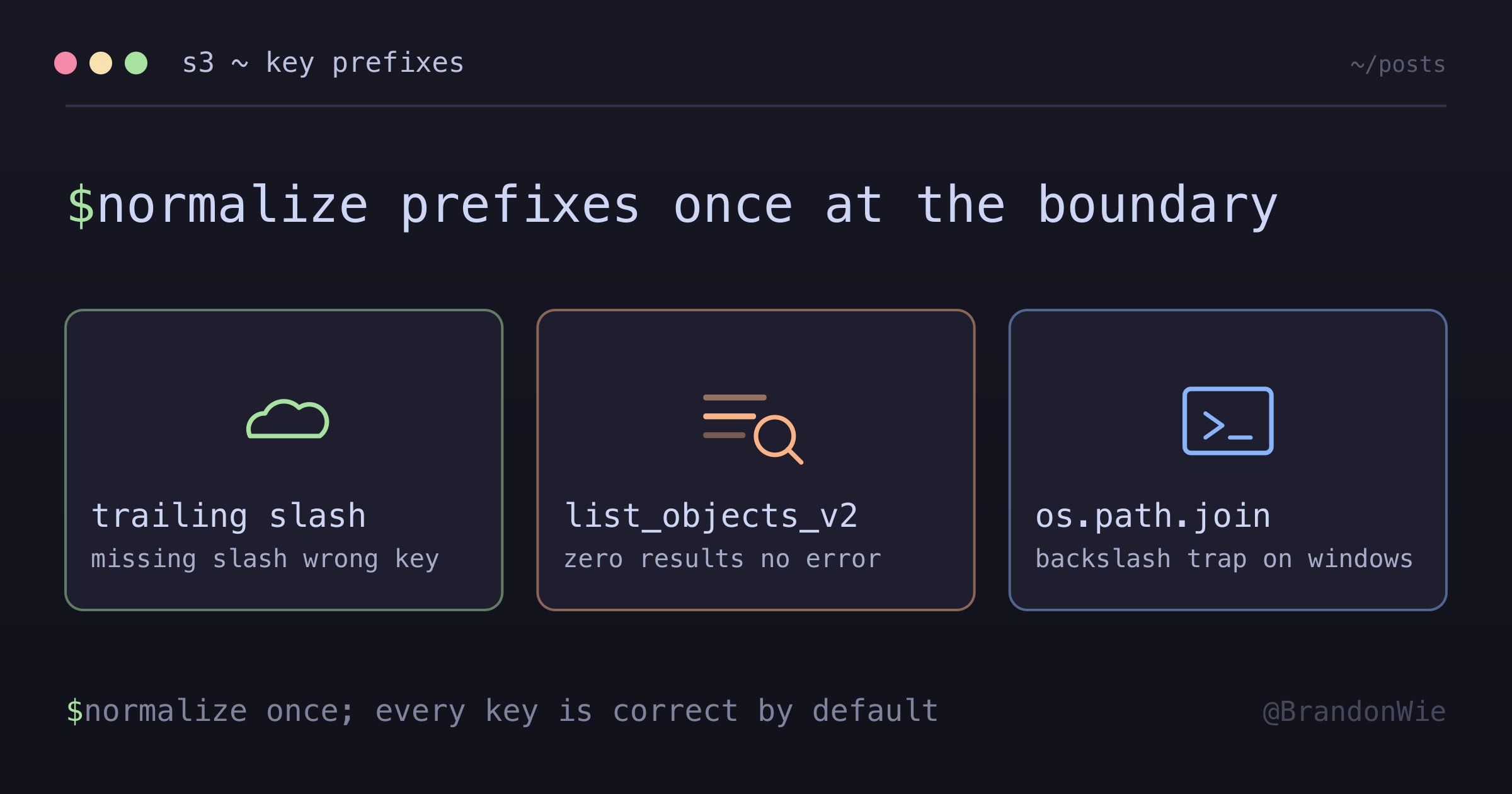
S3 Path Normalization Pattern
S3 key prefixes need consistent trailing slashes when building hierarchical
I spent an embarrassing amount of time debugging why an ETL pipeline couldn’t find files that clearly existed in S3. The list_objects_v2 call returned zero results, the data was right there in the console, and everything looked correct. The root cause? A missing trailing slash in the S3 prefix.
S3 doesn’t have real directories — it uses key prefixes that look like paths. But unlike real filesystems, S3 won’t auto-correct s3://bucket/prefix to s3://bucket/prefix/. That missing slash silently produces malformed keys, and S3 returns empty results instead of errors.
Throughout the examples below, raw-events is a stand-in for whatever partition key your pipeline puts at the top of the prefix — a dataset name, a feed ID, a tenant ID. The pattern is the same whatever the value is.
# User provides: s3://bucket/raw-events (no trailing slash)
prefix = "raw-events"
file_key = f"{prefix}raw-events_2026-01-27_10#0.json.gz"
# Result: "raw-eventsraw-events_2026-01-27_10#0.json.gz" ❌ WRONG
# Expected: "raw-events/raw-events_2026-01-27_10#0.json.gz" ✅
Why This Is Hard to Debug
The difficulties I encountered all share a common theme: the failures are silent.
Silent data corruption — Missing trailing slashes don’t cause errors. They produce valid-looking but wrong S3 keys (e.g., raw-eventsraw-events_... instead of raw-events/raw-events_...). Objects get uploaded to the wrong path without any exception.
Inconsistent user input — Some callers pass s3://bucket/prefix, others pass s3://bucket/prefix/. Without normalization, every place that builds keys must handle both forms, leading to repeated ad-hoc fixes scattered across the codebase.
list_objects_v2 false negatives — When the prefix is wrong, S3 listing returns zero results rather than an error. This looks like “no data exists” rather than “your prefix is malformed,” sending you down the wrong debugging path.
os.path.join platform trap — Using os.path.join for S3 paths seems clean, but it produces backslashes on Windows. S3 treats backslashes as literal characters in the key name, not path separators.
The Solution
Normalize prefixes at the boundary — once, when you first parse the S3 URI. Every downstream consumer gets a consistently formatted prefix:
from urllib.parse import urlparse

def parse_s3_path(s3_path: str) -> tuple[str, str]:
    """Parse S3 URI and normalize prefix.

    Args:
        s3_path: S3 URI like s3://bucket/prefix or s3://bucket/prefix/

    Returns:
        (bucket, prefix) where prefix ends with / if non-empty
    """
    parsed = urlparse(s3_path)
    bucket = parsed.netloc
    prefix = parsed.path.lstrip("/")

    # Ensure prefix ends with "/" when non-empty
    # This allows both s3://bucket/prefix and s3://bucket/prefix/ to work
    if prefix and not prefix.endswith("/"):
        prefix = prefix + "/"

    return bucket, prefix
The function uses Python’s urlparse to extract the bucket and prefix, then ensures the prefix always ends with a forward slash when non-empty. This is a single point of normalization — call it once, and every key you build from that prefix will be correct.
Usage Example
# Both forms now work correctly
bucket, prefix = parse_s3_path("s3://my-bucket/raw-events")
# prefix = "raw-events/"

bucket, prefix = parse_s3_path("s3://my-bucket/raw-events/")
# prefix = "raw-events/"

# Build file keys correctly
data_key = f"{prefix}raw-events_2026-01-27_10#0.json.gz"
# Result: "raw-events/raw-events_2026-01-27_10#0.json.gz" ✅

complete_key = f"{prefix}raw-events_2026-01-27_10_complete"
# Result: "raw-events/raw-events_2026-01-27_10_complete" ✅
Before and After
The difference is subtle but important. Without normalization, search prefixes and file keys produce inconsistent results:
Before Normalization
# User input: s3://bucket/raw-events
prefix = "raw-events"  # No trailing slash

# list_objects_v2 search
search_prefix = f"{prefix}raw-events_2026-01-27"
# Result: "raw-eventsraw-events_2026-01-27" ❌
# Won't match objects under "raw-events/"

# File key construction
file_key = f"{prefix}/{prefix}_2026-01-27_10#0.json.gz"
# Result: "raw-events/raw-events_2026-01-27_10#0.json.gz"
# But search prefix still wrong!
After Normalization
# User input: s3://bucket/raw-events
prefix = "raw-events/"  # Normalized

# list_objects_v2 search
search_prefix = f"{prefix}raw-events_2026-01-27"
# Result: "raw-events/raw-events_2026-01-27" ✅

# File key construction
file_key = f"{prefix}{prefix.rstrip('/')}_2026-01-27_10#0.json.gz"
# Result: "raw-events/raw-events_2026-01-27_10#0.json.gz" ✅
Common Patterns
Once you have a normalized prefix, two patterns cover most S3 operations:
Pattern 1: Prefix-based Search
bucket, prefix = parse_s3_path(source_path)
# prefix = "raw-events/" (normalized)

# Search for files matching pattern
search_prefix = f"{prefix}raw-events_{date_prefix}"
# Result: "raw-events/raw-events_2026-01-27" ✅

paginator = s3_client.get_paginator("list_objects_v2")
for page in paginator.paginate(Bucket=bucket, Prefix=search_prefix):
    # Finds all objects under raw-events/ matching the pattern
    pass
Pattern 2: File Key Construction
bucket, prefix = parse_s3_path(source_path)
# prefix = "raw-events/" (normalized)

# Strip trailing slash when building file names
base_name = prefix.rstrip("/")  # "raw-events"
file_key = f"{prefix}{base_name}_{date}_{hour}#0.json.gz"
# Result: "raw-events/raw-events_2026-01-27_10#0.json.gz" ✅
Edge Cases
The normalization function handles all common input variations:
| Input | Normalized Prefix | Notes |
|---|---|---|
s3://bucket/ | "" (empty) | Root level |
s3://bucket | "" (empty) | Root level |
s3://bucket/prefix | "prefix/" | Add slash |
s3://bucket/prefix/ | "prefix/" | Already correct |
s3://bucket/a/b/c | "a/b/c/" | Multi-level |
A Note on os.path.join
You might be tempted to use os.path.join for cleaner path construction:
import os

prefix = "raw-events"
date = "2026-01-27"
hour = 10

# Use os.path.join for cleaner path construction
file_key = os.path.join(prefix, f"{prefix}_{date}_{hour}#0.json.gz")
# Result: "raw-events/raw-events_2026-01-27_10#0.json.gz" ✅
This works on Linux and macOS, but os.path.join uses OS-specific separators. On Windows it produces backslashes (\), which S3 treats as literal characters in the key name — not path separators. For S3 paths, explicit / concatenation is the safer choice.
When to Use This
- Any code that accepts user-provided S3 URIs and builds object keys from them
- ETL pipelines where S3 paths come from configuration or CLI arguments
- Shared utility libraries that wrap boto3
list_objects_v2orput_object - Any place where f-string interpolation builds S3 keys from a prefix variable
When NOT to Use This
- Hardcoded S3 paths — If paths are constants in your code (not user input), include the trailing slash in the constant and skip runtime normalization
- Non-S3 file systems — This pattern is S3-specific; local file systems and GCS have different path semantics
- Bucket-only operations — If you only need the bucket name (e.g., for
create_bucket), prefix normalization is irrelevant - AWS SDK v3 (JavaScript) — The JS SDK has its own
S3URIparser; don’t reimplement this pattern when a built-in exists
Takeaway
Normalize S3 prefixes once at the entry point, and every downstream key construction becomes correct by default. The parse_s3_path function is ~10 lines and eliminates an entire class of silent bugs. If your ETL pipeline accepts S3 URIs from configuration or user input, add this normalization — the debugging time it saves is worth far more than the implementation effort.
References
- Amazon S3 objects overview — the key is the object’s whole name; there is nothing underneath it
- Organizing objects in the Amazon S3 console by using folders — buckets have a flat structure, and the “folder” you see is a shared name prefix ending in
/ - boto3
list_objects_v2—Prefixlimits the response to keys that begin with the string you pass, nothing more