On this page
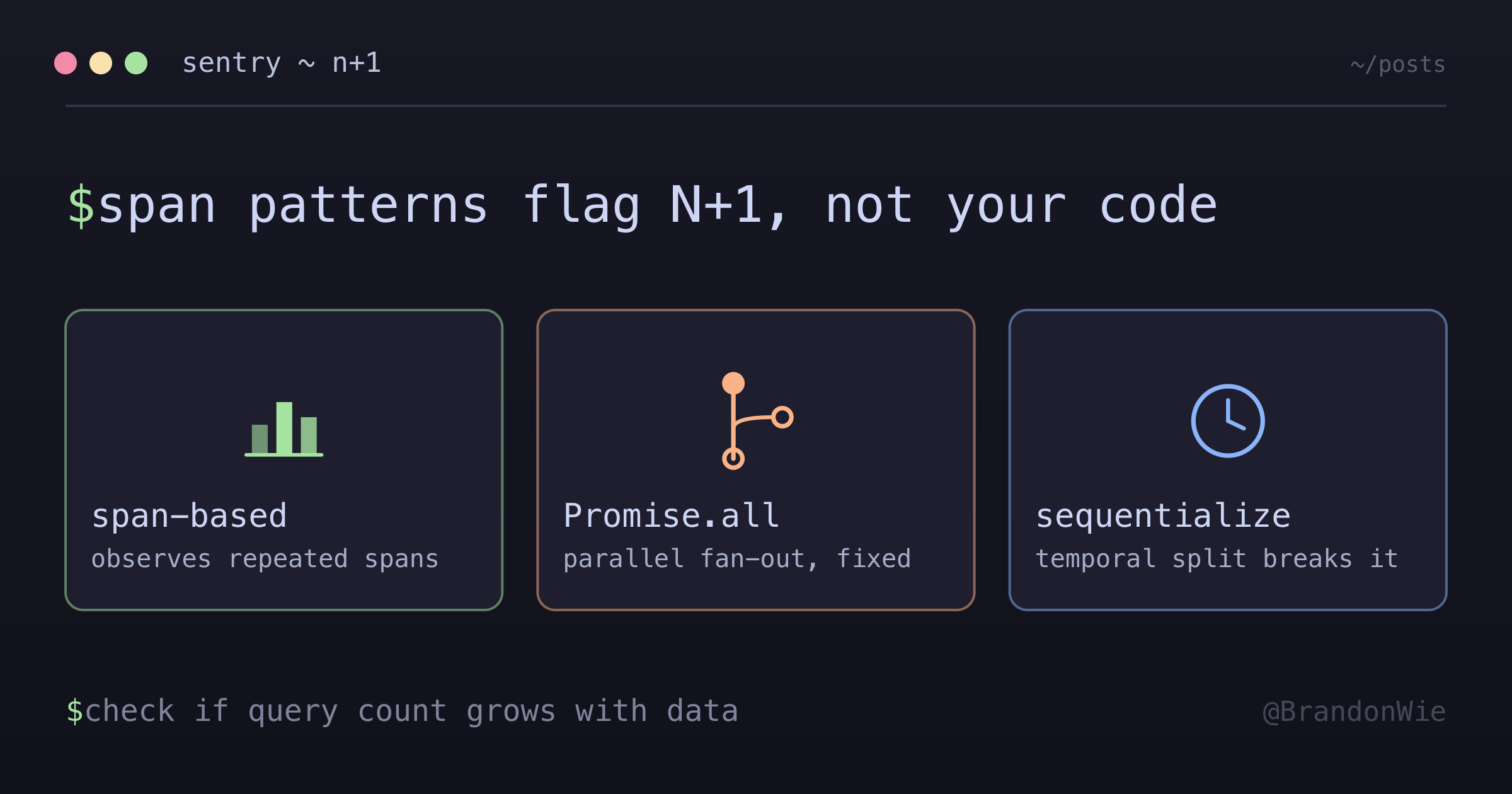
Sentry N+1 Query Detection
How Sentry detects N+1 queries at runtime, common false positives from parallel execution, and the fix pattern.
I got a Sentry performance alert flagging an N+1 query on an analytics endpoint I was working on. The endpoint compares two time periods, and each period needs three independent queries to assemble its numbers. The trace showed 6 repeated pg.connect spans within a single transaction. It looked bad — classic N+1 pattern. But when I traced the code, the 6 queries came from two Promise.all() calls, each running 3 independent queries in parallel. The query count was fixed at 6 regardless of data size. This was intentional parallelization, not a loop-per-item N+1.
Understanding how Sentry detects N+1 queries — and when it gets it wrong — helps you decide between fixing real performance issues and suppressing false positives.
How Sentry Detects N+1
Sentry does not analyze your code. It observes runtime span patterns in transaction traces. The heuristic flags when it sees repeated, similar database operations within a single transaction:
Sentry sees:
  handler.nestjs [250ms]
    ├─ db: pg.connect [4ms]
    ├─ db: pg.connect [4ms]
    ├─ db: pg.connect [4ms]
    ├─ db: pg.connect [63ms]
    ├─ db: pg.connect [7ms]
    └─ db: pg.connect [2ms]

Sentry concludes: 6 repeated similar spans → N+1 Query
Sentry’s docs describe the detector as looking for “a set of sequential, non-overlapping database spans with similar descriptions”, plus four criteria: the involved spans must total more than 50ms, their count must exceed a threshold (“usually five spans”), each must carry a full query as its description, and at least one database span must precede the repeating group — the “source” span used for fingerprinting.
Read that against the trace above and something does not line up. Those six spans were concurrent, not sequential, and no source span precedes them. By the documented criteria the transaction should not have been flagged, and it was. I do not have an explanation for the gap: the criteria page is the only thing Sentry publishes about the heuristic, and the detector thresholds are configurable per project, so what actually ran may not be the documented defaults. Take the documented criteria as the contract and the paragraphs below as one observation against it.
This span-based approach catches real N+1 patterns without needing access to your source code. But it can’t distinguish between “a loop that queries once per item” (true N+1) and “intentional parallel fan-out” (false positive).
True N+1 vs False Positive
| Aspect | True N+1 | False Positive (Parallel Fan-Out) |
|---|---|---|
| Query count | Unbounded (grows with data) | Fixed (bounded by code structure) |
| Pattern | Loop → query per item | Promise.all() → concurrent batch |
| Fix | Batch query / eager load | Sequentialize or suppress |
| Severity | High (scales with data) | Low (constant regardless of data) |
The key differentiator: does the query count grow with data? A true N+1 executes one query per item in a list — more items means more queries. A parallel fan-out has a fixed query count determined by the code structure, regardless of how much data is involved.
The False Positive Pattern: Nested Promise.all()
Here’s the shape of the code that triggered the alert. fetchPeriodStats runs three independent queries of its own in parallel:
// Outer parallel: 2 calls
const [current, previous] = await Promise.all([
  fetchPeriodStats(currentPeriod), // Inner parallel: 3 queries each
  fetchPeriodStats(previousPeriod) // Inner parallel: 3 queries each
]);
// Result: 2 × 3 = 6 concurrent pg.connect → Sentry flags N+1
The query count is fixed at 6 — 2 periods times 3 queries each. Whether the database has 10 rows or 10 million, it’s always 6 queries. This is intentional parallelization to reduce latency, not a data-dependent query loop.
Why Splitting the Batch Fixes the Alert
Running the two periods sequentially instead of in parallel splits one group of six repeated spans into two groups of three. Three is under the documented count threshold, which is the most likely reason the alert stopped — though, per the mismatch above, the documented criteria did not predict the original alert either, so treat this as what happened rather than as a mechanism I can prove:
BEFORE (6 concurrent — triggers N+1):
|████|████|████|████|████|████|  ← 6 overlapping pg.connect

AFTER (3 + 3 sequential — below threshold):
|████|████|████|          |████|████|████|
 Current period           Previous period
Two batches of 3 stopped being classified as N+1, and the alert went quiet. The trade-off is latency: the second batch can no longer overlap the first. In the endpoint I was looking at that cost roughly 50-80ms, but that number is just what one set of queries happened to take — measure your own rather than borrowing mine. What you get back is half the concurrent connection pressure.
When to Sequentialize vs Suppress
Not every false positive needs to be fixed by sequentializing. Consider the connection pool situation. These are the rules of thumb I settled on, not measured thresholds — the pool ratios in particular are a judgment call about how much headroom feels safe:
| Scenario | Action |
|---|---|
| Cache disabled, every request hits DB | Sequentialize (real pool pressure) |
| Cache active, rare DB hits | Suppress (false positive, cache absorbs) |
| Pool over 4× fan-out factor | Suppress (plenty of headroom) |
| Pool under 2× fan-out factor | Sequentialize (risk of exhaustion) |
Even without Sentry, reducing fan-out is good practice. Connection pools are bounded shared resources — a 6-way fan-out per request can exhaust a 20-connection pool with just 4 concurrent requests.
Takeaway
Sentry’s N+1 detection is span-based, not code-based. It can’t distinguish between a true N+1 (loop querying per item, unbounded) and intentional parallel fan-out (fixed query count). When you get flagged, check whether the query count is data-dependent or structure-dependent. For true N+1, batch your queries or use eager loading. For false positives, sequentialize to reduce pool pressure or suppress the alert if the pool has headroom.