On this page
Stow Symlink Health Checking
GNU Stow creates symlinks from system config paths back to a dotfiles repo, and app updates quietly overwrite them. How to detect and repair the breakage.
I manage my dotfiles with GNU Stow — it creates symlinks from system config paths (like ~/.config/gh/config.yml) back to a dotfiles repo, making the repo the single source of truth. The problem: applications like gh and Karabiner-Elements silently overwrite these symlinks with regular files during updates, breaking the source-of-truth model without any warning.
The Silent Breakage
When an app updates its configuration, it typically:
- Deletes the existing file (which happens to be a symlink)
- Writes a new regular file in its place
- The dotfiles repo no longer controls that config
This is invisible in day-to-day use. The config file still exists and works perfectly. But edits in the dotfiles repo no longer propagate to the system, and you won’t notice until you set up a new machine or try to sync configs. By then, the system version may have diverged significantly from the repo version.
Detecting Broken Symlinks (Naive Version)
The first detection logic I wrote checks each file that Stow should manage and categorizes its state:
# Is it a symlink?
if [[ -L "$target" ]]; then
    # Does it point back to the stow package?
    link_target="$(readlink "$target")"
    if [[ "$link_target" == *"dotfiles/$pkg/"* ]]; then
        # Healthy: symlink intact
    fi
elif [[ -e "$target" ]]; then
    # Overwritten: regular file replaced symlink
else
    # Missing: file doesn't exist at target
fi
The key is the -L test (is it a symlink?) followed by verifying the symlink target points back to the dotfiles repo. A file that exists but isn’t a symlink has been overwritten by an application update.
In practice, running this across all Stow packages produces output like:
# stow-doctor.sh output showing the problem:
# gh
#   overwritten  .config/gh/config.yml
#   overwritten  .config/gh/hosts.yml
# karabiner
#   overwritten  .config/karabiner/karabiner.json
This looks fine — until you discover that the per-file check is wrong in subtle ways.
Three Traps I Hit Building This
I built stow-doctor.sh over several sessions, and three traps surfaced that turned what looked like a 30-minute script into a multi-day exercise. They’re worth describing in detail because each one produces convincingly wrong output.
Trap 1: stow --adopt cannot merge into an existing directory
The first time I tried to onboard a package whose ~/.config/{pkg} directory already existed as a real folder (not a symlink to the stow package), stow --adopt -R aborted with:
existing target is not owned by stow: .config/{pkg}I assumed --adopt was a general “import everything that’s currently here” flag. It isn’t. --adopt is designed to adopt individual files into the package and re-link them — it has no strategy for merging an entire pre-existing directory tree. The fix is to remove the existing directory (or symlink) first, then run plain stow to create the directory-level symlink fresh.
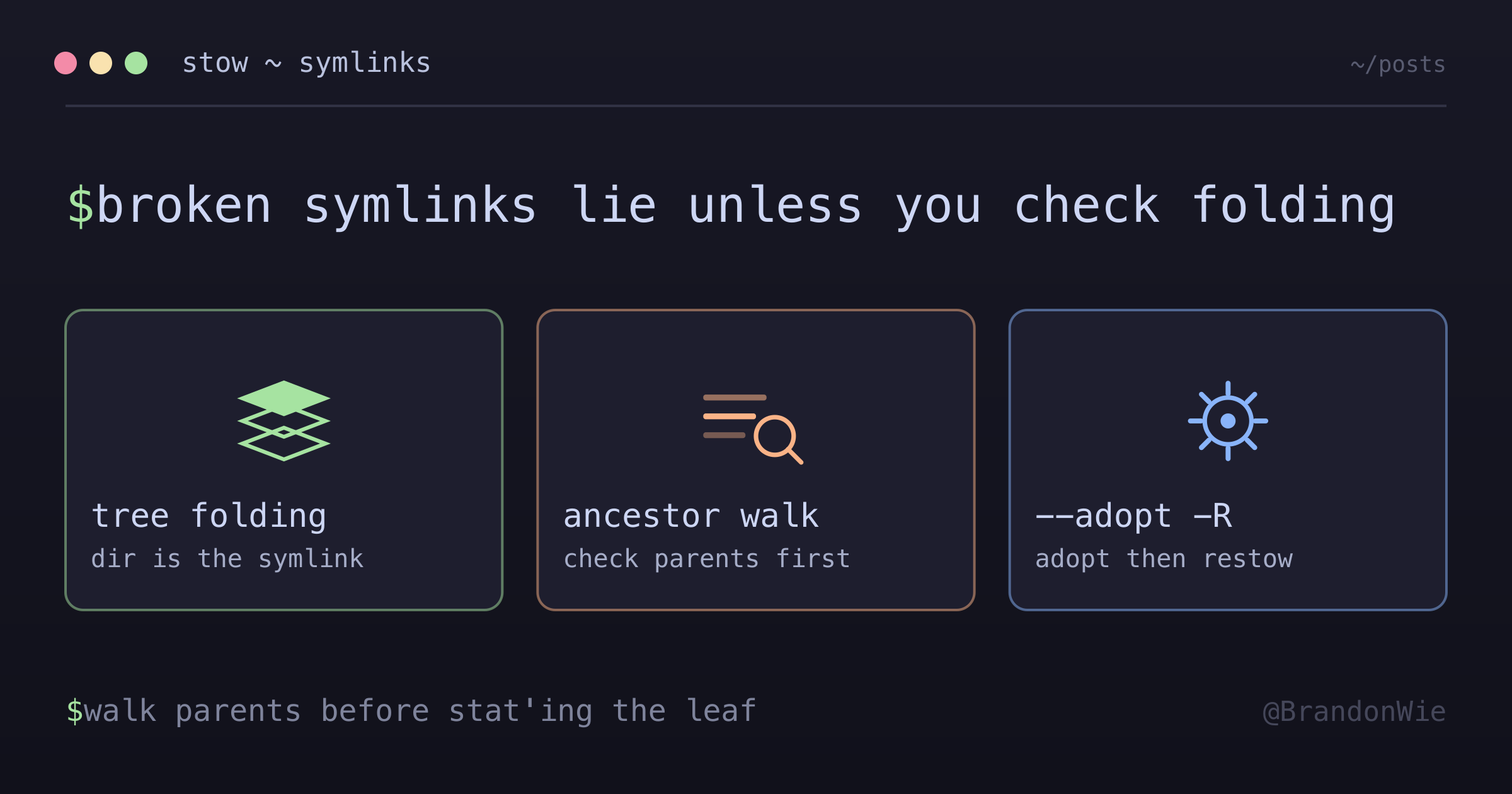
Trap 2: Tree folding produces false positives in leaf-only checks
This is the one that had me convinced for a full session that my packages were corrupted. By default, Stow uses tree folding: when an entire subtree is owned by one package, it creates a single symlink at the highest possible directory level instead of per-file symlinks. The stow(8) man page — this one documents GNU Stow 2.3.1, and the rule reads the same in the 2.4.1 page — states it plainly: “if Stow can create a single symlink that points to an entire subtree within the package tree, it will choose to do that rather than create a directory in the target tree and populate it with symlinks.” So instead of:
~/.config/gh/config.yml → ~/dotfiles/gh/.config/gh/config.yml
~/.config/gh/hosts.yml  → ~/dotfiles/gh/.config/gh/hosts.yml
You actually get:
~/.config/gh → ~/dotfiles/gh/.config/ghThe ~/.config/gh directory itself is the symlink, and the files inside it are regular files (relative to the symlink’s target). My naive [[ -L "$file" ]] check stats the leaf path, sees a regular file, and reports “overwritten” — even though the package is correctly stowed.
I confirmed this with stat:
# Tree-folded case — dir is the symlink, file inside is a regular file:
$ stat -f '%N: %HT' ~/.config/gh ~/.config/gh/config.yml
/Users/me/.config/gh: Symbolic Link
/Users/me/.config/gh/config.yml: Regular File

# Inode comparison confirms the file is the same as the repo copy:
$ stat -f '%i' ~/.config/gh/config.yml ~/dotfiles/gh/.config/gh/config.yml
120102543
120102543
The corrected detection has to walk ancestor directories first. Before stat’ing the leaf, walk up from the file toward $TARGET_DIR. If any ancestor is a stow-owned symlink, the file is reached through tree folding and counts as healthy:
check_file() {
    local pkg="$1"
    local rel="$2"
    local target="$TARGET_DIR/$rel"

    # Tree-folding case: if any ancestor between TARGET_DIR and the leaf is
    # itself a stow-owned symlink, the file is reached through folding.
    local ancestor
    ancestor="$(dirname "$target")"
    while [[ "$ancestor" != "$TARGET_DIR" && "$ancestor" != "/" ]]; do
        if [[ -L "$ancestor" ]]; then
            local atgt
            atgt="$(readlink "$ancestor")"
            if [[ "$atgt" == *"dotfiles/$pkg/"* ]]; then
                return 0  # linked via folded ancestor directory
            fi
            break  # ancestor is a symlink but not stow-owned
        fi
        ancestor="$(dirname "$ancestor")"
    done

    # No folded ancestor — fall through to the naive per-file check
    if [[ -L "$target" ]]; then
        # ... original leaf check
    elif [[ -e "$target" ]]; then
        return 1  # overwritten
    else
        return 2  # missing
    fi
}
Two important properties of this fix:
- Bound the walk at
$TARGET_DIR, otherwise the check could accidentally match an unrelated symlink higher up the filesystem (e.g.,$HOME/devpointing somewhere else). - The fix is strictly additive. If no ancestor is a stow symlink, the original per-file check runs unchanged. The ancestor walk can only flip false-overwritten reports back to healthy — it can’t mask a real overwrite.
Trap 3: Legacy path drift hides behind compat shims
After moving the dotfiles repo from ~/dev/personal/dotfiles to ~/dev/personal/3b/dotfiles, all my stow symlinks still appeared healthy. They shouldn’t have — they were pointing at the old location. What was happening: a compatibility symlink at the old path (~/dev/personal/dotfiles → ~/dev/personal/3b/dotfiles) was making the stow symlinks resolve via two-hop indirection, so everything looked fine.
The trap is that this “healthy” state has a hidden dependency on the compat shim. If the shim is ever removed, every stow-owned config silently breaks at the same time. The fix is to re-stow from the canonical path during repo migrations so the symlinks point directly to the new location, with no compatibility hop in between.
rm on a symlink helps here, by the way — it removes only the link, not its target. So you can safely dismantle a legacy symlink before re-stowing from the new canonical path without losing any files.
Repairing Broken Symlinks
Once detection is reliable, GNU Stow’s --adopt flag handles the repair:
stow --adopt -R -t "$HOME" -d "$STOW_DIR" "$package"This does two things:
- Adopt: Moves the system file into the repo (overwriting the repo version)
- Restow (
-R): Re-creates the symlink from the system path to the repo
After repair, always check git diff in the dotfiles repo. The adopted file may differ from what was in the repo — the app may have added new settings or changed values during its update. You can either commit the new version (accepting the app’s changes) or git checkout to restore the repo version (the symlink stays either way).
Remember that --adopt only handles file conflicts. If the failure was a directory conflict (Trap 1), you need to remove the existing directory first, then run plain stow.
Handling .stow-local-ignore
Stow packages often contain non-config files (documentation, scripts, READMEs). The .stow-local-ignore file lists Perl regular expressions, one per line, and any file or directory in the package matching one of them is skipped during linking. That rule is written in the manual source — doc/stow.texi at the v2.4.1 tag, which is Texinfo markup rather than rendered docs. When running health checks, you need to exclude these same patterns — otherwise your doctor script reports “missing” files that were intentionally excluded.
When to Run Health Checks
Run the symlink health check:
- After
brew upgrade(apps may rewrite configs) - After macOS updates (system preferences can reset)
- After any app update that modifies its config files
- After moving or restructuring the dotfiles repo (Trap 3)
- Periodically (weekly or monthly) as a safety net
Key Points
- Apps silently overwrite symlinks on update — no warning is given
- Detection: walk ancestor directories first, then check
[[ -L "$file" ]]and verify the symlink target - A leaf-only check produces false positives on tree-folded packages — any stow-owned ancestor between
$TARGET_DIRand the leaf counts as linked stow --adopthandles file conflicts only, not directory conflicts — remove the existing dir first, then run plainstowrmon a symlink removes only the link, not its target — safe way to dismantle a legacy symlink before re-stowing- Re-stow from the canonical path after repo migrations so symlinks don’t depend on hidden compat shims
- Repair:
stow --adopt -Rthen reviewgit diff - Always exclude
.stow-local-ignorepatterns from health checks
Takeaway
If you manage dotfiles with GNU Stow, applications will silently break your symlinks during updates — and your detection script will silently lie to you about which packages are healthy unless you account for tree folding. Build a health check that walks ancestor directories before stat’ing the leaf, treats stow-owned ancestors as proof of link health, and re-stows from the canonical path after repo migrations. When real overwrites happen, stow --adopt -R repairs them. The workflow is: detect → adopt → review diff → commit or restore. Without periodic health checks — and without the tree-folding fix — your dotfiles repo gradually becomes a fiction that doesn’t match your actual system configuration, and you don’t find out until the next time you set up a fresh machine.
References
- stow(8) man page —
--adopt,-R/--restow, and the tree-folding rule. This page documents GNU Stow 2.3.1. - GNU Stow manual source,
doc/stow.texiat v2.4.1 — the.stow-local-ignoreignore-list rules. This is the maintainer’s GitHub mirror of the Savannah repository, pinned to a release tag so the line the citation points at stays put.