On this page
Svelte 5 $effect Rune
In Svelte 5, the reactive statement syntax (`$: { }`) from Svelte 4 is replaced
I was building a FuzzyFinder component — a Ctrl+P search modal that shows a list of results and lets users arrow-key through them. The selected item needed to auto-scroll into view whenever the selection index changed. In Svelte 4, I would have reached for a reactive statement ($: { }), but this project uses Svelte 5, where reactive statements are replaced by runes.
That FuzzyFinder forced me to understand $effect properly — how it tracks dependencies automatically, when it re-runs, and how cleanup works. Coming from React’s useEffect, the mental model shift was bigger than I expected.
The Syntax: Deceptively Simple
At its most basic, $effect looks like this:
<script>
  let count = $state(0);

  // Runs whenever count changes
  $effect(() => {
    console.log('Count is now:', count);
  });
</script>
You write a function. Inside it, you reference reactive state. Svelte figures out what you depend on and re-runs the function when those dependencies change. No dependency array, no manual tracking, no forgetting to add a variable.
Automatic Dependency Tracking
This is the biggest departure from React. In React, you explicitly list dependencies in the second argument to useEffect:
// React: you tell it what to watch
useEffect(() => {
  console.log('Sum:', a + b);
}, [a, b]); // Forget 'b' here and you get a stale closure bug
In Svelte 5, you do not specify dependencies at all:
<script>
  let a = $state(1);
  let b = $state(2);

  // Re-runs when EITHER a OR b changes
  $effect(() => {
    console.log('Sum:', a + b);
  });
</script>
Svelte reads the function body, detects that it accesses a and b, and registers both as dependencies. This eliminates an entire category of bugs — stale closures from forgotten dependencies — but introduces a new one: accidental dependencies.
If you read a piece of reactive state inside an $effect that you did not intend to track, the effect will re-run when that state changes. You need to be deliberate about what you access inside the function body.
How It Compares to Svelte 4
If you are migrating from Svelte 4 or reading older examples online, here is the translation:
| Svelte 4 | Svelte 5 |
|---|---|
$: { sideEffect() } | $effect(() => { sideEffect() }) |
| Implicit, less control | Explicit, clearer intent |
| No cleanup support | Return cleanup function |
The Svelte 4 $: { } syntax was a compiler trick that ran any statement reactively. It worked, but it conflated computed values and side effects into the same syntax. You could not tell at a glance whether a $: block was deriving a value or triggering a DOM update.
Svelte 5 splits these into two distinct runes: $derived for computed values, $effect for side effects. The intent is clear from the function name.
Real Example: Auto-Scroll in a FuzzyFinder
Here is the actual pattern I used. The FuzzyFinder shows a list of search results in a scrollable container. When the user presses the up/down arrow keys, selectedIndex changes, and the selected item needs to scroll into view.
<script>
  let selectedIndex = $state(0);
  let results = $state([]);
  let containerRef: HTMLDivElement;

  // Runs when selectedIndex or results.length changes
  $effect(() => {
    if (containerRef && results.length > 0) {
      const selectedElement = containerRef.children[selectedIndex] as HTMLElement;
      if (selectedElement) {
        selectedElement.scrollIntoView({
          block: 'nearest',    // Only scroll if out of view
          behavior: 'smooth'   // Animate the scroll
        });
      }
    }
  });
</script>
This effect depends on selectedIndex and results.length. When either changes, Svelte re-runs the effect, finds the newly selected DOM element, and scrolls it into view. The containerRef check guards against the effect running before the DOM is mounted.
scrollIntoView Options Worth Knowing
The scrollIntoView API has options that change the scrolling behavior significantly:
| Option | Behavior |
|---|---|
block: 'nearest' | Only scrolls if element is outside visible area |
block: 'start' | Aligns element to top of container |
block: 'end' | Aligns element to bottom of container |
behavior: 'smooth' | Animates the scroll |
behavior: 'instant' | Jumps immediately |
I used block: 'nearest' because scrolling to start on every keystroke creates a jarring experience. With nearest, the list stays still if the selected item is already visible and only scrolls when the selection moves outside the viewport.
Cleanup: The Returned Function
$effect supports cleanup through a returned function. The cleanup runs before the next execution of the effect AND when the component unmounts:
$effect(() => {
  const interval = setInterval(() => {
    console.log('tick');
  }, 1000);

  // Cleanup: clear interval
  return () => clearInterval(interval);
});
This pattern is familiar if you have used React’s useEffect, but the timing differs in a subtle way. In React, cleanup runs on unmount and before re-execution (depending on your dependency array). In Svelte, cleanup always runs before the next execution and on unmount — there is no conditional behavior because there is no dependency array. Every re-run gets a clean slate.
This makes cleanup more predictable. You do not need to reason about which dependency change triggered the re-run to understand when cleanup fires.
Choosing the Right Tool
$effect is one of three options for reactive behavior in Svelte 5. Picking the wrong one leads to subtle bugs:
| Use Case | Tool |
|---|---|
| Derived/computed values | $derived() |
| Side effects (DOM, logging, API) | $effect() |
| One-time setup | onMount() |
The rule is straightforward: if you are computing a new value from existing state, use $derived. If you need to interact with something outside Svelte’s reactivity system (the DOM, a logging service, an API), use $effect. If the work happens once when the component mounts and never again, use onMount.
When NOT to Use $effect
Four patterns where $effect is the wrong choice:
Computing derived values. If the result is a pure transformation of state with no side effects, use $derived(). Using $effect to set another state variable creates an unnecessary re-render cycle: state A changes, effect runs, sets state B, Svelte re-renders for B. With $derived, the computation happens in a single pass.
One-time initialization. For setup that runs once on mount — adding event listeners to window, fetching initial data — use onMount(). An $effect would re-run every time its dependencies change, which is wasteful if you only need it once.
Synchronous state updates in response to other state. If $effect updates state A, which triggers another $effect that updates state B, you get cascading reactivity — a chain of updates that is hard to debug and reason about. Restructure with $derived or consolidate the logic into a single reactive expression.
Heavy computations on every state change. $effect runs synchronously after render. Expensive operations like network requests or large DOM mutations should be debounced or guarded with explicit conditions to avoid performance problems.
Takeaway
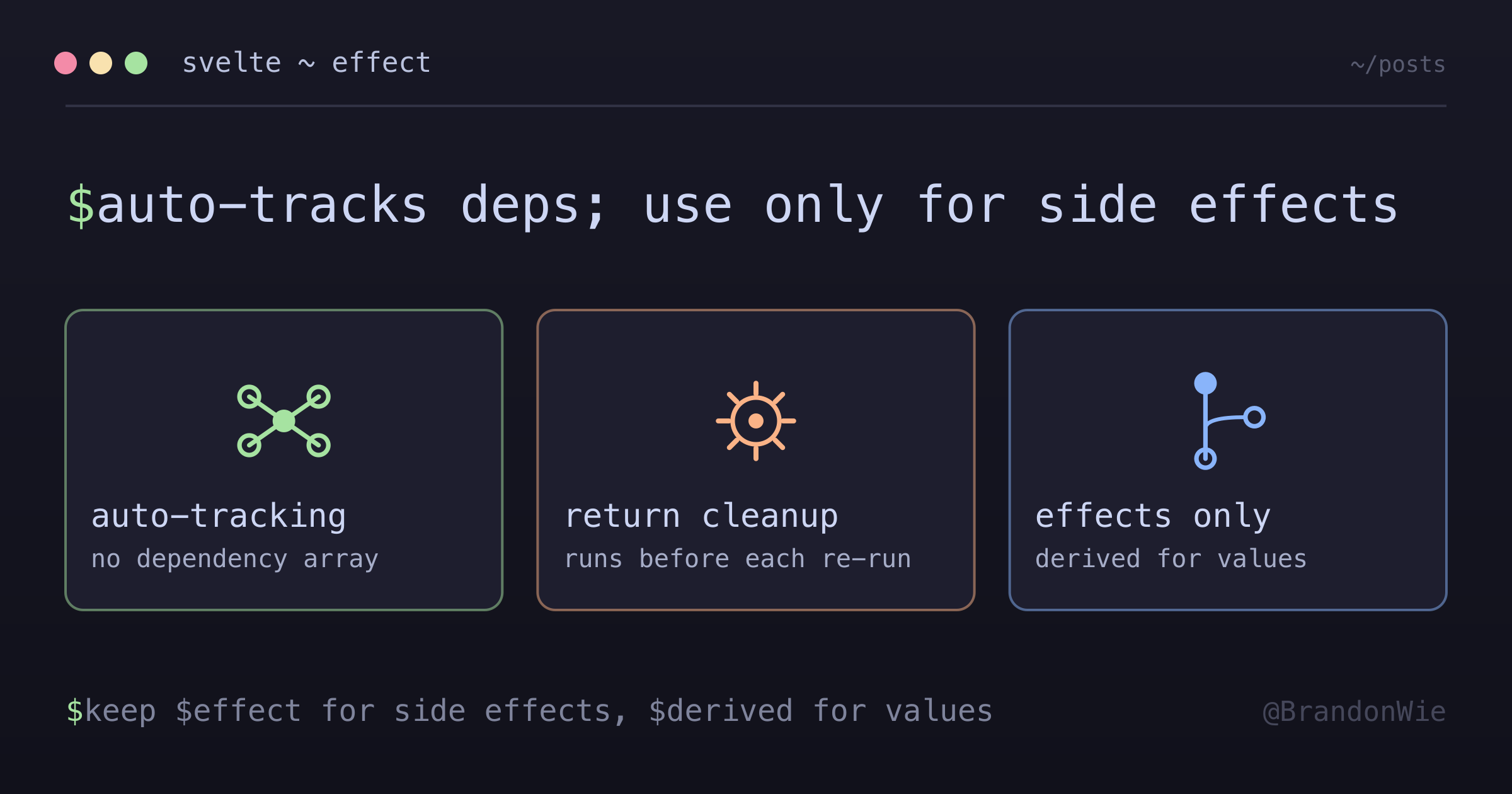
$effect replaces Svelte 4’s $: { } with a clearer contract: automatic dependency tracking, explicit cleanup, and a name that communicates intent. The biggest adjustment coming from React is dropping the dependency array — trusting Svelte to track what you read inside the function. Once that mental model clicks, the auto-scroll pattern I needed for the FuzzyFinder became three lines of reactive code with no manual subscription management. The key discipline is keeping $effect for side effects only, and reaching for $derived for everything else.