On this page
tmux Smart Session Auto-Start
Auto-start tmux via an iTerm2 Profile Command (`tmux-smart-attach`) with numeric
I wanted every new iTerm2 window (Cmd+N) to open with its own tmux session, while reusing detached sessions from closed windows. The obvious approach puts tmux new -A -s main in iTerm2’s “Send text at start”, but that always reattaches to the same main session. Every window shows the same panes and content instead of giving you independent workspaces.
The solution went through three iterations before I found one that works reliably across contexts.
Update (2026-07-04): A terminal workspace manager (Herdr) now owns that layer in my setup, so this is no longer my default. I briefly wired Herdr’s
[terminal].default_shellto thetmux-smart-attachwrapper, but that made every new Herdr pane start inside a nested tmux session, which I did not want, so I removed it. The wrapper still holds for standalone iTerm2-style windows, and it works as an explicit Herdr opt-in when you actually want nested tmux (see the Herdr configuration below). Treat the Herdr version as opt-in, not the default terminal policy.
The problem with the obvious approach
iTerm2’s “Send text at start” setting with tmux new -A -s main\n uses the -A flag, which means “attach if exists, create if not.” Since every window runs the same command, they all attach to main. You get one shared session across all windows instead of independent workspaces.
The iterations
I tried three approaches before finding one that works:
| Option | Pros | Cons |
|---|---|---|
| iTerm2 “Send text at start” | Simple, one-line config | No conditional logic, same session for all windows |
| .zshrc auto-start (superseded) | Full shell logic, per-window sessions | Breaks non-terminal zsh contexts (VS Code, scripts sourcing .zshrc) |
| iTerm2 Profile Command (chosen) | Isolated from shell profile, no skip conditions needed | Known race condition on fast close/open |
Herdr default_shell wrapper | Native Herdr setting, reloadable without app restart | Nests tmux under Herdr; key and mouse handling need a deliberate tradeoff |
The .zshrc approach seemed promising. I added guard conditions ($TERM_PROGRAM, [[ -t 0 ]]) to skip non-iTerm2 contexts. But programs that source the zsh profile (VS Code integrated terminals, shell scripts using zsh -l) could still trigger the tmux block unexpectedly. The core problem is that .zshrc runs in too many contexts to safely gate.
The solution: iTerm2 Profile Command
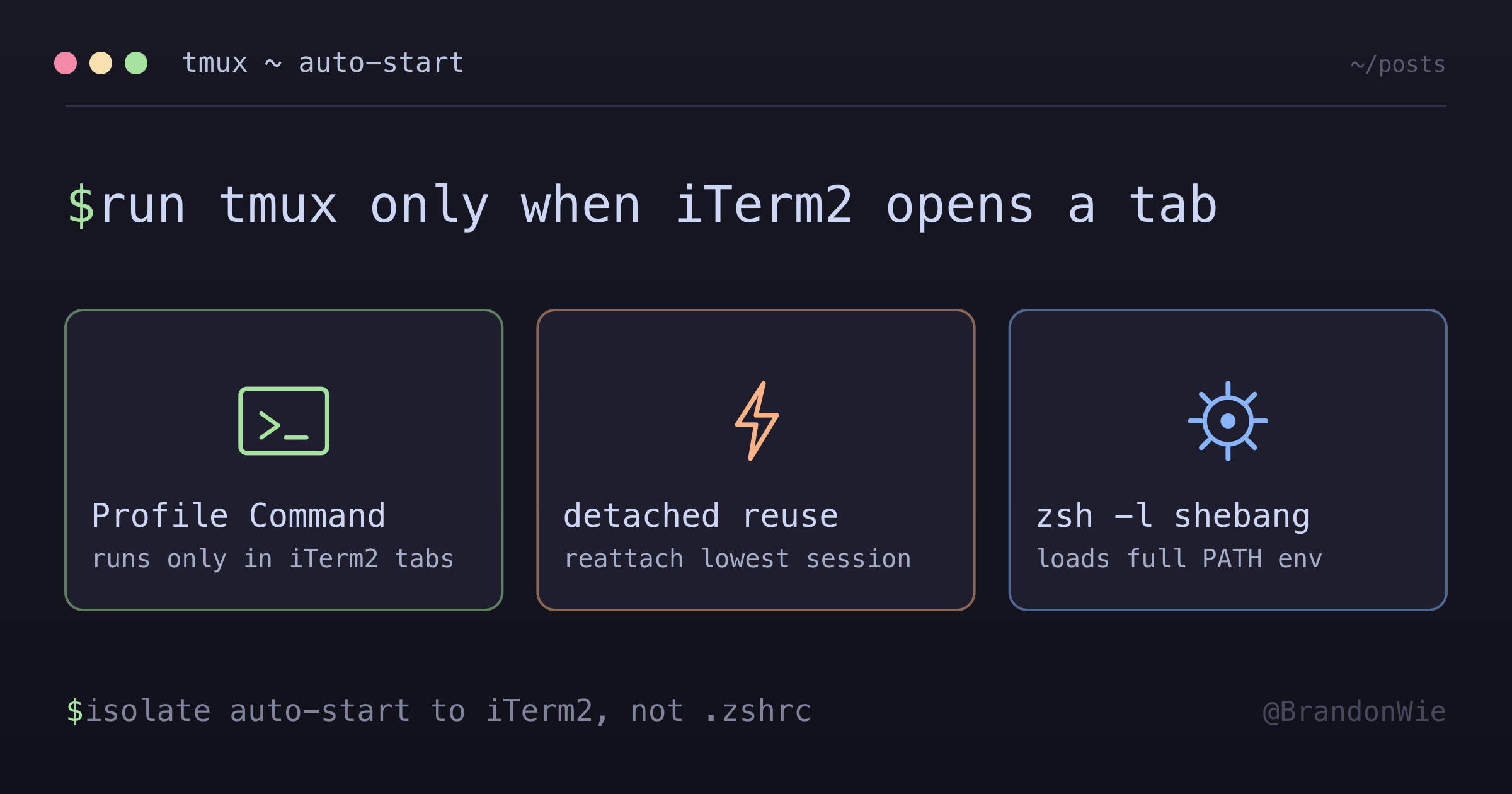
Moving tmux startup to an iTerm2 Profile Command removes the context problem. The script only runs when iTerm2 opens a tab, never in VS Code, SSH, or scripted contexts.
Script location: ~/.local/bin/tmux-smart-attach
#!/bin/zsh -l
# tmux-smart-attach: iTerm2 profile startup command
# 1. Attach to first detached session (lowest numbered)
# 2. Create new session named with lowest unused number

# Ensure tmux is found (login shell via -l loads PATH)
detached=$(tmux ls -F '#{session_name} #{session_attached}' 2>/dev/null
  | awk '$2 == 0 {print $1; exit}')

if [ -n "$detached" ]; then
  exec tmux attach -t "$detached"
else
  # Find lowest unused session number (fills gaps: 0,3 → creates 1)
  taken=$(tmux ls -F '#{session_name}' 2>/dev/null | sort -n)
  n=0
  while echo "$taken" | grep -qx "$n"; do
    ((n++))
  done
  exec tmux new-session -s "$n"
fi
iTerm2 configuration: Profiles → General → Command → select “Custom Shell” → set the absolute path: /Users/<username>/.local/bin/tmux-smart-attach
Optional: Herdr as an explicit opt-in
If you use Herdr as your terminal workspace manager and you deliberately want each pane to start inside tmux, point Herdr’s terminal executable at the same wrapper and reload the server config:
[terminal]
default_shell = "/Users/brandonwie/.local/bin/tmux-smart-attach"
shell_mode = "non_login"
herdr server reload-configThe shell_mode = "non_login" value tells Herdr to run the wrapper as the pane process. The wrapper’s own #!/bin/zsh -l shebang still loads the login shell environment before it execs tmux, so PATH and tools stay available. A live smoke test on Herdr 0.7.1 showed new split panes launching tmux new-session -s 0 right after reload-config.
To return Herdr to normal pane startup, remove the entire [terminal] override and reload again:
herdr server reload-configThis is opt-in for a reason: it nests tmux under Herdr, so leave [terminal].default_shell unset if you’d rather each Herdr pane open a plain shell.
How it works
The script follows a simple decision tree:
- Check if any detached tmux sessions exist (sessions where
#{session_attached}is 0) - If yes, attach to the first detached session (lowest numbered)
- If no, create a new session named with the lowest unused number
Session numbering
| Session | Created when |
|---|---|
0 | First window, no sessions exist |
1 | Second window, 0 is attached |
2 | Third window, both 0 and 1 attached |
Closing a window detaches (not kills) the session. The next Cmd+N reattaches to the first detached session instead of creating a new one.
The gap-filling logic means if you kill session 1 (tmux kill-session -t 1), sessions 0 and 2 remain. The next Cmd+N creates session 1 (fills the gap), not session 3.
Key implementation details
The #!/bin/zsh -l login shell shebang loads .zprofile and .zshrc, so PATH includes Homebrew, asdf, and the rest of my tools. An earlier concern that this “breaks .zshrc loading” was wrong. The -l flag makes the full shell environment available inside tmux.
This script needs no skip conditions. Unlike the .zshrc approach, it only runs when iTerm2 opens a tab. VS Code terminals, SSH sessions, and scripts never invoke it.
exec tmux replaces the script process, so there is no leftover shell after tmux exits. The terminal window closes cleanly when you exit the tmux session.
The #{session_attached} format variable is how the script tells sessions apart: tmux returns 1 if a client is attached and 0 if detached, which separates “active in a window” from “saved but window closed.”
Known limitation
There’s a race condition on fast close/open: Cmd+W then instant Cmd+N can create duplicate sessions because iTerm2 takes ~1 second to fully close a window (animation + pty teardown). The tmux server still sees the old session as attached during this window. I tried kill -0 PID checks and sleep-retry approaches, but iTerm2’s close pipeline is too slow for any non-blocking solution. In practice, this rarely causes issues. The duplicate session just gets reused next time.
When to use this
- You want each terminal window to have its own tmux session
- You need detached session reuse (close window, reopen, get your session back)
- You use multiple terminal contexts (iTerm2, VS Code, SSH) with different tmux needs
- You explicitly want each new Herdr pane to start inside tmux and accept the nested-multiplexer behavior that comes with it
When NOT to use this
- You intentionally want all windows in the same tmux session (pair programming, shared view)
- You use iTerm2’s
-CCcontrol mode (requires iTerm2 to manage the lifecycle) - You’re on a server where tmux sessions should persist across SSH disconnects (different pattern: no
exec, usetmux attach || tmux new) - A terminal workspace manager (Herdr, or similar) already owns the first-level workspace model, so auto-starting tmux underneath it adds nesting and can interfere with terminal-level key and mouse handling
- You expect Herdr panes to open a normal shell by default. In that case, leave Herdr’s
[terminal].default_shellunset so Herdr falls back to$SHELL
Takeaway
Auto-starting tmux from .zshrc breaks non-terminal zsh contexts. Moving the logic to an iTerm2 Profile Command isolates it. The script only runs when iTerm2 opens a tab. The #!/bin/zsh -l shebang loads the full shell environment, numeric session naming with gap-filling gives each window its own workspace, and detached session reuse means closing a window doesn’t lose your work.