On this page
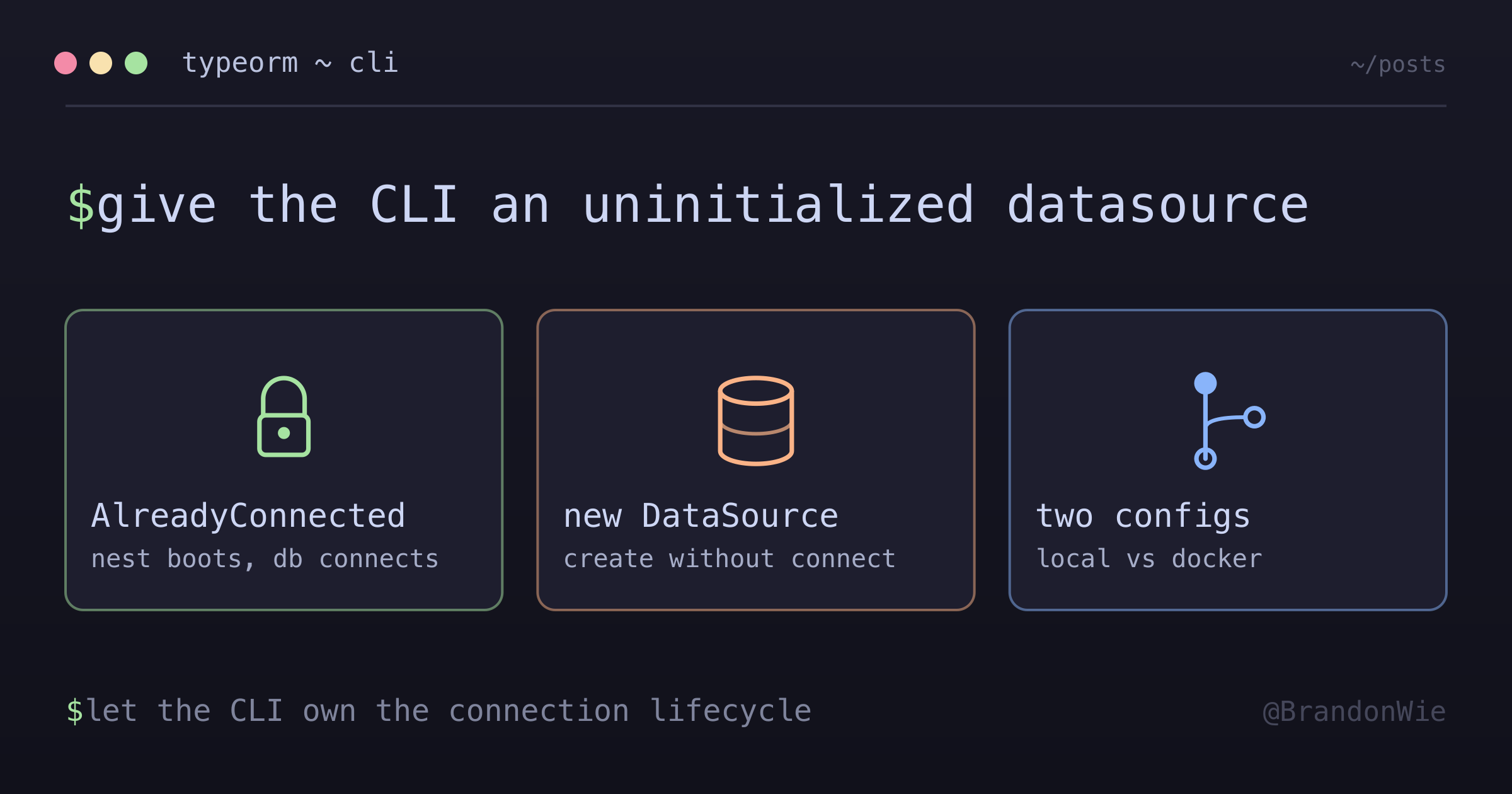
TypeORM CLI와 NestJS DataSource 충돌
TypeORM CLI를 NestJS 프로젝트에서 사용할 때 발생하는 연결 충돌 문제와 해결 방법.
I ran npm run migration:generate on our NestJS project and got hit with this error:
CannotConnectAlreadyConnectedError: Cannot create a "default" connection
because connection to the database already established.
The migration had worked fine before. After some digging, I realized the problem was in how our ormconfig.ts was set up — it was bootstrapping the entire NestJS application just to get the DataSource, which meant the database connection was already established before the TypeORM CLI could take control.
The Problem
Our ormconfig.ts was using NestJS’s app factory to get the DataSource:
export default NestFactory.create(AppModule).then((app) => {
  return app.get(DataSource);
});
Here’s the sequence that causes the collision:
NestFactory.create(AppModule)executesTypeOrmModule.forRootAsync()initializes and connects the DataSource- TypeORM CLI receives the already-connected DataSource
- CLI calls
initialize()on it — but it’s already connected CannotConnectAlreadyConnectedError
The CLI expects to receive an uninitialized DataSource that it can connect on its own terms. But the NestJS bootstrap process connects the DataSource as a side effect.
The Fix: Separate Config for Local Migrations
The solution is to create a standalone DataSource file that doesn’t boot NestJS. This gives the CLI an uninitialized DataSource it can control:
import * as dotenv from "dotenv";
import { DataSource } from "typeorm";
import { getDatabaseDefaultOptions } from "./database";

// .env 파일 로드 (로컬 DB 확인 필수!)
dotenv.config({ path: path.resolve(process.cwd(), ".env") });

const defaultOptions = getDatabaseDefaultOptions();

// 연결 없이 DataSource만 생성 - CLI가 직접 연결함
const dataSource = new DataSource({
  ...defaultOptions,
  host: process.env.DB_HOST,
  port: Number(process.env.DB_PORT),
  database: process.env.DB_NAME,
  username: process.env.DB_USERNAME,
  password: process.env.DB_PASSWORD
});

export default dataSource;
The key difference: new DataSource(...) creates a DataSource object without connecting. The CLI calls initialize() itself when it’s ready.
Two Config Files, Two Purposes
| File | Used By | How It Works |
|---|---|---|
ormconfig.ts | Docker/ECS migrations | Boots NestJS, gets connected DataSource |
ormconfig.local.ts | Local development | Standalone DataSource, CLI connects it |
The Docker/ECS version still uses the NestJS bootstrap approach because it needs the full app context (config service, environment resolution). The local version is lightweight and standalone.
Package Scripts
With two config files, the npm scripts point each command at the right one:
{
  "migration:generate": "npm run build && typeorm migration:generate -d ./dist/src/ormconfig.local.js ...",
  "migration:run": "npm run build && typeorm migration:run -d ./dist/src/ormconfig.local.js",
  "migration:revert": "npm run build && typeorm migration:revert -d ./dist/src/ormconfig.local.js",
  "migration:run-docker": "node node_modules/typeorm/cli.js migration:run -d dist/src/ormconfig.js",
  "migration:revert-docker": "node node_modules/typeorm/cli.js migration:revert -d dist/src/ormconfig.js"
}
Local commands use ormconfig.local.js. Docker commands use ormconfig.js. The separation prevents the connection collision in local development while keeping the NestJS-aware config for containerized environments.
Watch Out: Environment File Safety
The local config reads from .env by default. Make sure you know which database you’re pointing at:
.env→ local DB (safe).env.development→ AWS development DB.env.production→ AWS production DB
Running migration:run against the wrong environment file can modify a real database. Always verify your .env contents before running migrations locally.
Takeaway
When the TypeORM CLI throws CannotConnectAlreadyConnectedError in a NestJS project, the fix is to create a standalone DataSource config that doesn’t bootstrap the NestJS app. Use new DataSource(...) without calling initialize() — let the CLI handle the connection lifecycle. Keep your NestJS-aware config for container deployments where you need the full app context.