On this page
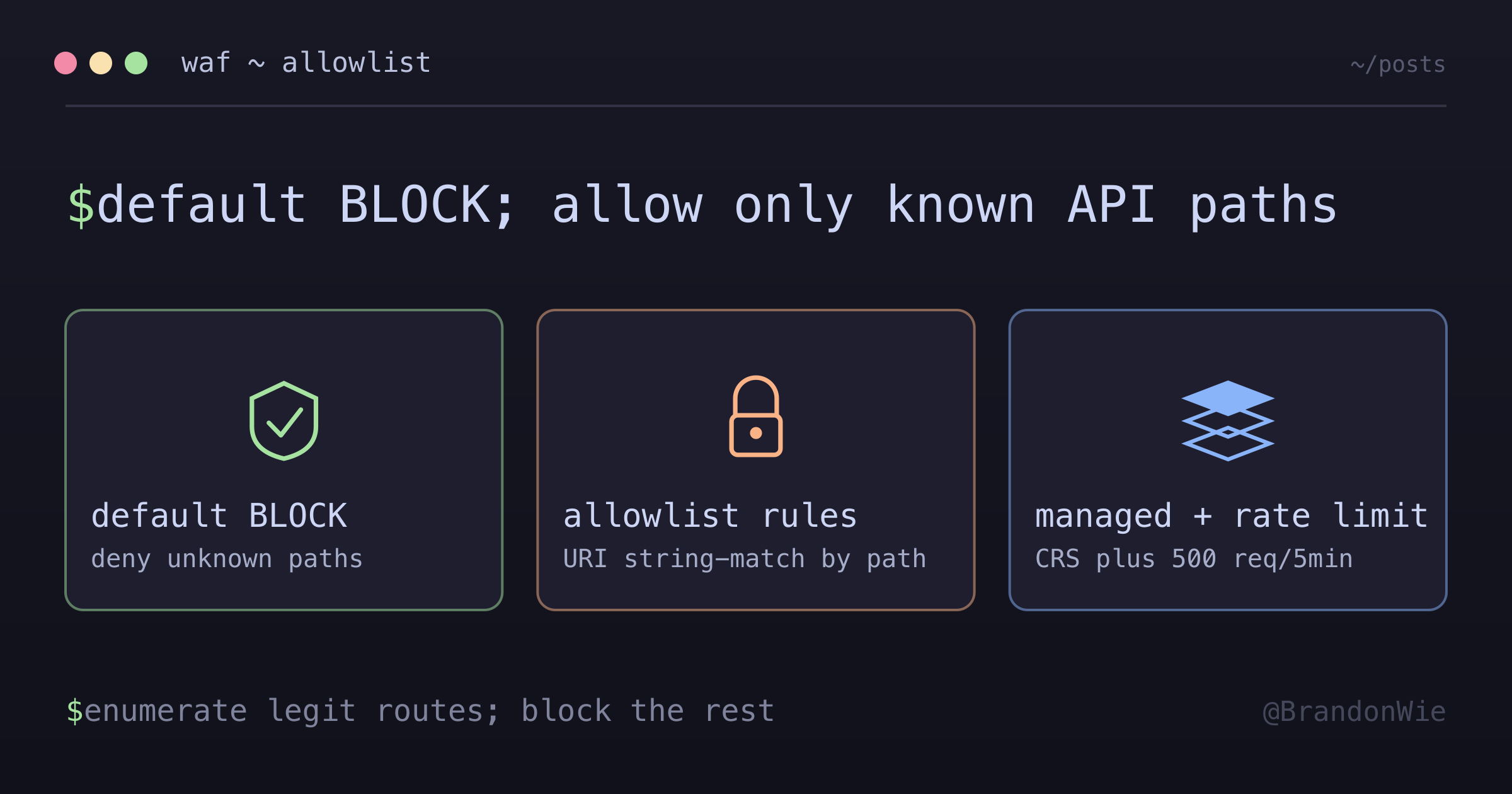
AWS WAF Implementation
Web Application Firewall setup with allowlist approach.
A public API sitting behind an ALB was getting hit by scanners probing for WordPress admin panels, .env files, and Spring Boot actuator endpoints — none of which existed on the service. The requests were harmless in that they all returned 404, but they generated log noise, consumed ALB capacity, and made it harder to spot real issues on monitoring dashboards. What I wanted was a way to say “if a request is not for a known endpoint, drop it before it reaches the application.”
That is the allowlist approach to AWS WAF: instead of trying to enumerate every possible attack pattern (blocklist), you define which paths are legitimate and block everything else. This post walks through the architecture, the rules, and the operational procedures the approach needs.
Architecture Overview
A practical split is two regional web ACLs: a full-protection one for production, and a lighter shared one that dev and local environments point at. Rough figures from one such setup:
| Environment | Type | Default Action | Cost |
|---|---|---|---|
| Production | Regional WAF | BLOCK | ~$23/month |
| Dev/Local | Regional WAF (shared) | BLOCK | ~$7/month |
The default action is the critical design decision here. Setting it to BLOCK means every request is denied unless a rule explicitly allows it. This is the opposite of most WAF tutorials, which start with ALLOW as default and add block rules. The allowlist approach suits APIs with well-defined route structures because it denies unknown paths by default — you do not need to anticipate every attack pattern.
The cost difference comes from rule count. The production ACL in the table runs 10 rules (allowlist + managed rule groups + rate limiting); the dev one runs 2 (a broad allowlist and rate limiting). AWS WAF bills $5 per web ACL per month, $1 per rule per month, and $0.60 per million requests evaluated. A managed rule group is billed as a single $1 rule no matter how many rules sit inside it, which is what makes the managed sets cheap to switch on. So the ~$23 above is $15 fixed plus request volume. Pricing varies by region, so check the current pricing page before you budget — the figures here are from an August 2026 reading.
Production WAF Rules
The rules are organized by priority. Lower numbers are evaluated first, meaning allowlist rules run before managed security rules. This ordering matters: a request must first match a known path, then pass through AWS managed rule sets.
Allowlist Rules (Priority 1-3)
These enumerate every legitimate endpoint the API serves. Anything not on the list falls through to the default BLOCK action.
The routes below are made up — a real allowlist is a map of a real product’s surface, and printing one in a post about hiding your route structure would be a bit self-defeating. What carries over is the grouping:
Authentication:
/auth,/v1/auth/oauth/callback
Core resources:
/orders,/customers,/products
Integrations:
/v1/integrations/webhooks
Utility:
/health(ALB health checks)/metrics
Each allowlist rule matches on the URI path — a byte-match statement per path, or a regex pattern set when the paths share a prefix. Splitting them into three rules by group rather than writing one giant rule buys two things: CloudWatch reports metrics per rule, so you can see at a glance which category of traffic is being allowed, and each rule stays small enough to read in a diff.
One caveat worth stating precisely, because the internet repeats the old number. AWS WAF Classic capped rules at 10 conditions each. Current AWS WAF (wafv2) has no such quota — as of this writing the quota page constrains a web ACL by capacity units instead (5,000 WCU max, and anything over 1,500 WCU costs extra), with a separate cap of 10 unique patterns per regex pattern set and 200 characters per string-match statement. If you are on wafv2, budget WCUs and regex-set entries, not conditions.
AWS Managed Rules (Priority 10-11)
After a request passes the allowlist check, it goes through two AWS-managed rule sets:
- Core Rule Set (
AWSManagedRulesCommonRuleSet): Covers vulnerability classes from the OWASP Top 10 — XSS, local and remote file inclusion, EC2 metadata SSRF, size restrictions, bad-bot user agents. - Known Bad Inputs (
AWSManagedRulesKnownBadInputsRuleSet): Request patterns tied to specific known exploits — Log4j (CVE-2021-44228 and friends), Java deserialization RCE,PROPFIND, exploitable paths.
I had these two filed in my notes as “700+ rules” and “200+ patterns,” and that turns out to be wrong. 700 and 200 are the WCU capacities of the two rule groups, not rule counts. Checking the baseline rule group reference in August 2026, the Core Rule Set lists roughly two dozen named rules and Known Bad Inputs about a dozen. The WCU number is what you budget against the web ACL limit; the rule count is what shows up in your CloudWatch labels. Easy numbers to conflate, and worth un-conflating before you size an ACL.
These rule groups are maintained by AWS and update automatically, and each is billed as one rule regardless of how many rules it contains. The trade-off: broad coverage without writing custom rules, but you cannot see exactly what each sub-rule matches on — AWS deliberately publishes only enough to use them — and false positives are handled by overriding a specific rule name to Count.
Rate Limiting
Rate limiting sits at the end of the rule chain as a safety net against brute-force and denial-of-service attempts.
- Production: 500 requests per 5-minute window per IP address
- Dev: 1,000 requests per 5-minute window per IP address
Those are the thresholds that worked for a modest-traffic API; yours depend on your traffic shape. The dev limit is the higher of the two because automated test suites generate bursts that would trip a 500-request threshold. For production, 500 requests in 5 minutes is generous for normal per-user API usage — a single IP exceeding it is usually a misconfigured client or an attack. Set it too low and you page yourself over your own load test.
Monitoring
WAF logs go to CloudWatch, where you can tail them in real time or filter for specific patterns. Here are the commands I use most often.
# Real-time logs
aws logs tail aws-waf-logs-prod --follow

# Blocked requests
aws logs filter-log-events
  --log-group-name aws-waf-logs-prod
  --filter-pattern '"action":"BLOCK"'

# Activity summary (last hour)
aws logs filter-log-events
  --log-group-name aws-waf-logs-prod
  --start-time $(echo $(($(date +%s) - 3600))000)
  --query 'events[*].message'
  --output text | jq -r '.action' | sort | uniq -c
The activity summary is the one worth checking daily. It gives a quick count of ALLOW vs BLOCK actions over the last hour. A sudden spike in BLOCK actions usually means a scanner found the endpoint, while a spike in ALLOW with no corresponding user activity could indicate a leaked API key making automated requests.
Maintenance Procedures
Adding Blocked IPs
When you identify a persistent bad actor (repeated blocks from the same IP, or an IP that somehow gets past managed rules), add it to the IP set in your WAF Terraform config:
# aws_wafv2_ip_set
addresses = [
  "192.0.2.1/32",    # Malicious IP
  "203.0.113.0/24",  # Malicious range
]
Then run terraform apply. The IP set updates take effect within seconds across all WAF-protected endpoints.
Adding New Routes
When a new API endpoint ships, it has to be added to the allowlist rules in the WAF Terraform config. Skip that step and the new endpoint returns 403 Forbidden even though the application code is deployed and healthy — a confusing failure, because every health signal says the service is fine. This is the one real operational cost of the allowlist approach: every new route requires a WAF update. The fix that makes it survivable is putting the WAF rule change in the same pull request as the route, so the two ship together and neither can be forgotten.
Rollback
If WAF starts causing issues (false positives blocking legitimate users, or you need to debug a connectivity problem without WAF interference), you have two options:
# Disable WAF (keep config for re-enabling later)
terraform destroy -target=aws_wafv2_web_acl_association.alb_waf

# Complete removal (destroys all WAF resources)
terraform destroy -target=module.waf
The first command is the one you want in an emergency. It removes the association between the WAF and the ALB, so traffic flows directly to your application unfiltered. The WAF rules, IP sets, and logging configuration all remain intact. Re-enabling is a single terraform apply away.
The second command tears everything down. Use it only if you are decommissioning WAF entirely or rebuilding from scratch.
Dev vs Production Differences
| Aspect | Production | Dev |
|---|---|---|
| Rules | 10 | 2 |
| Managed rules | Yes | No |
| Logging | CloudWatch | None |
/api (Swagger) | Blocked | Allowed |
The most notable difference: dev allows the /api Swagger documentation path so developers can browse the API docs while building against them. Production blocks it, because public-facing API documentation hands an attacker your endpoint structure for free — which is exactly what the allowlist exists to hide. Blocking /api in production means the docs are reachable only from the dev environment. That is the trade-off you accept for not advertising the route structure publicly, and it is only tolerable if the dev environment actually stays in sync.
Practical Takeaway
The allowlist approach inverts the typical WAF mental model. Instead of asking “what should I block?” you ask “what should I allow?” This is more work upfront — you need to enumerate every legitimate path — but it provides stronger default security. Unknown paths are blocked without you having to predict every possible attack vector.
The ongoing cost is discipline: every new API route needs a corresponding WAF rule update. Build that into your deployment checklist, and the allowlist approach becomes a reliable layer of defense that costs less than $25 a month for production-grade protection.