On this page
Webhook vs User Activity
Webhooks from external services indicate **their** activity, not **your user's**
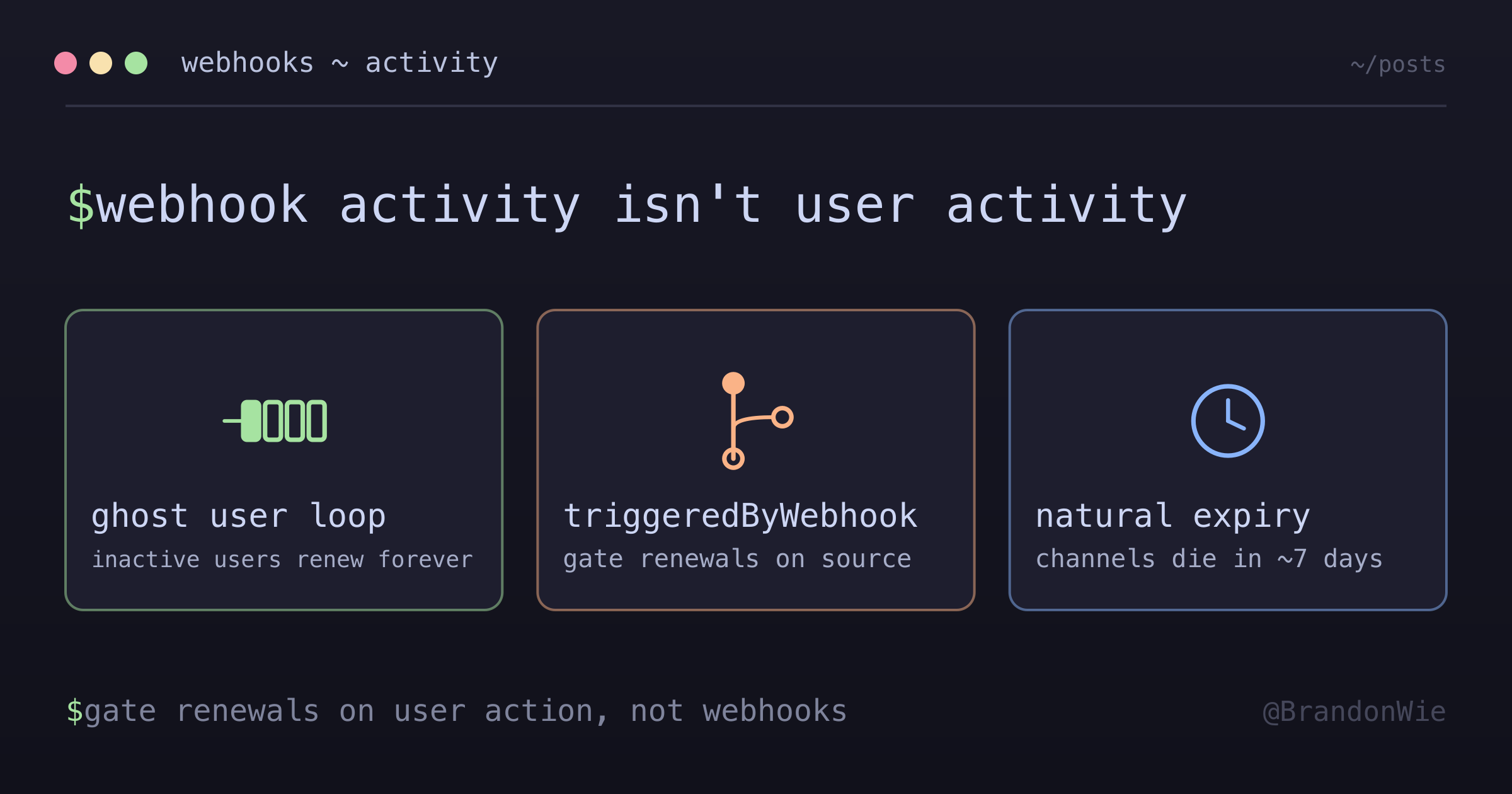
I noticed our Google Calendar API quota was climbing steadily, even though our active user count had plateaued. The excess calls were channel renewals — our system was renewing notification channels for users who hadn’t opened the app in months. A user would stop using our app, keep using Google Calendar, and every calendar change triggered a webhook that renewed the channel for another 7 days. The loop ran indefinitely for every inactive user.
The root cause was a missing distinction: webhooks from external services indicate their activity, not your user’s activity. Treating them the same creates ghost user loops.
The Ghost User Loop
Here’s the cycle that was burning our API quota:
User stops using app → still uses Google Calendar
  → Google sends webhook (calendar change)
  → App triggers sync
  → Sync renews notification channels
  → New webhook arrives
  → Loop continues INDEFINITELY
Every inactive user with an active Google Calendar became a perpetual consumer of three resources: database storage for channel records, API quota for channel renewals, and server processing for webhook handling. With thousands of users, this adds up.
The problem is subtle because each individual webhook looks legitimate — it’s a real calendar change from a real user. The bug isn’t in any single handler; it’s in the assumption that “user’s calendar changed” means “user is active.”
The Fix: Track Trigger Source
The solution is a single flag that distinguishes webhook-triggered operations from user-triggered ones:
// In webhook handler
this.eventEmitter.emit(SYNC_REQUESTED, {
  userId: channel.integration.userId,
  integrationId: channel.integrationId,
  triggeredByWebhook: true,  // ← KEY FLAG
});

// In sync service
async sync(options: SyncOptions) {
  await this.performSync();

  // Only renew channels for user-initiated syncs
  if (!options?.triggeredByWebhook) {
    await this.renewChannels();
  }
}
When a webhook triggers a sync, the data still gets updated — the user’s calendar stays in sync. But the system doesn’t renew the notification channel. Without renewal, the channel expires naturally (after ~7 days for Google Calendar), and the ghost loop breaks.
When the user returns and opens the app, the client-triggered sync recreates the channels. No data is lost — the user just gets a fresh full sync instead of incremental updates during their absence.
Lifecycle With This Pattern
| Scenario | Channel Behavior |
|---|---|
| Active user opens app | Channels renewed on client sync |
| User stops using app | Channels expire after ~7 days |
| Inactive user’s Google Calendar changes | Webhook handled, but NO channel renewal |
| User returns after inactivity | App sync recreates channels |
The key property: resource consumption scales with active users, not total users. Inactive users naturally fall off without any explicit cleanup job or deactivation logic.
Generalized Pattern
This applies beyond Google Calendar. Any webhook-driven integration can create the same loop if resource-intensive operations (channel renewals, token refreshes, activity tracking) run on every webhook regardless of user engagement:
interface SyncEvent {
  userId: number;
  resourceId: string;
  triggeredBy: 'client' | 'webhook' | 'cron';
}

async handleSync(event: SyncEvent) {
  await this.performSync(event.resourceId);

  // Resource-intensive operations only for client-triggered
  if (event.triggeredBy === 'client') {
    await this.renewSubscriptions();
    await this.refreshTokens();
    await this.updateLastActivity();
  }
}
The triggeredBy field is a union of three sources: client (user action in the app), webhook (external service notification), and cron (scheduled job). Each source gets different treatment for downstream operations.
Where This Applies
| Integration | Webhook Source | Apply Pattern? |
|---|---|---|
| Google Calendar | Calendar changes | Yes |
| Slack | Messages, reactions | Yes |
| GitHub | Pushes, PRs | Yes |
| Stripe | Payments | Maybe (payments are important) |
For payment webhooks like Stripe, the calculus is different. A payment event from an “inactive” user still requires immediate processing — you can’t let subscriptions expire just because the user hasn’t logged in. Apply the pattern selectively based on the consequence of not acting.
Alternative: Activity Timestamp
A more sophisticated approach tracks user activity explicitly rather than inferring it from trigger source:
interface Integration {
  lastUserActivityAt: Date;  // Updated on client actions
}

async shouldRenewChannels(integration: Integration): Promise<boolean> {
  const inactivityThreshold = 7 * 24 * 60 * 60 * 1000; // 7 days
  const lastActivity = integration.lastUserActivityAt.getTime();
  const now = Date.now();

  return (now - lastActivity) < inactivityThreshold;
}
This gives more precise control — you can tune the inactivity threshold and make renewal decisions based on a sliding window rather than a binary flag. The trade-off is complexity: it requires a schema change, activity tracking in multiple places (login, sync, API calls), and a decision about what counts as “activity.”
The simple triggeredByWebhook flag solved 95% of the problem with a one-line change. The activity timestamp approach is worth it only if you need fine-grained control over the inactivity window.
Takeaway
Webhooks from external services indicate their activity, not your user’s. When your sync handler renews resources (channels, tokens, subscriptions) on every webhook, inactive users become perpetual resource consumers. Add a trigger source flag to distinguish webhook-initiated operations from user-initiated ones, and gate resource-intensive operations on user activity. Let resources expire naturally for inactive users — they’ll be recreated when the user returns.