On this page
NestJS WebSockets Reference
Complete reference for implementing WebSocket functionality in NestJS.
I needed to add real-time notifications to a NestJS application — pushing live updates to connected clients when calendar events changed. REST polling wasn’t going to cut it for the responsiveness we needed. NestJS has first-class WebSocket support through its gateway system, but the documentation spreads the key patterns across multiple pages. Here’s the consolidated reference I wish I’d had when starting.
Basic Gateway Setup
A WebSocket gateway in NestJS is a class decorated with @WebSocketGateway. It handles incoming WebSocket connections and messages. The @WebSocketServer() decorator gives you access to the underlying Socket.IO server instance for broadcasting:
@WebSocketGateway(80, { namespace: "events" })
export class EventsGateway {
  @WebSocketServer()
  server: Server;

  @SubscribeMessage("events")
  handleEvent(@MessageBody() data: string): string {
    return data;
  }
}
You can configure the port, namespace, and transport options in the decorator:
// Port and namespace
@WebSocketGateway(80, { namespace: 'events' })

// Transport options
@WebSocketGateway(81, { transports: ['websocket'] })
Handling Messages
NestJS offers two styles for message handlers. The recommended approach uses @MessageBody() for cleaner parameter extraction and easier testing:
@SubscribeMessage('events')
handleEvent(@MessageBody() data: string): string {
  return data;
}
If you need direct access to the client socket, you can accept it as the first parameter and return a WsResponse:
@SubscribeMessage('events')
handleEvent(client: Client, data: unknown): WsResponse<unknown> {
  return { event: 'events', data };
}
The @MessageBody() approach is preferred because it decouples your handler logic from the socket implementation, making unit testing straightforward — you can call the handler directly without mocking a client connection.
Multi-Instance Support with Redis Adapter
If your NestJS app runs on multiple containers (ECS, Kubernetes), WebSocket messages only reach clients connected to the same instance by default. The Redis adapter solves this by using Redis pub/sub to broadcast across all instances:
npm i --save redis socket.io @socket.io/redis-adapterimport { IoAdapter } from "@nestjs/platform-socket.io";
import { createAdapter } from "@socket.io/redis-adapter";
import { createClient } from "redis";
export class RedisIoAdapter extends IoAdapter {
private adapterConstructor: ReturnType<typeof createAdapter>;
async connectToRedis(): Promise<void> {
const pubClient = createClient({ url: `redis://localhost:6379` });
const subClient = pubClient.duplicate();
await Promise.all([pubClient.connect(), subClient.connect()]);
this.adapterConstructor = createAdapter(pubClient, subClient);
}
createIOServer(port: number, options?: ServerOptions): any {
const server = super.createIOServer(port, options);
server.adapter(this.adapterConstructor);
return server;
}
}Apply the adapter in main.ts:
const redisIoAdapter = new RedisIoAdapter(app);
await redisIoAdapter.connectToRedis();
app.useWebSocketAdapter(redisIoAdapter);
The adapter pattern creates a pub client and a sub client — Redis pub/sub requires separate connections for publishing and subscribing. Every server.emit() or server.to(room).emit() call automatically broadcasts through Redis to all instances.
Authentication
WebSocket connections don’t use the same middleware pipeline as HTTP requests. Authentication happens during the handshake phase. Extract the JWT token from the handshake auth object or query parameters:
@Injectable()
export class WsAuthGuard implements CanActivate {
  canActivate(context: ExecutionContext): boolean {
    const client = context.switchToWs().getClient();
    const token =
      client.handshake?.auth?.token || client.handshake?.query?.token;

    if (!token) {
      throw new WsException("MISSING_TOKEN");
    }

    try {
      const decoded = this.jwtService.verify(token);
      client.data.userId = decoded.userId;
      return true;
    } catch (error) {
      if (error.name === "TokenExpiredError") {
        throw new WsException("EXPIRED_TOKEN");
      }
      throw new WsException("INVALID_TOKEN");
    }
  }
}
Note the specific error codes (MISSING_TOKEN, EXPIRED_TOKEN, INVALID_TOKEN) — generic error messages make client-side handling difficult. Structured error codes let the client differentiate between “re-authenticate” and “something went wrong.”
Exception Handling
WebSocket exceptions use WsException instead of HTTP exceptions. Create a custom filter to emit structured error events:
@Catch(WsException)
export class WsExceptionFilter {
  catch(exception: WsException, host: ArgumentsHost) {
    const client = host.switchToWs().getClient();
    client.emit("error", {
      code:
        typeof exception.getError() === "string"
          ? exception.getError()
          : "INTERNAL_ERROR",
      message: exception.message
    });
  }
}
Validation
Use ValidationPipe with a custom exception factory that wraps validation errors in WsException:
@UsePipes(new ValidationPipe({
  exceptionFactory: (errors) => new WsException(errors)
}))
@SubscribeMessage('events')
handleEvent(@MessageBody() dto: CreateMessageDto): WsResponse<unknown> {
  return { event: 'message-created', data: dto };
}
Common Patterns
User Room Subscription
Join users to their own room on connection, then emit events to specific users by room name:
handleConnection(client: Socket) {
  const userId = client.data.userId;
  client.join(`user:${userId}`);
}

notifyUser(userId: number, data: any) {
  this.server.to(`user:${userId}`).emit('notification', data);
}
Namespace Broadcasting
Broadcast to all connected clients within a namespace:
@WebSocketGateway({ namespace: "chat" })
export class ChatGateway {
  @WebSocketServer()
  server: Server;

  broadcastMessage(message: string) {
    this.server.emit("message", message);
  }
}
Takeaway
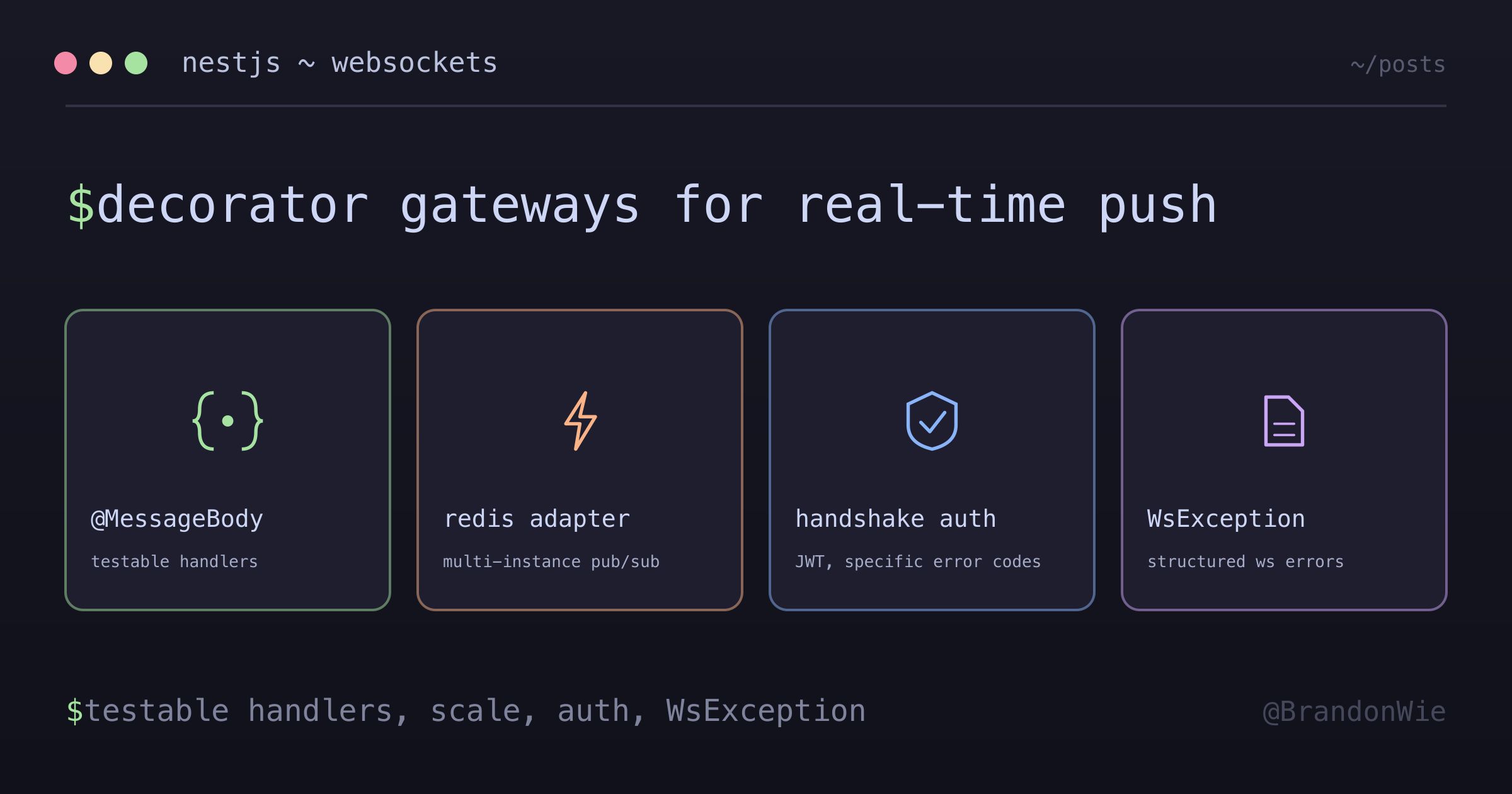
NestJS WebSocket gateways give you a clean, decorator-based API for real-time communication. The four things to get right: use @MessageBody() for testable handlers, add Redis adapter for multi-instance deployments, authenticate during the handshake with specific error codes, and always throw WsException (not HTTP exceptions) in WebSocket context.